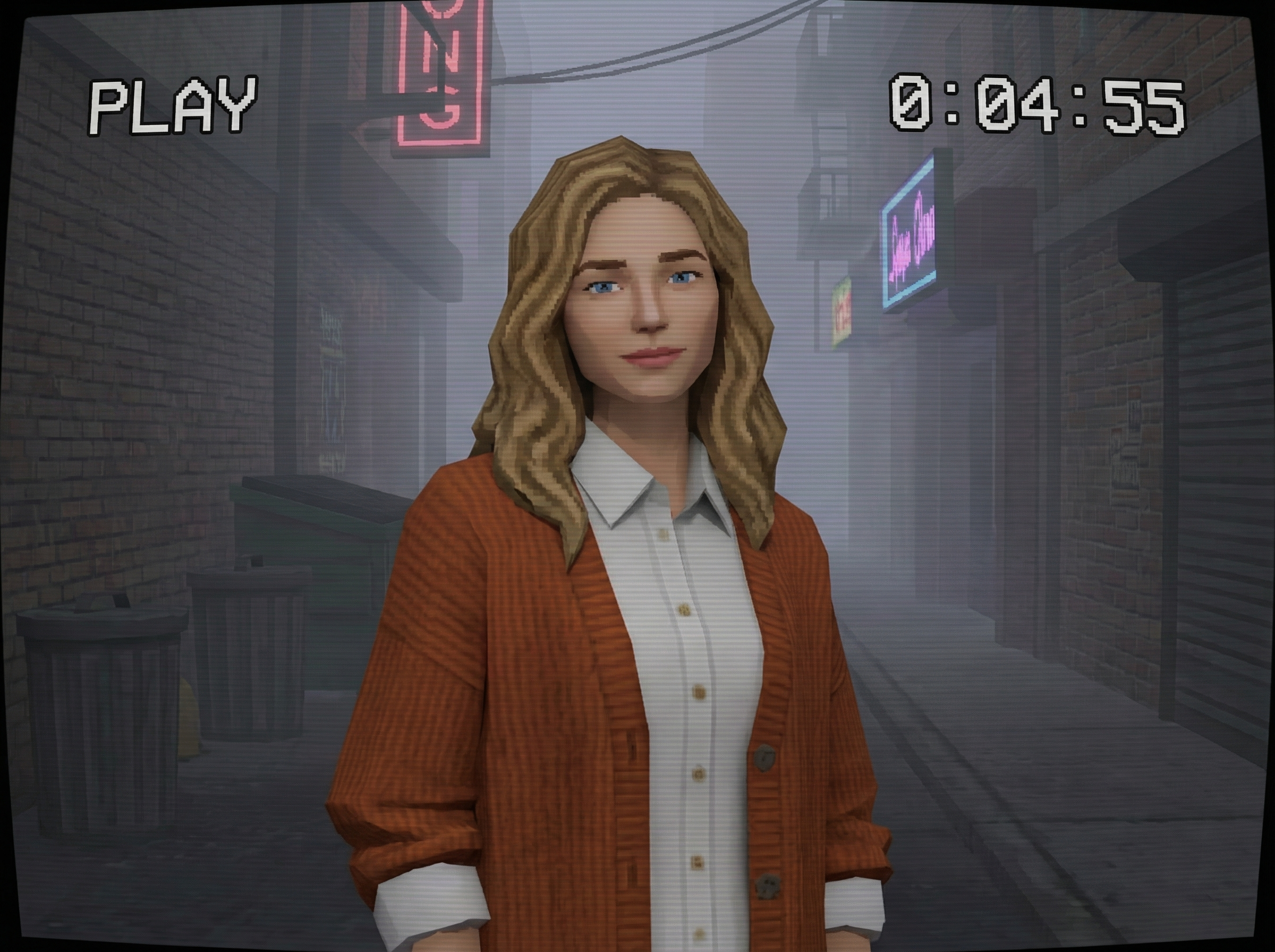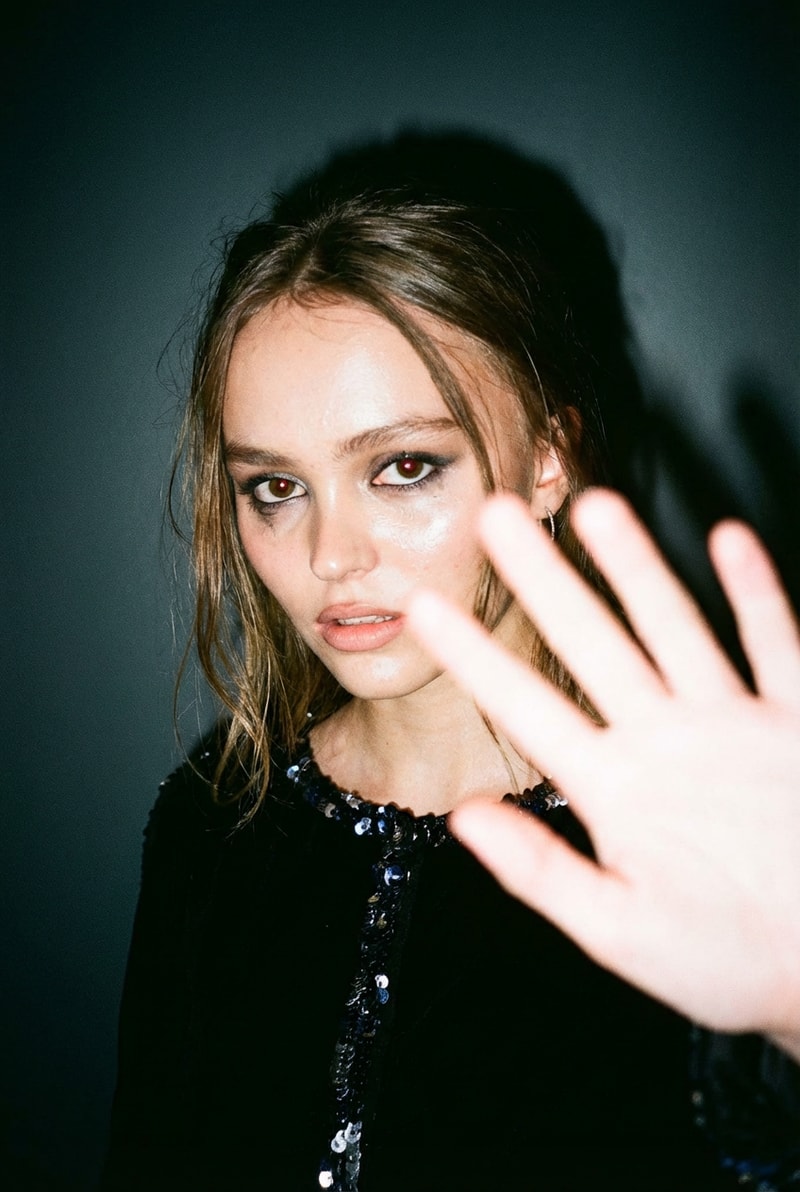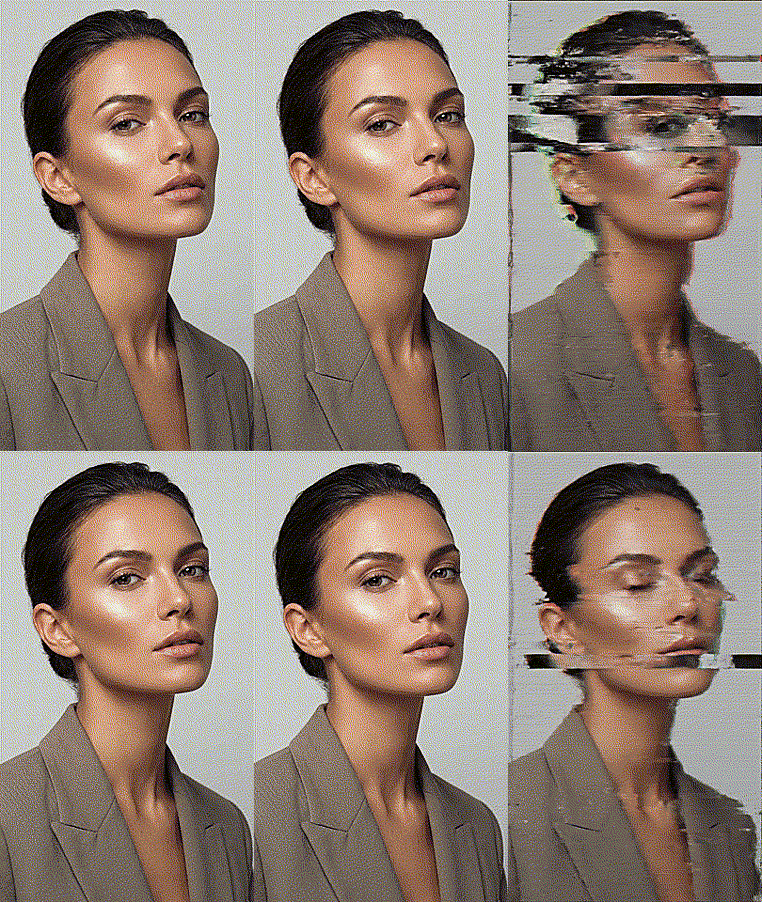
Bring your photos to life in classic Stardew Valley pixel art style. Upload any image and instantly get detailed, game-ready portraits that capture the cozy farm vibe. Ideal for custom characters—try it and see your unique pixel moment.
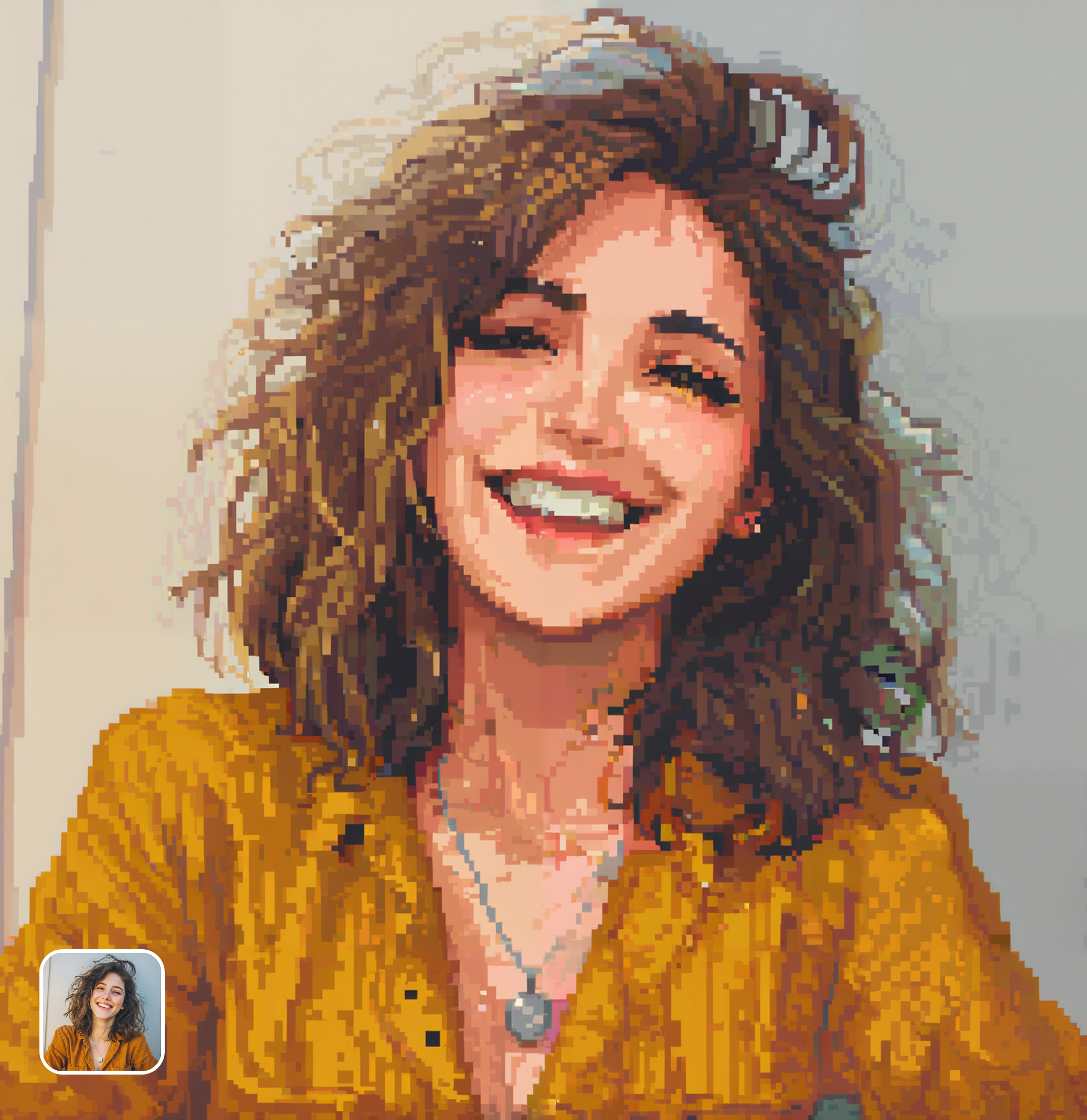
Ready in seconds · Energy-based generation · Full resolution download
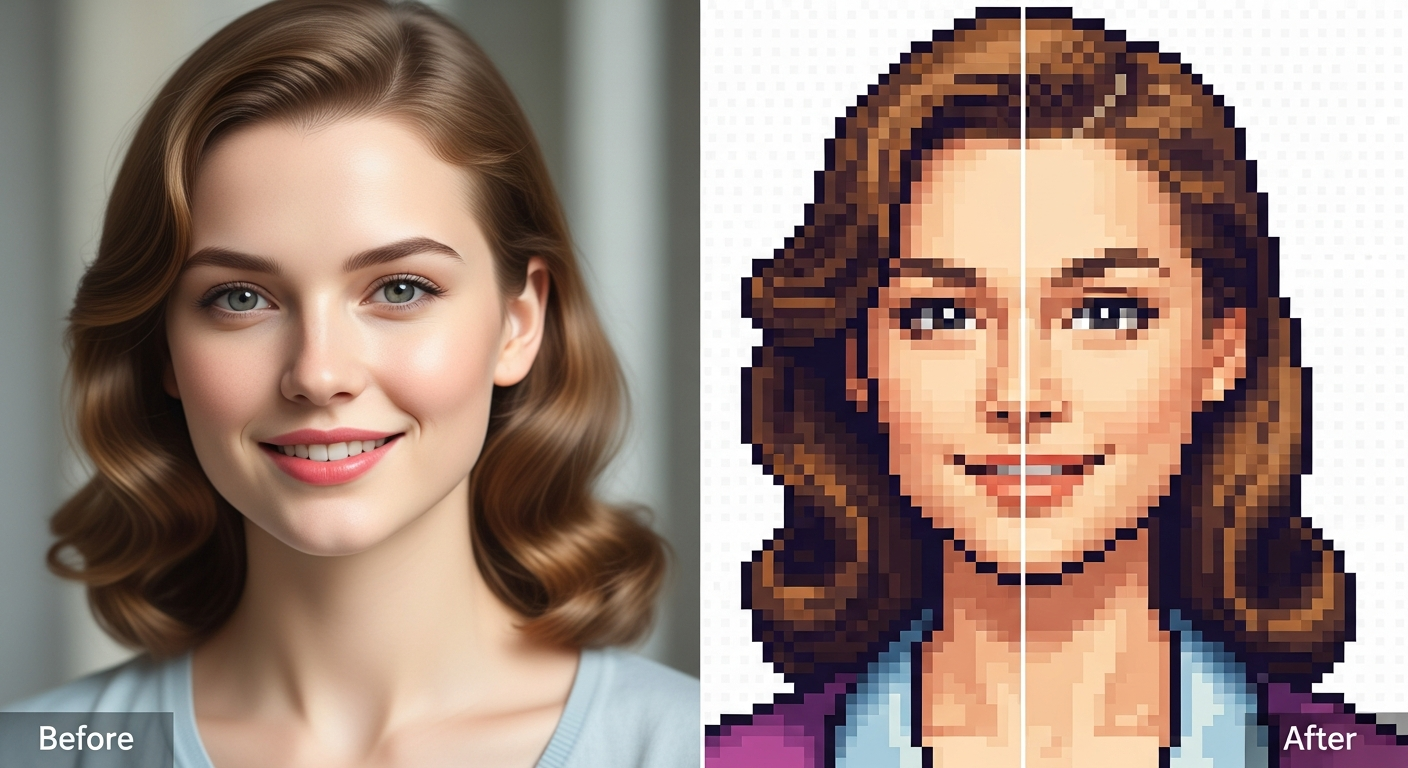
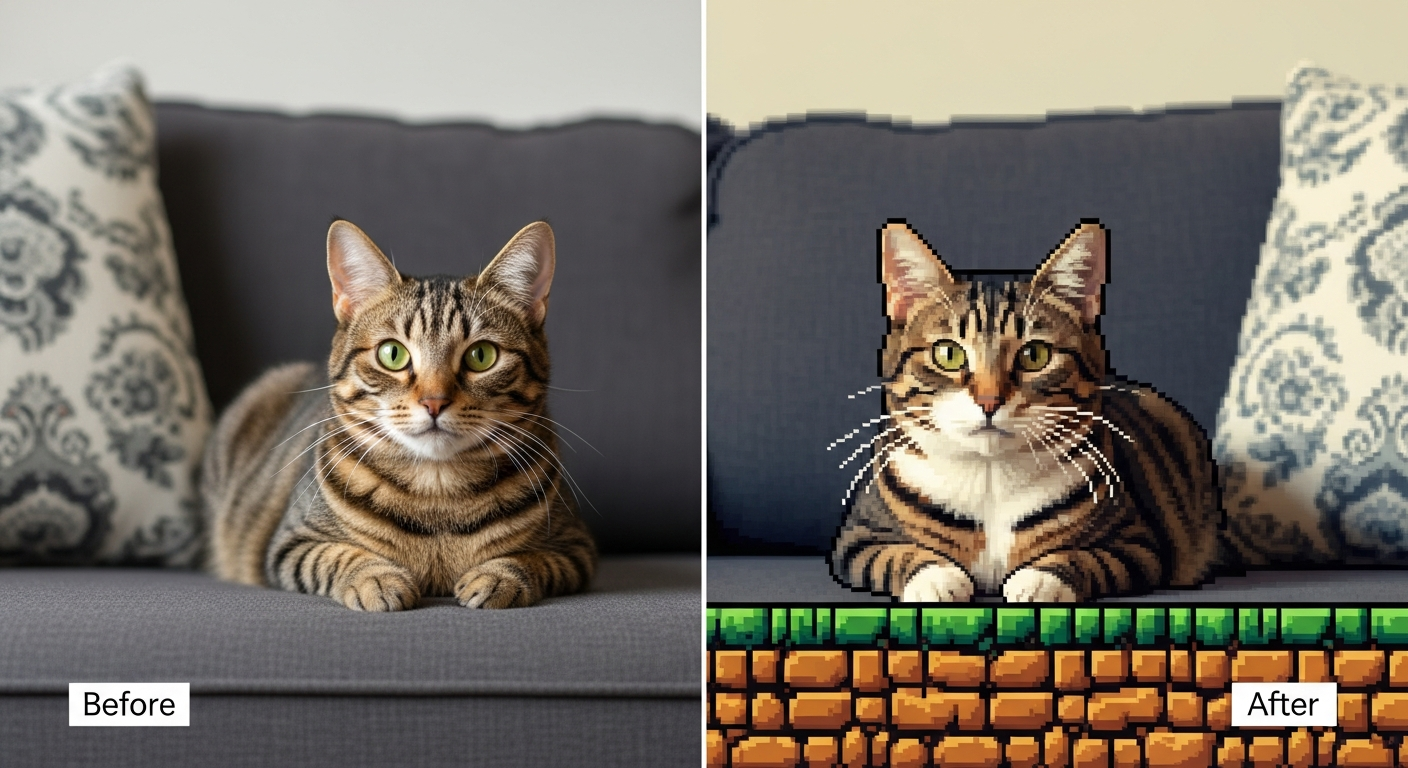
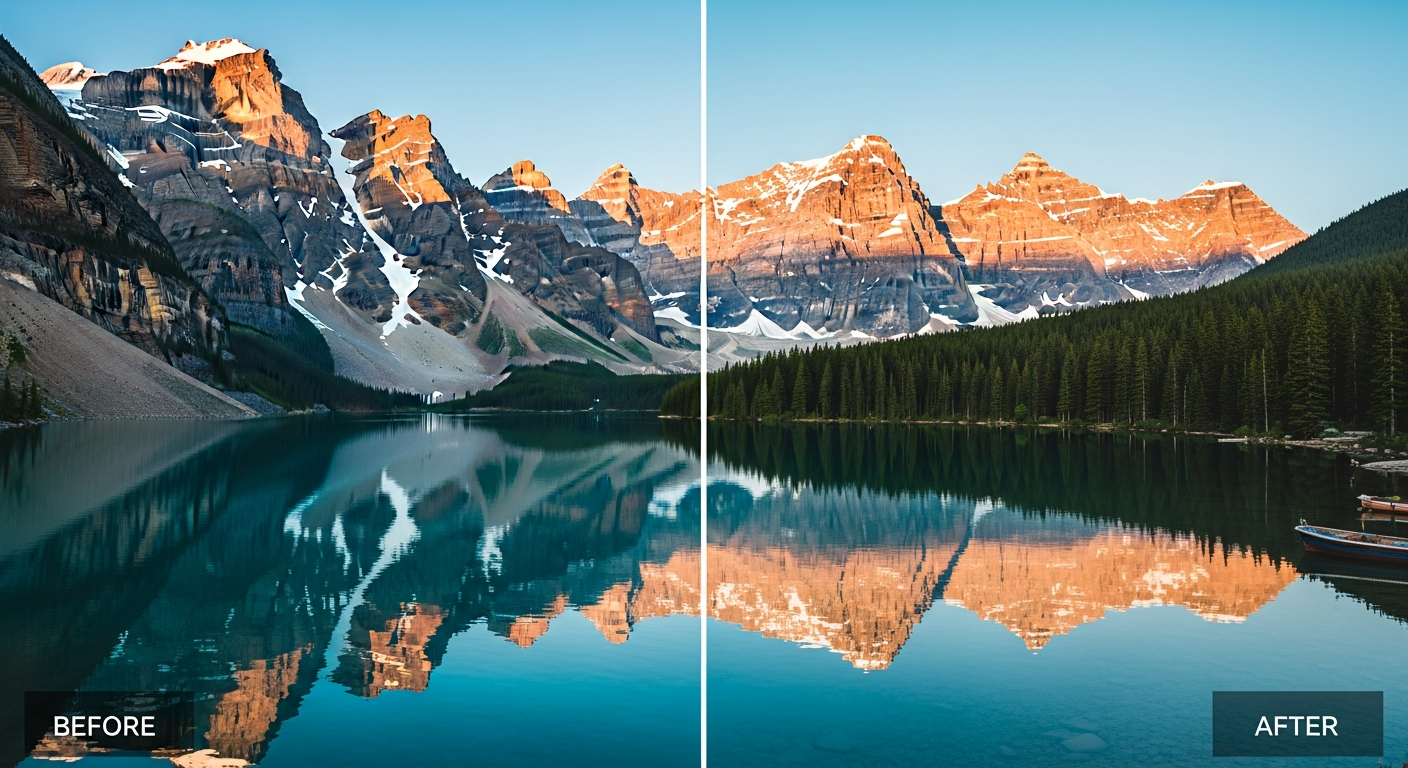
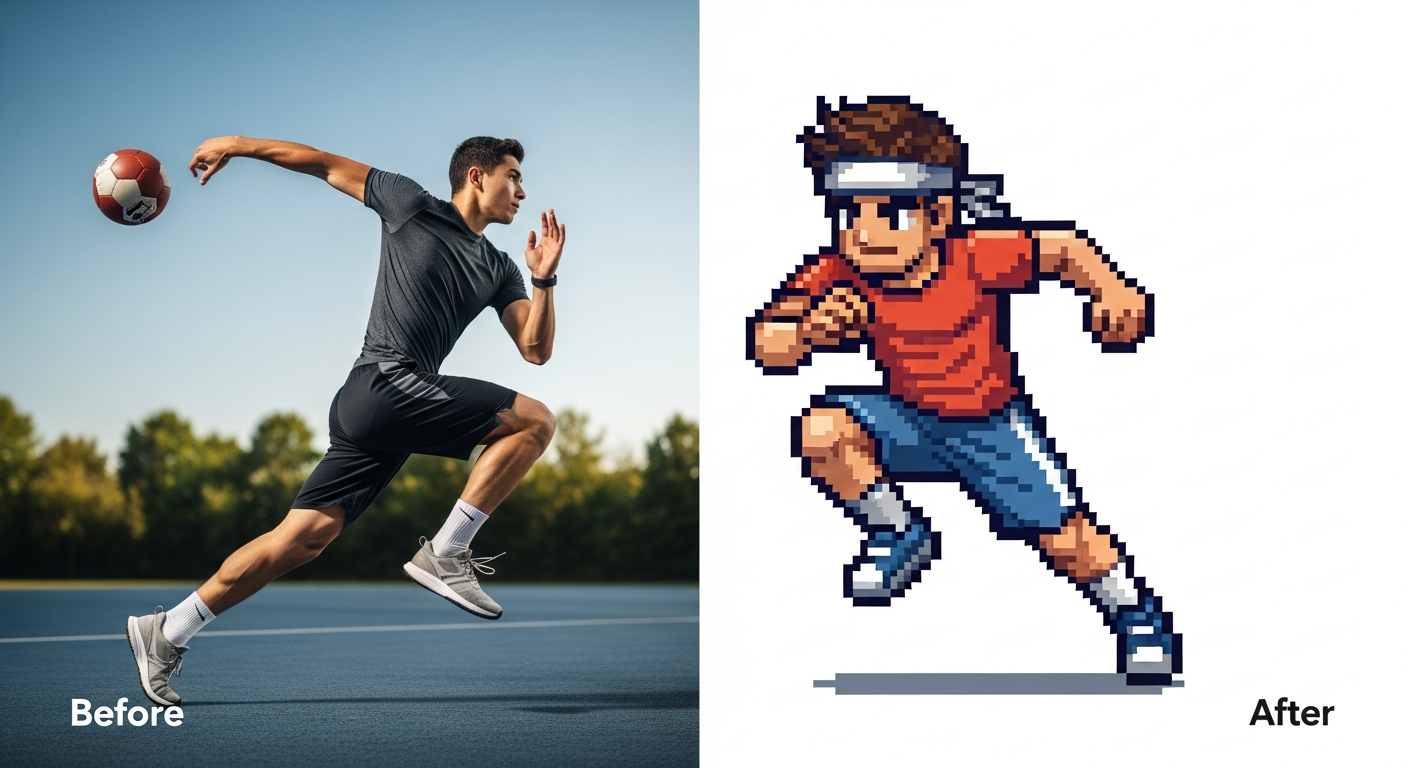
From romantic couples to childhood best friends, create polished AI portraits for the relationships and moments that matter.
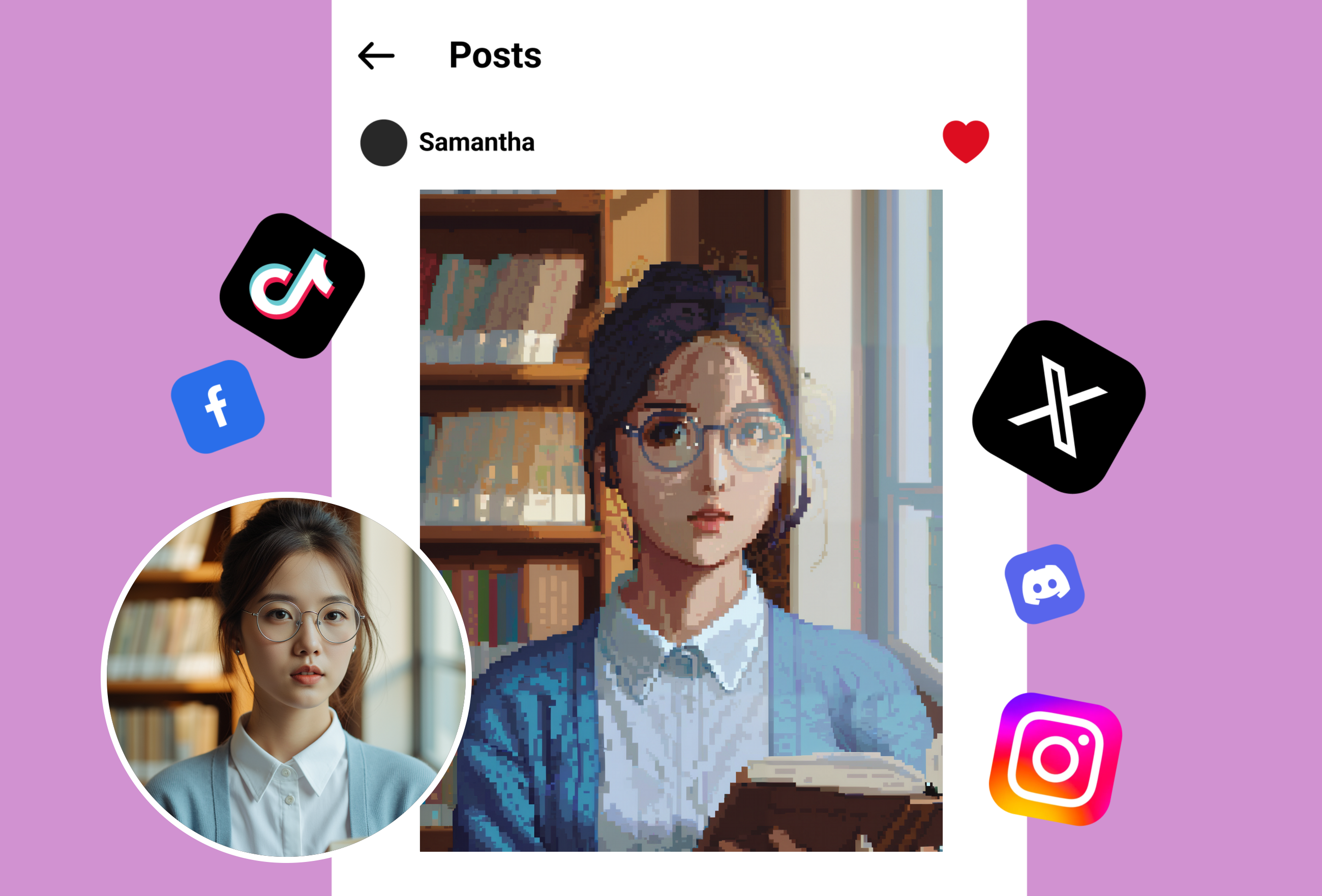
Design your ideal Stardew Valley farmer from a selfie. Upload your photo, transform it into pixel-perfect art, and import it straight into your game for a personal touch that makes every playthrough feel uniquely yours.
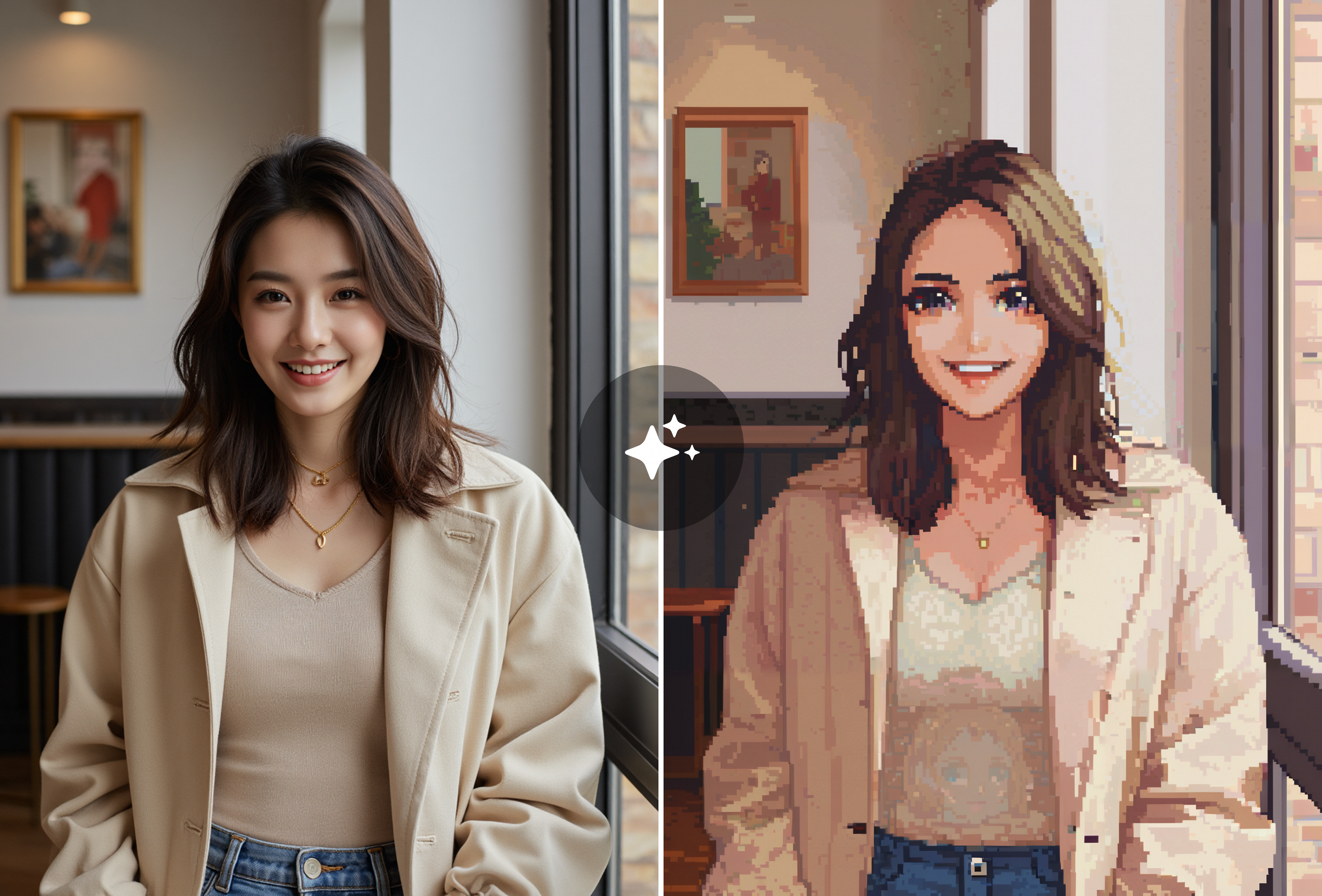
Craft eye-catching Stardew-inspired pixel portraits for Discord, Reddit, or Twitter profiles. Turn everyday snapshots into charming 8-bit characters that stand out and connect you with fellow fans effortlessly.
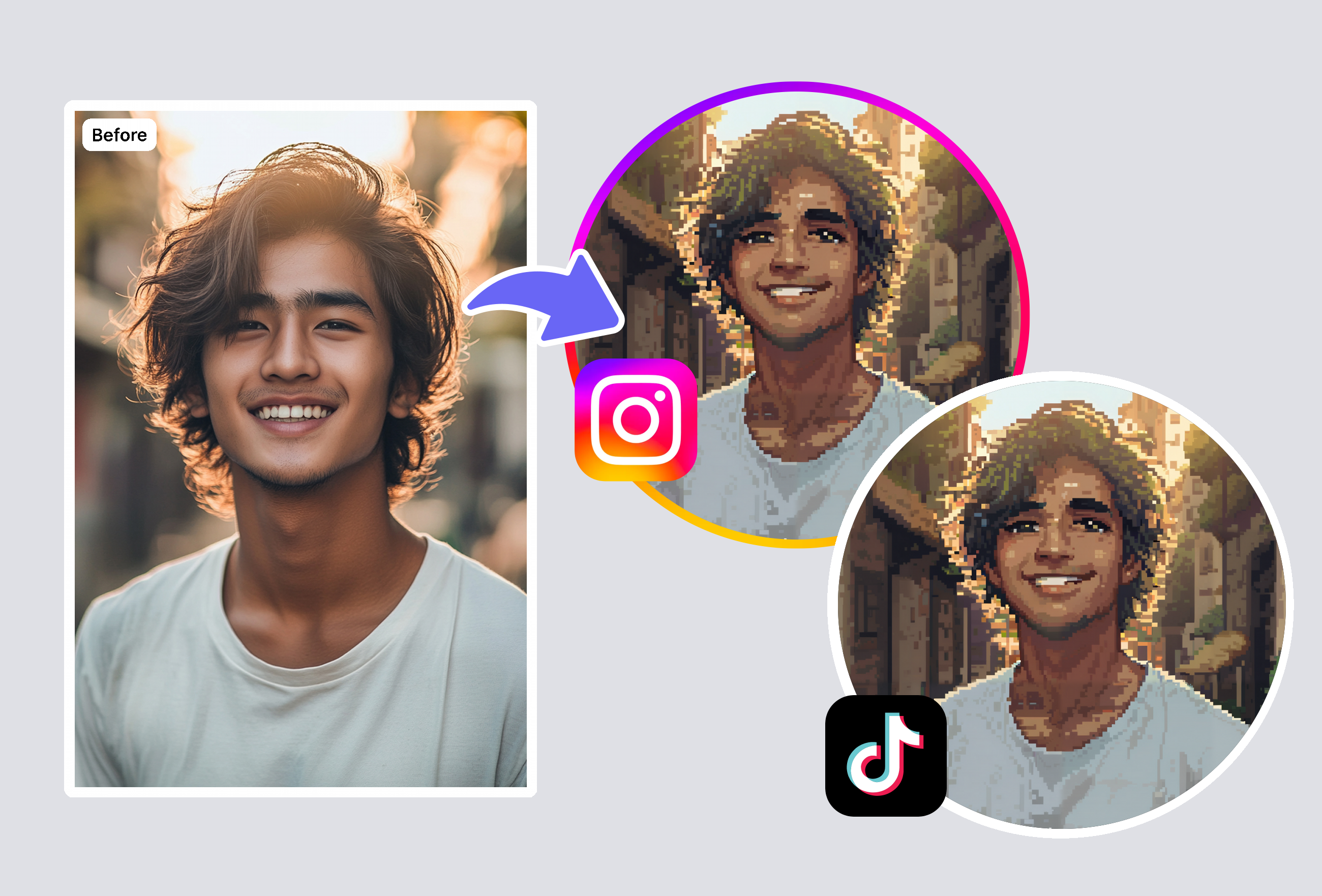
Convert family photos or photo pics—no, friends' images into Stardew Valley style pixel art for prints or digital collections. Create nostalgic, shareable fan pieces that blend reality with game magic in seconds.
Upload your image to the AI pixel art generator for making Stardew Valley portrait. It instantly converts it into authentic pixel style with game-like details. No editing skills required—just generate and use your custom portrait in saves or shares.
The generator produces precise pixels matching Stardew Valley's retro aesthetic—crisp edges, vibrant palettes, and character proportions. Results look like official sprites, ideal for mods, avatars, or fan creations with high detail.
Yes, download your pixel art portraits in full quality for mods, profiles, or prints. They integrate smoothly into games and platforms, maintaining sharpness and color fidelity across devices.
It works great on portraits, selfies, or group shots, turning them into detailed pixel art. Clear images yield the best results, but even casual photos transform into charming, usable pixels quickly.
Keep creating — try these popular Framely AI tools next.