Pikachu Photo Filter AI – Add Pikachu to Any Photo
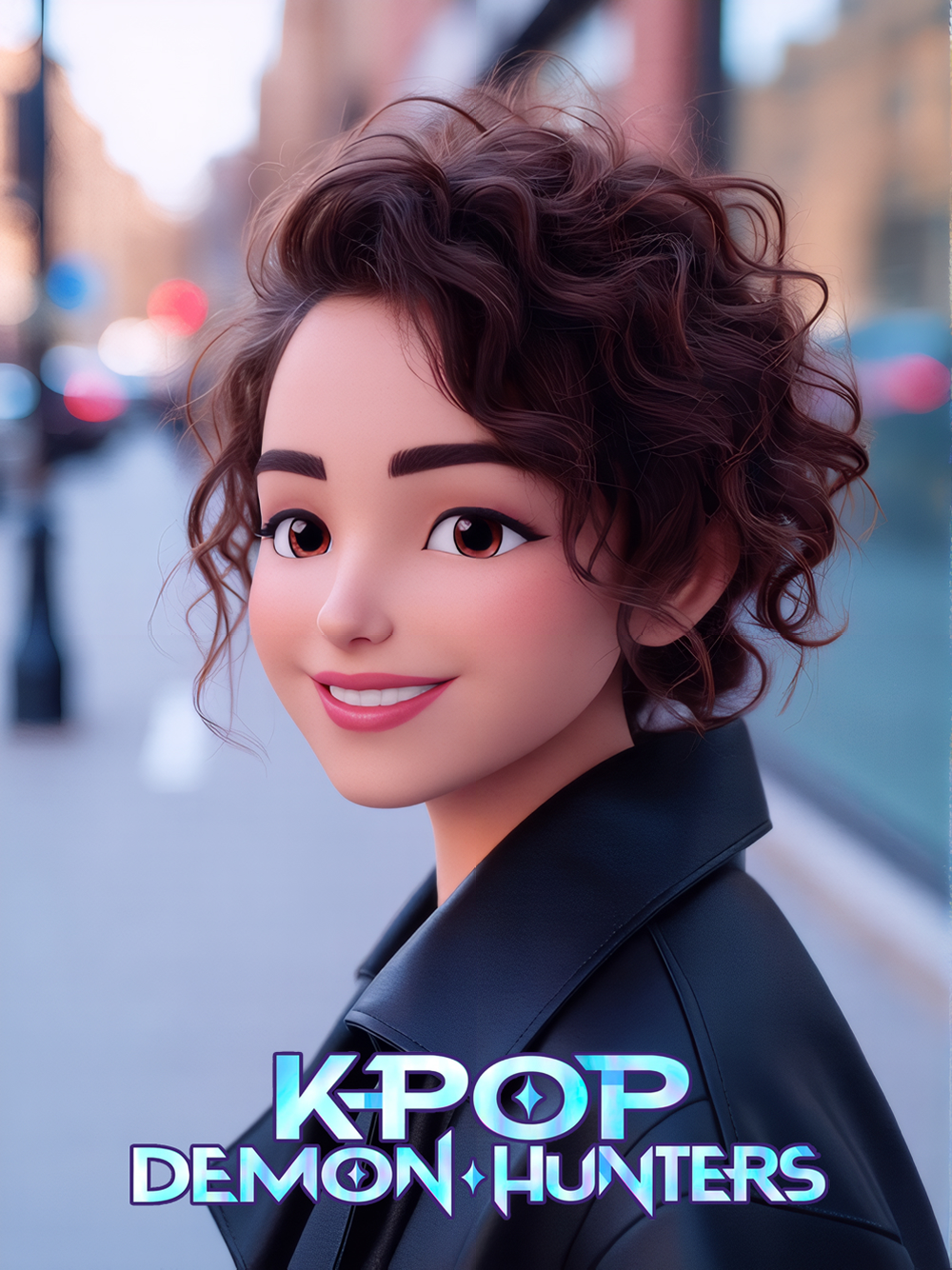
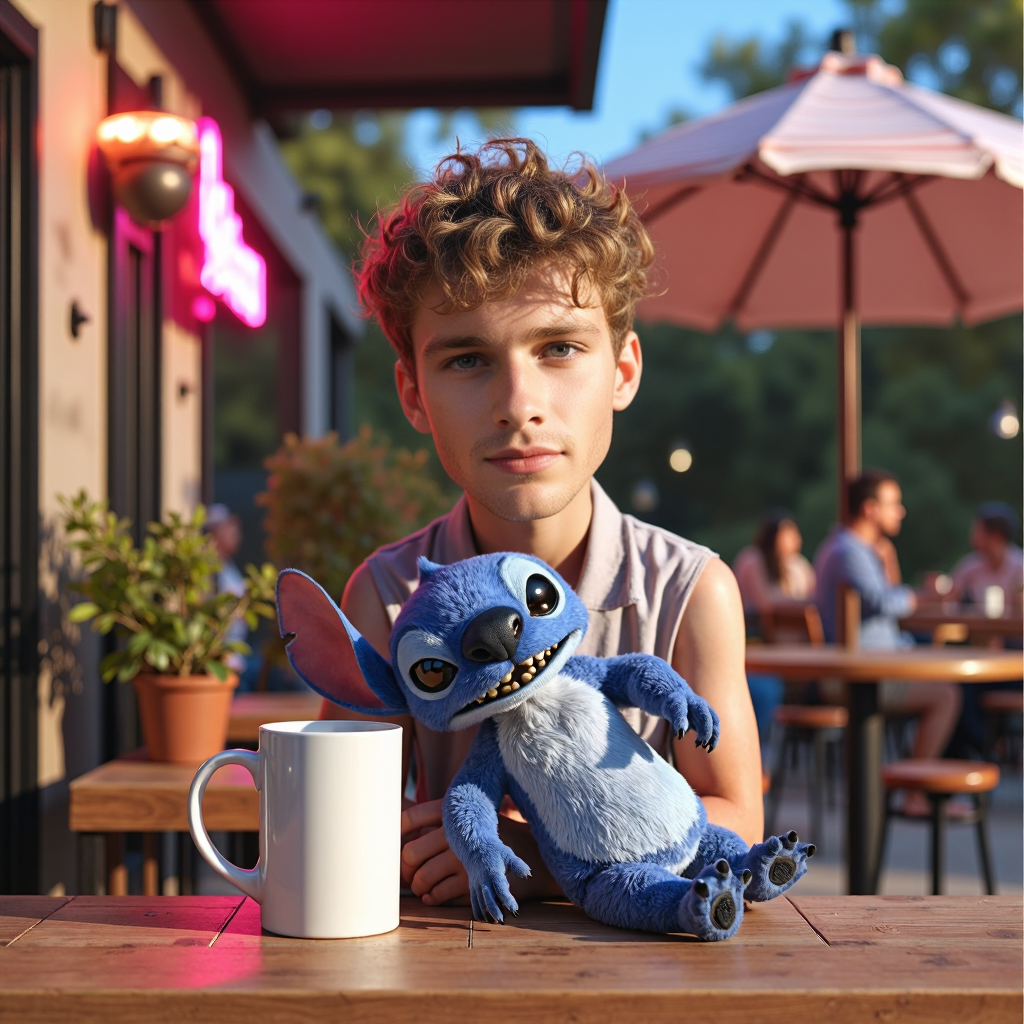
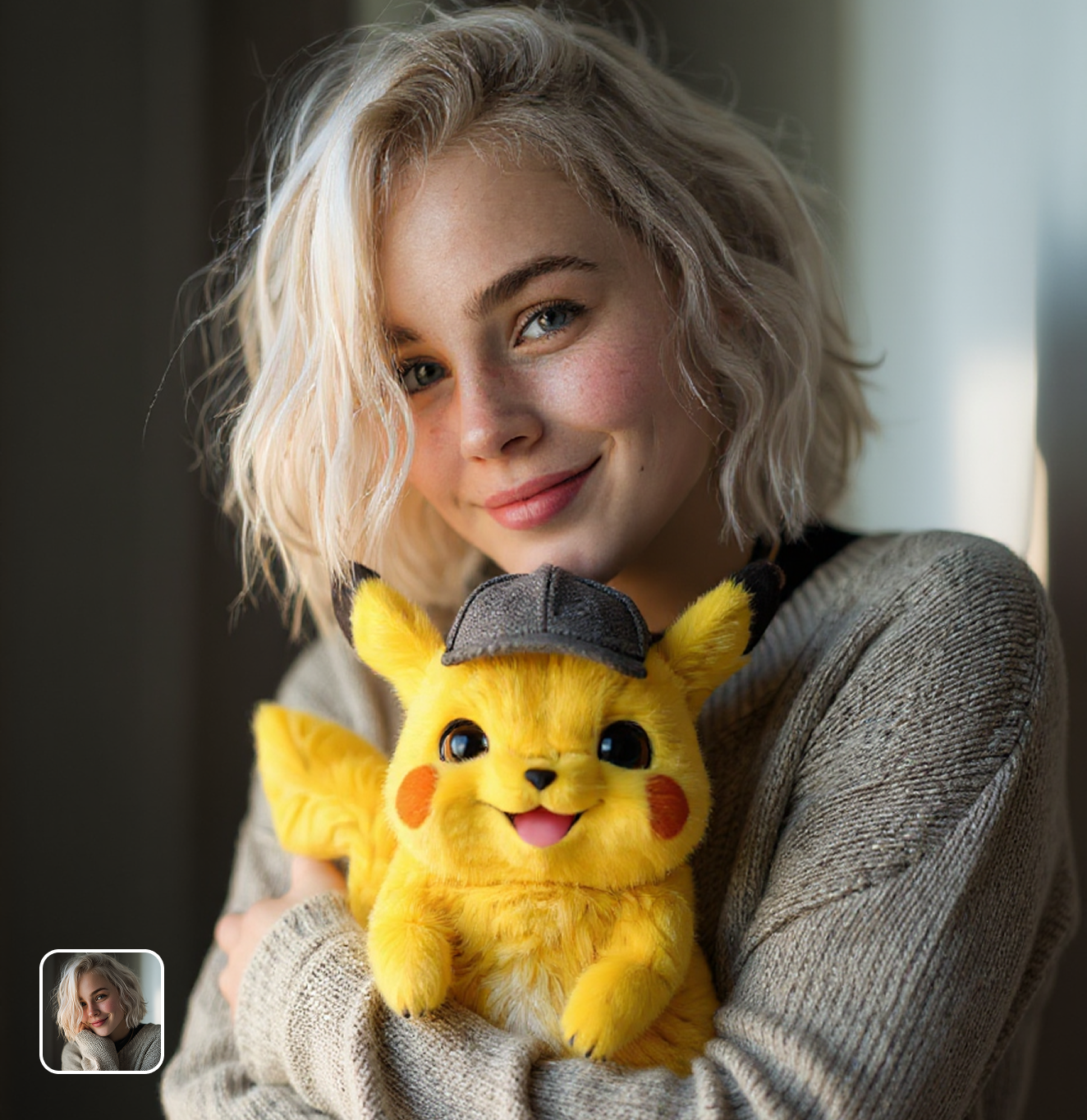
Place your favorite Pokémon into your photos with the pikachu photo filter ai. Upload an image and get a cute, realistic scene with Pikachu by your side.
Ready in seconds · Energy-based generation · Full resolution download
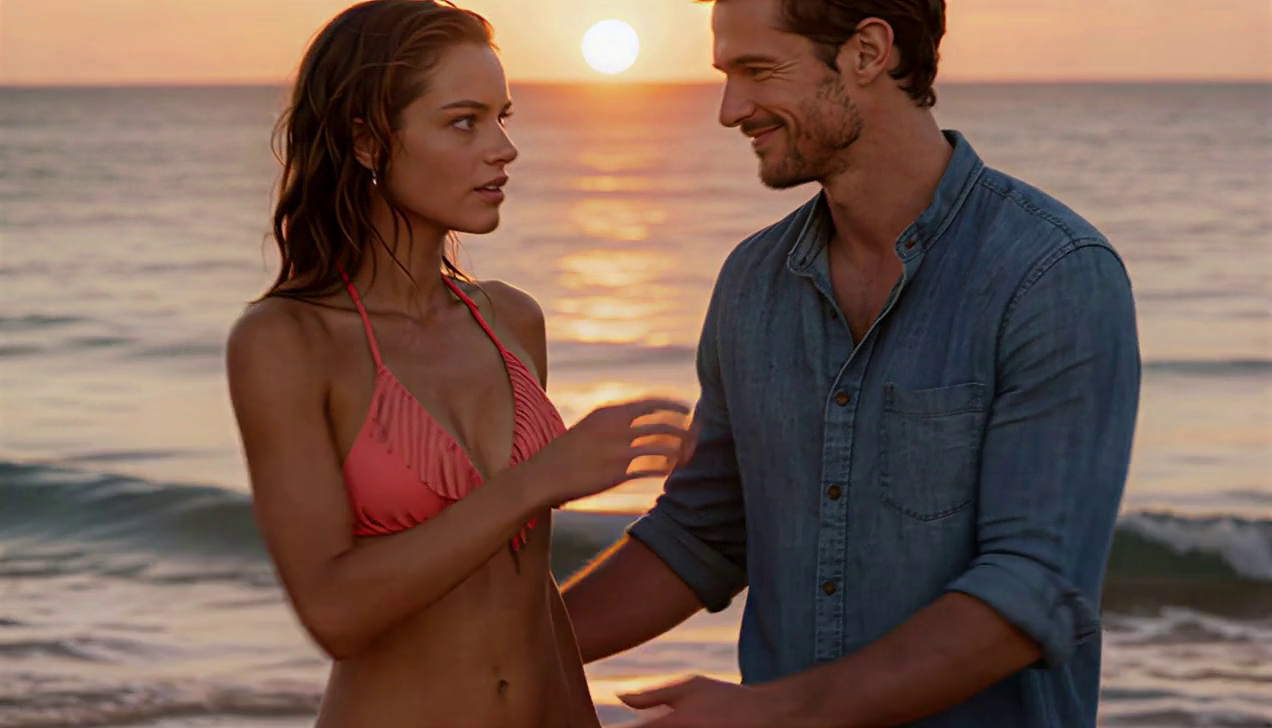
Perfect for Every Duo
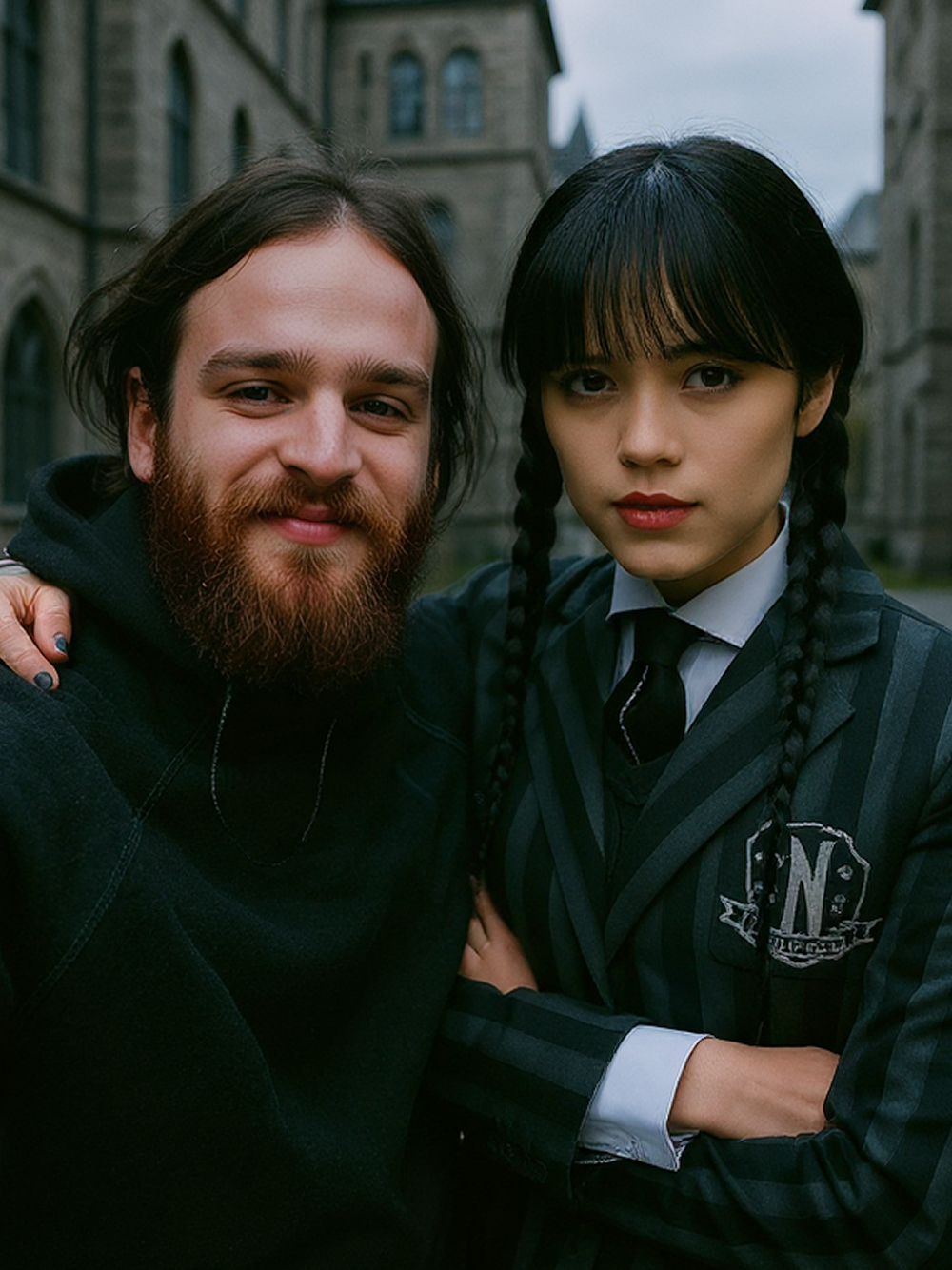
From romantic couples to childhood best friends, create polished AI portraits for the relationships and moments that matter.
Pikachu Appears in Your World
The pikachu photo filter ai places a detailed, expressive Pikachu into your photo. Lighting and perspective match your scene so it looks like the electric mouse is really standing next to you.
Multiple Pikachu Poses & Moods
Get different Pikachu expressions and poses with each generation. The pikachu photo filter ai can show Pikachu waving, sitting on your shoulder, or striking a battle pose.
Perfect for Pokémon Fans of All Ages
Create adorable pikachu photo filter ai images for birthday cards, social media posts, or phone wallpapers. Kids and adult fans alike love seeing Pikachu join their everyday moments.
Frequently Asked Questions
How does the pikachu photo filter ai work?
Upload any photo and the AI places a detailed Pikachu into your scene, matching lighting and perspective for a realistic result.
Can I choose Pikachu poses?
The AI generates different poses and expressions with each run. Try multiple times to get your favorite pikachu photo filter ai result.
Does it work with group photos?
Yes. The pikachu photo filter ai detects the scene layout and places Pikachu in a natural position within group shots.
Is the output good enough for printing?
Absolutely. The pikachu photo filter ai produces high-resolution images suitable for prints, posters, and phone wallpapers.
Can kids use this tool?
Yes. The pikachu photo filter ai is simple and fun—just upload a photo and click generate. Perfect for all ages.
Are other Pokémon available?
This filter focuses on Pikachu specifically, delivering the highest quality results for the most beloved Pokémon character.
Explore More AI Portraits
Keep creating — try these popular Framely AI tools next.