Create Unique Art with Minecraft Avatar Creator
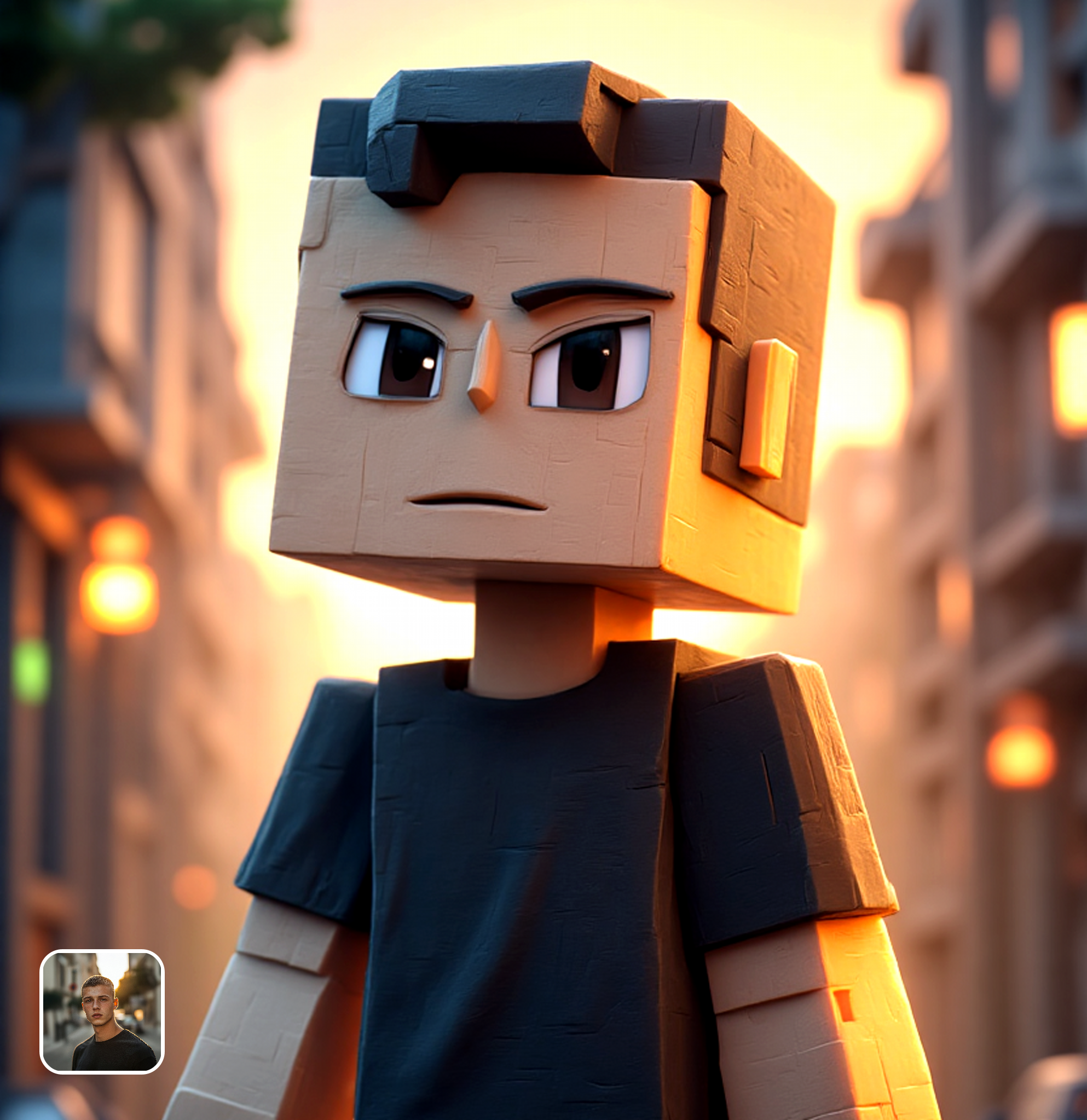
Use this Minecraft avatar creator to turn photos into pixelated art. Upload an image, choose a style, and get a stunning blocky poster instantly.
Ready in seconds · Energy-based generation · Full resolution download
Perfect for Every Duo
From romantic couples to childhood best friends, create polished AI portraits for the relationships and moments that matter.
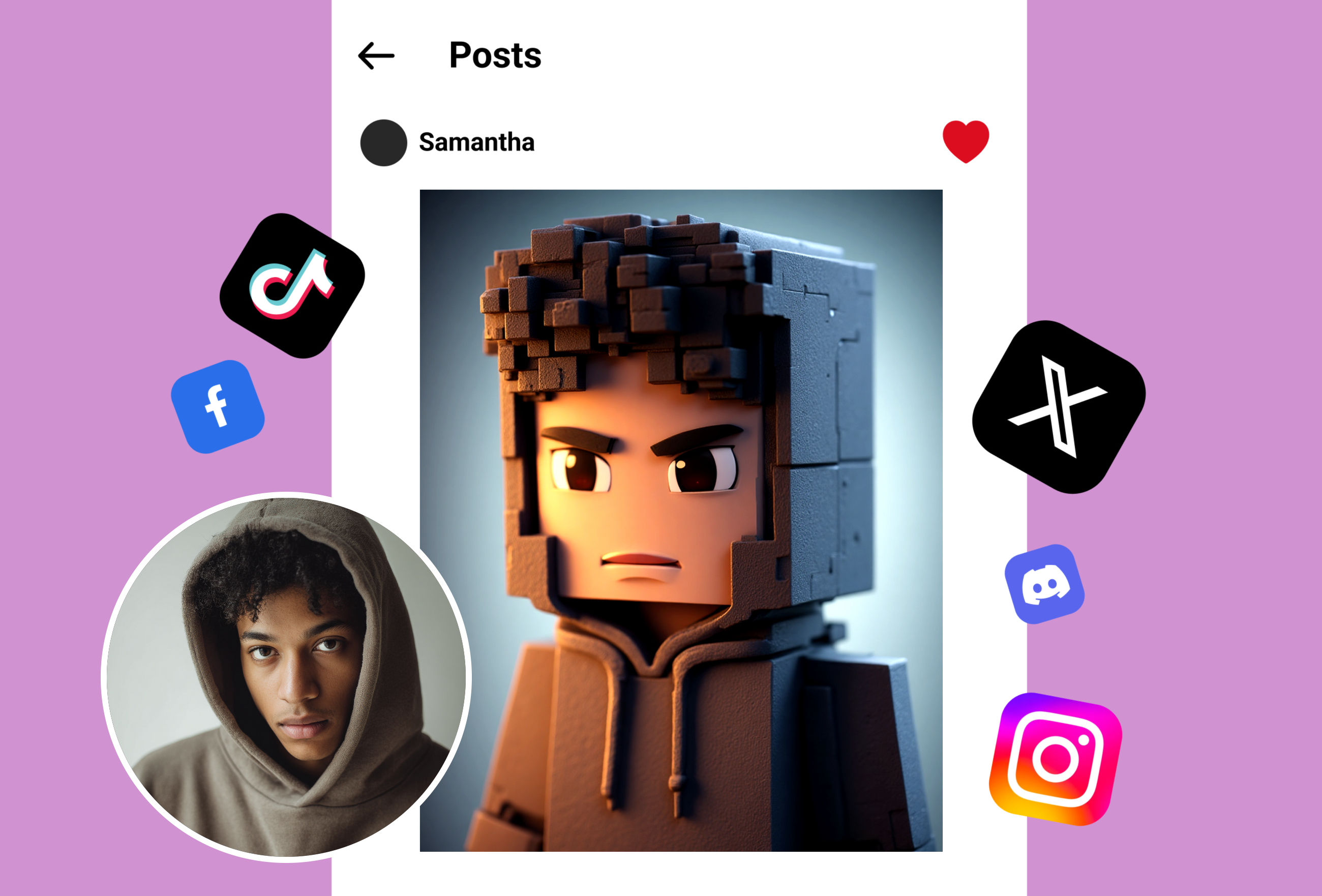
Boost Your Social Media Presence
Share your new pixel look on social platforms to engage friends. Your followers will notice the distinct style immediately. This tool helps you stand out in feeds and get more interaction on your posts.
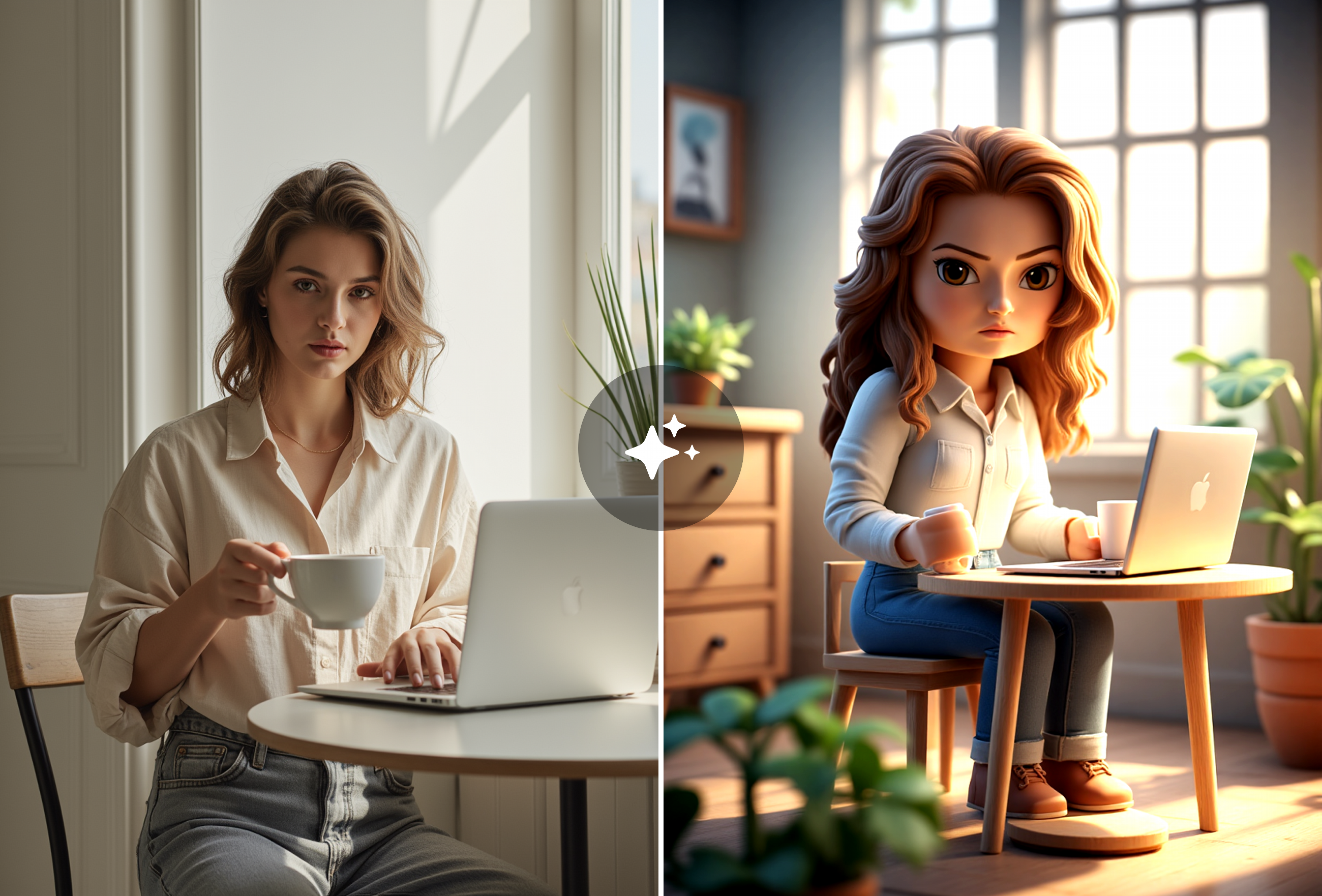
Design Personalized Digital Gifts
Make a personalized card for someone special using their photo. A custom blocky portrait shows real effort and creativity. It works well as a digital gift that captures memories in a fun way.
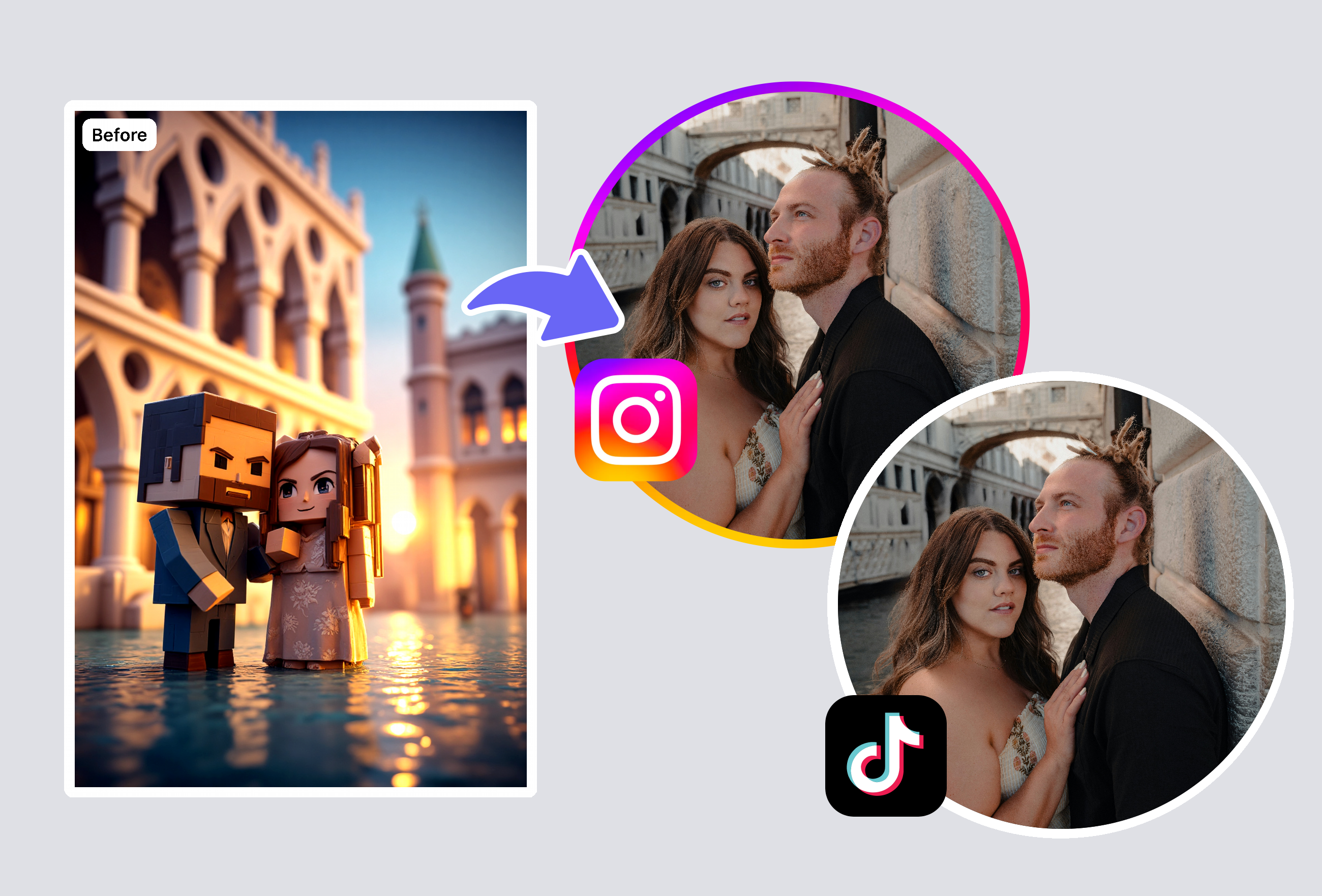
Engage With Gaming Communities
Join the trend in gaming groups by posting your custom art. Other fans appreciate the authentic look generated by this tool. It helps you build a reputation as a creative member of the community.
Frequently Asked Questions
How do I make art with a Minecraft avatar creator?
Upload a photo to this tool. It analyzes the image and converts it into a stylized poster instantly. You get a unique digital artwork ready for download.
Can I use this Minecraft avatar creator for profiles?
Yes, the generated images fit well as profile pictures on Instagram, Twitter, and TikTok. You can upload the result directly to your social accounts to show off your gaming style.
Where can I find a simple Minecraft avatar creator?
This tool is available online and requires no installation. It offers a straightforward way to generate pixel art from your photos directly in your browser.
How realistic are the results from this tool?
The Minecraft avatar creator produces detailed and recognizable images. It keeps the subject's main features while applying the iconic blocky aesthetic effectively.
Do I need a tutorial for this Minecraft avatar creator?
No guide is necessary. The tool is built for beginners with an easy interface. Just upload and click to get your professional-looking poster.
Is my photo data safe with this tool?
Yes, privacy is a priority. Images are processed securely to create your art and are not stored permanently. You can use the tool with confidence.
What is the best photo to use?
Clear, well-lit portraits work best. This Minecraft avatar creator handles various angles, but a front-facing photo usually yields the most recognizable pixel art result.
Explore More AI Portraits
Keep creating — try these popular Framely AI tools next.