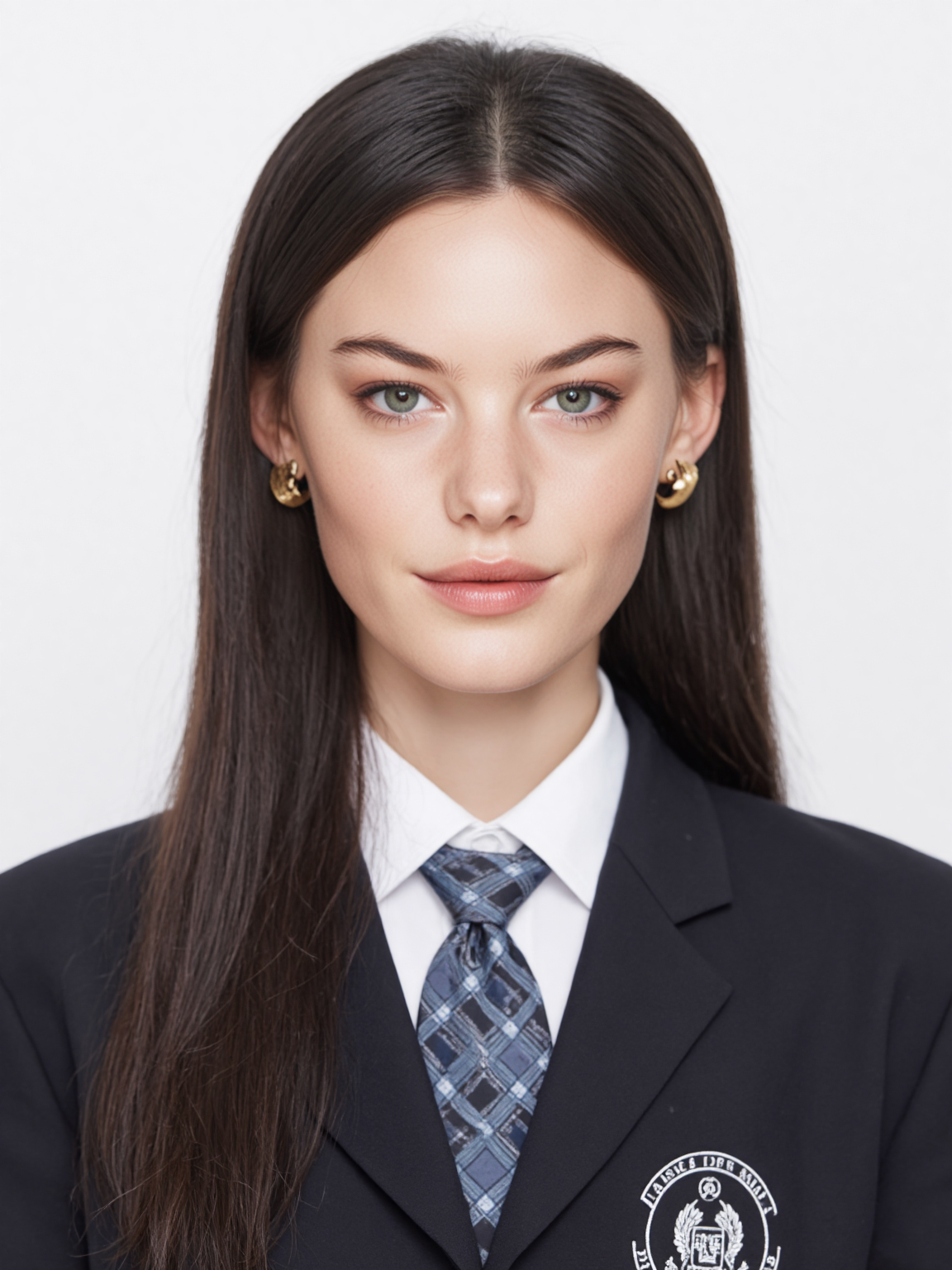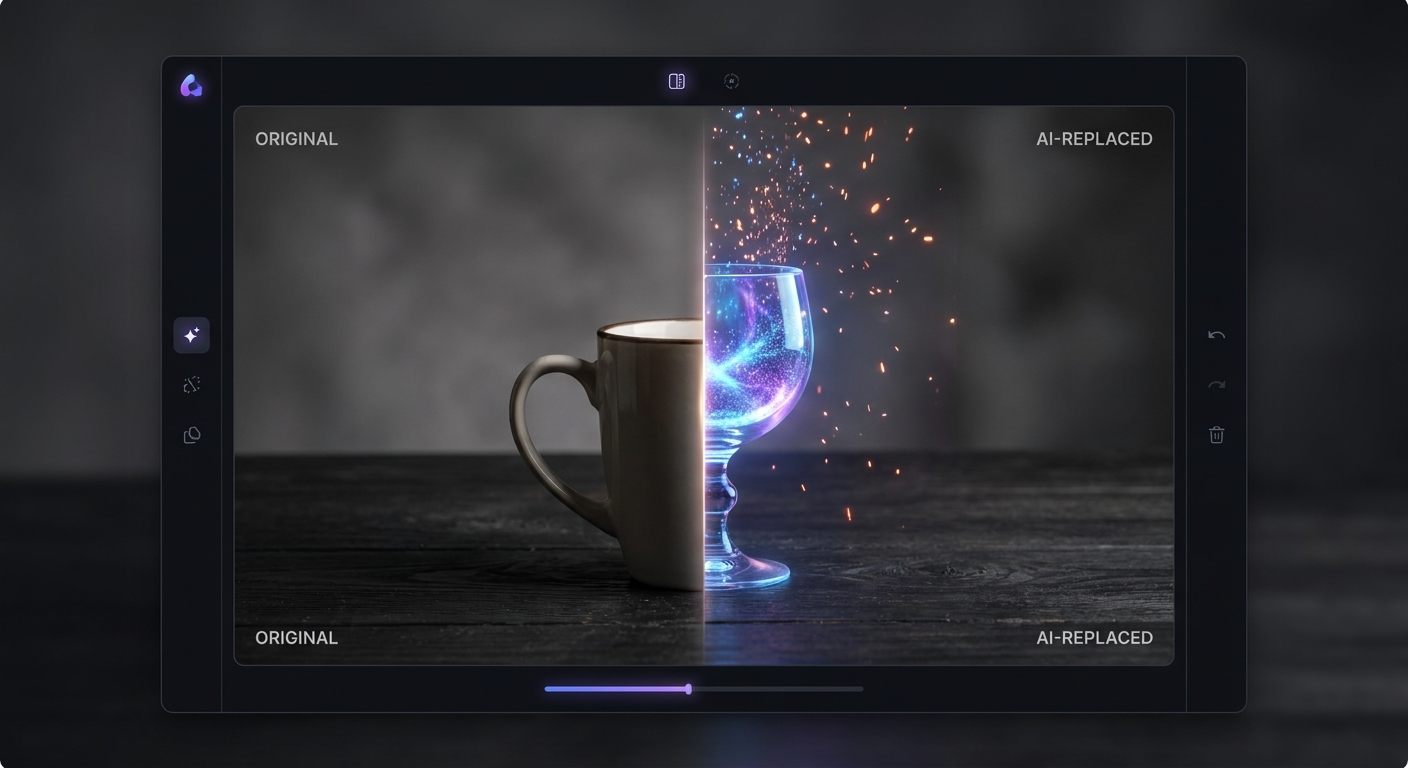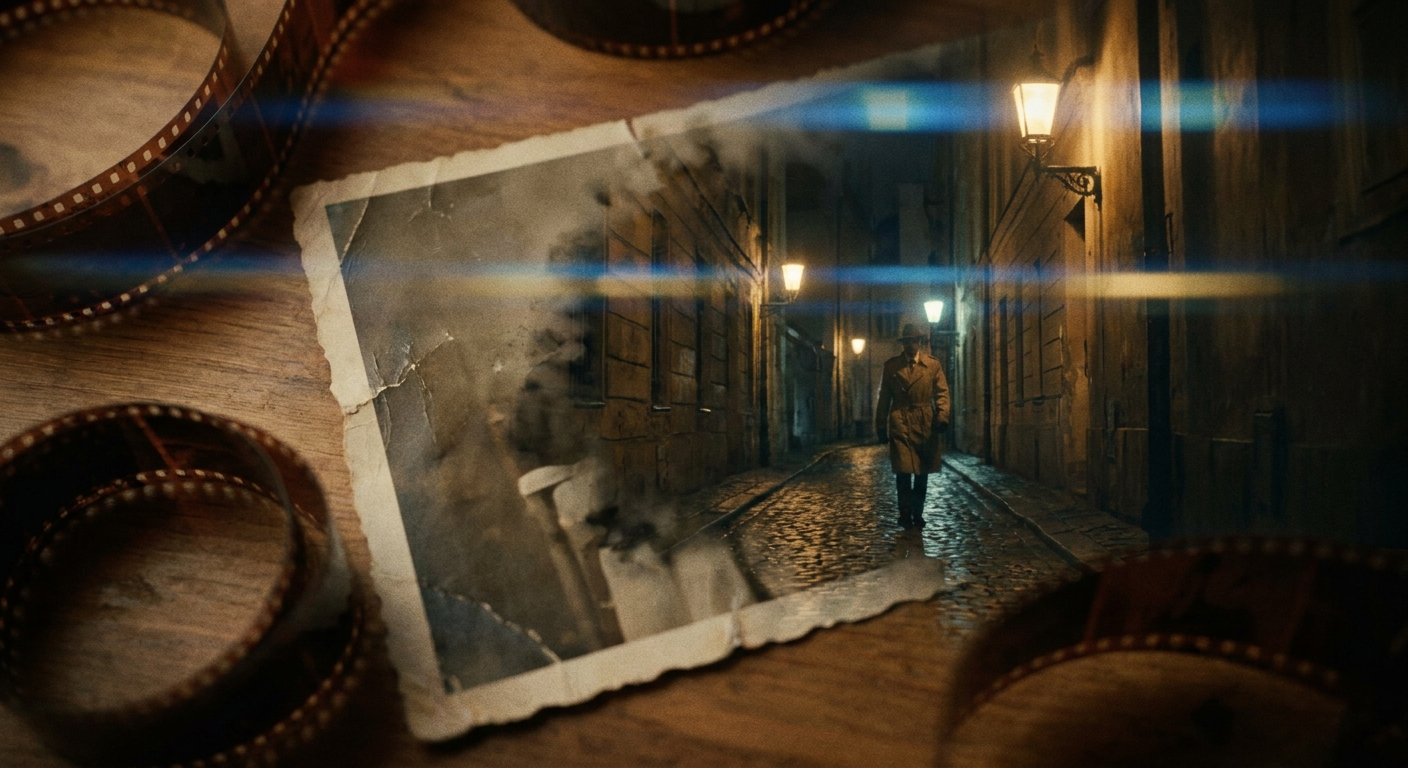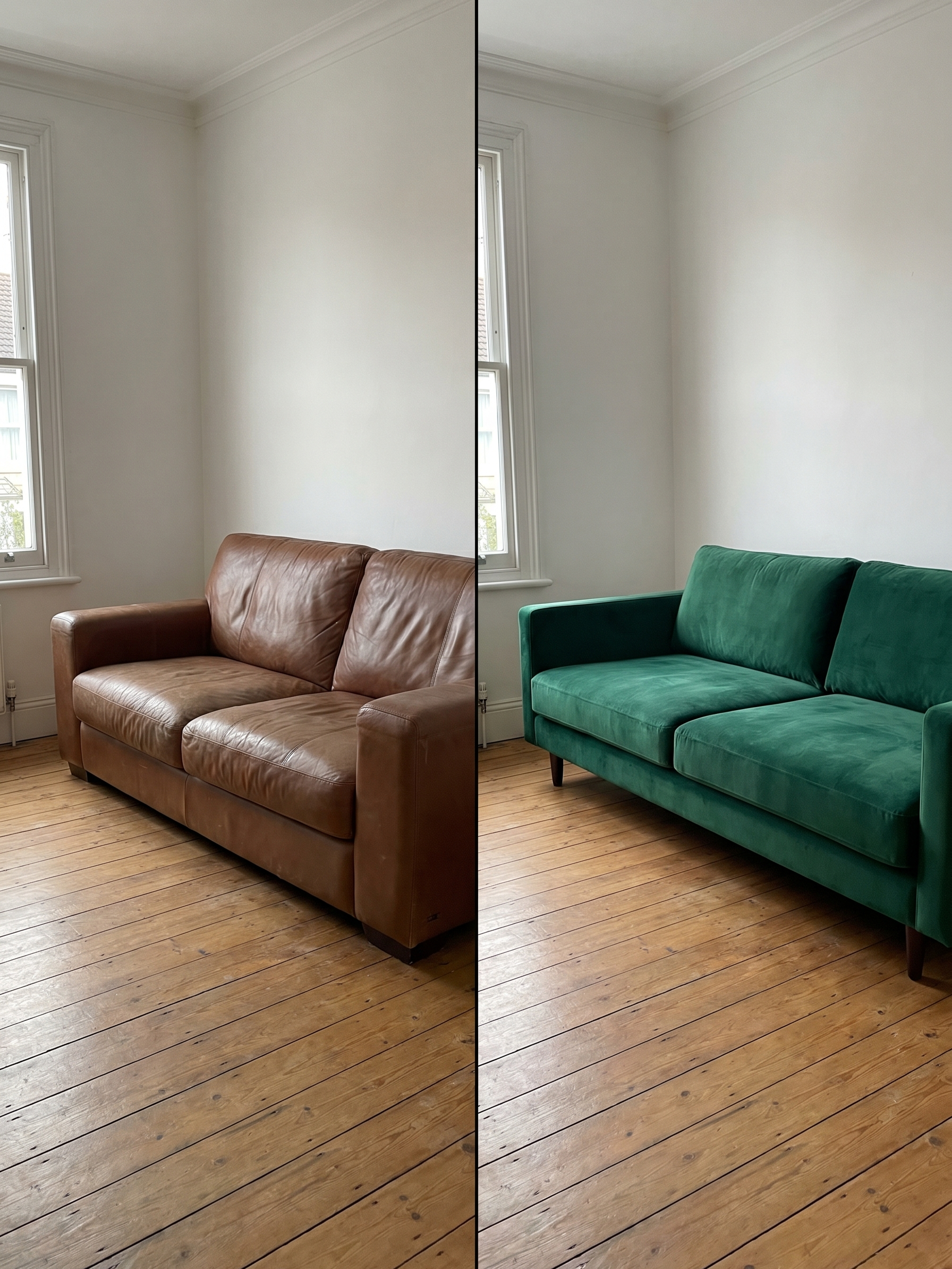
Turn any casual photo into a professionally lit portrait with one click. The AI adds studio-quality lighting effects — Rembrandt, butterfly, split, rim light — to photos taken with natural or ambient lighting. Also features golden hour warmth, neon accent lights, and dramatic shadow effects. No studio, no equipment, no Photoshop skills needed.
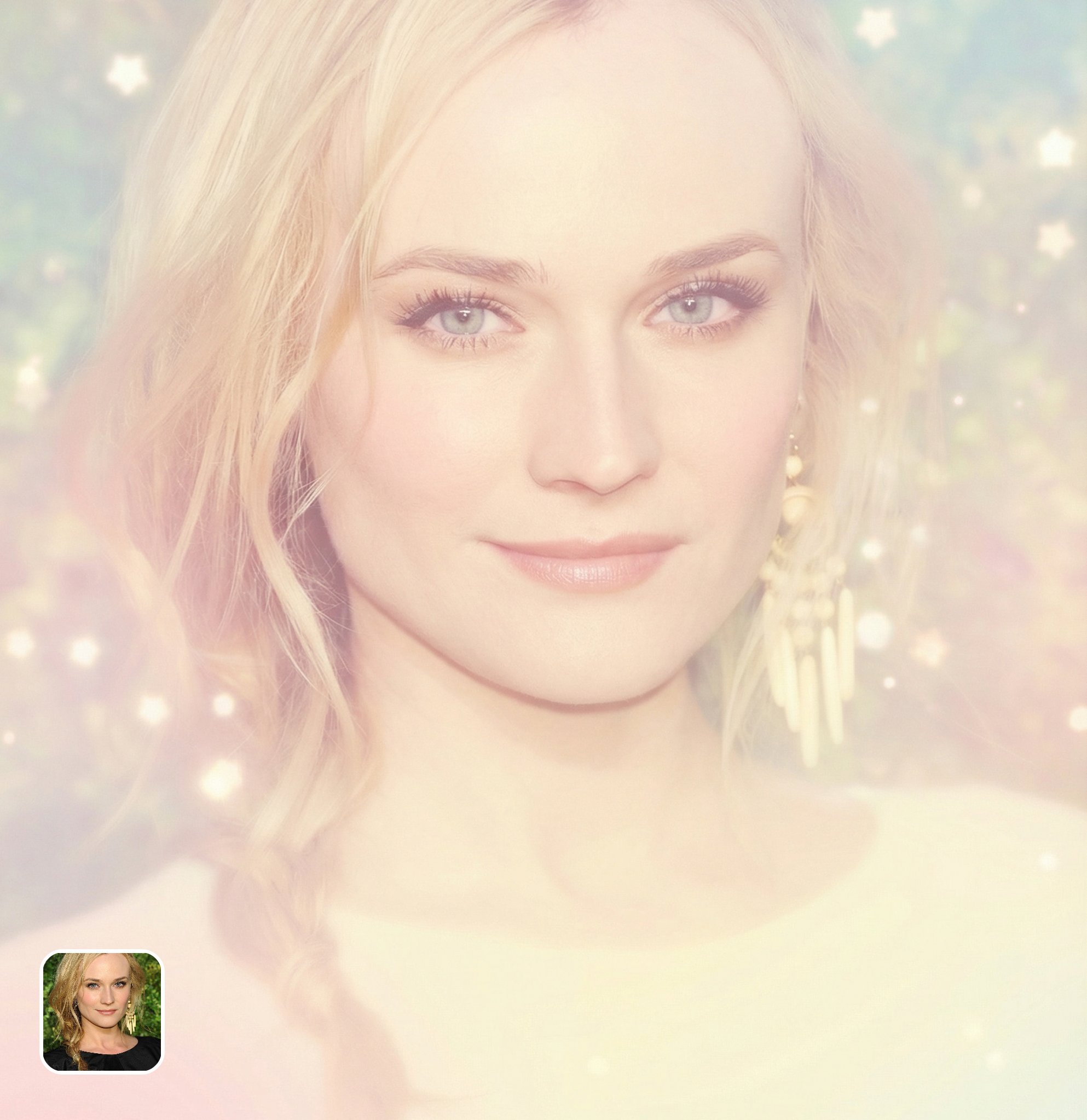
Ready in seconds · Energy-based generation · Full resolution download
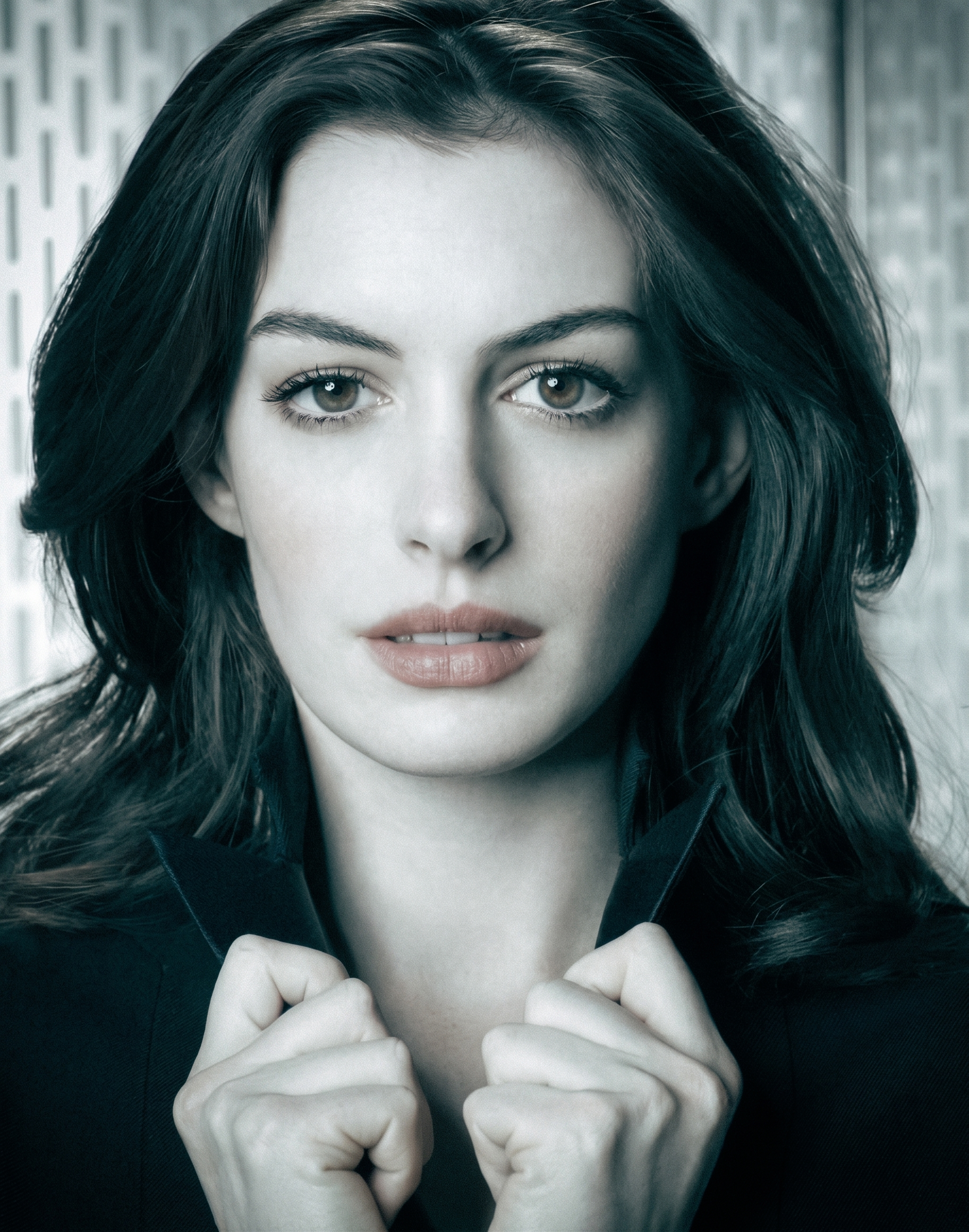
From romantic couples to childhood best friends, create polished AI portraits for the relationships and moments that matter.
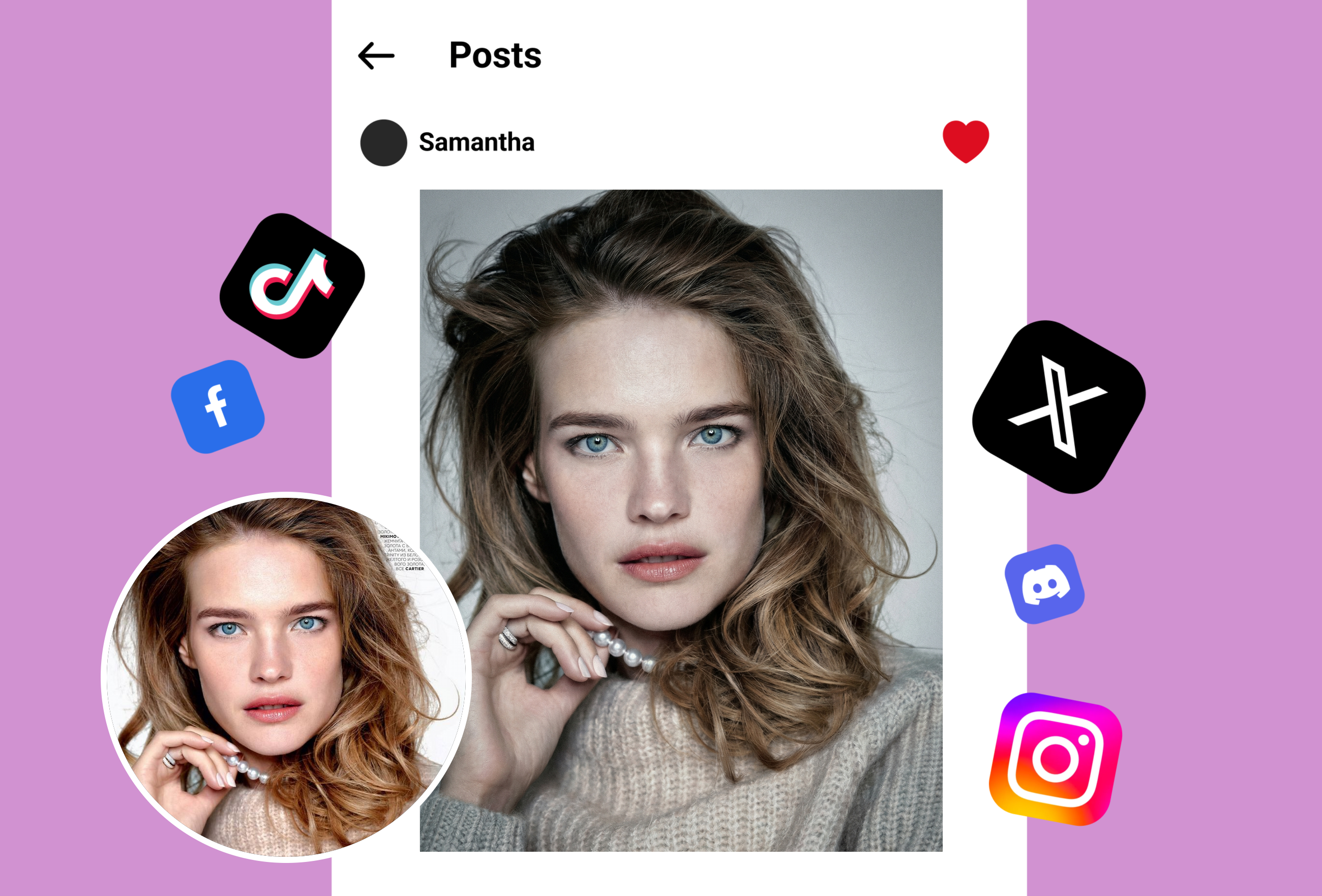
Professional portrait photographers spend thousands on lighting equipment — softboxes, beauty dishes, rim lights, reflectors. This AI simulates all of it from a single casual photo. Select Rembrandt lighting for dramatic facial shadows, butterfly lighting for beauty photography, split lighting for edgy portraits, or loop lighting for natural corporate headshots. The AI recalculates light direction, shadow depth, and highlight placement on your face.
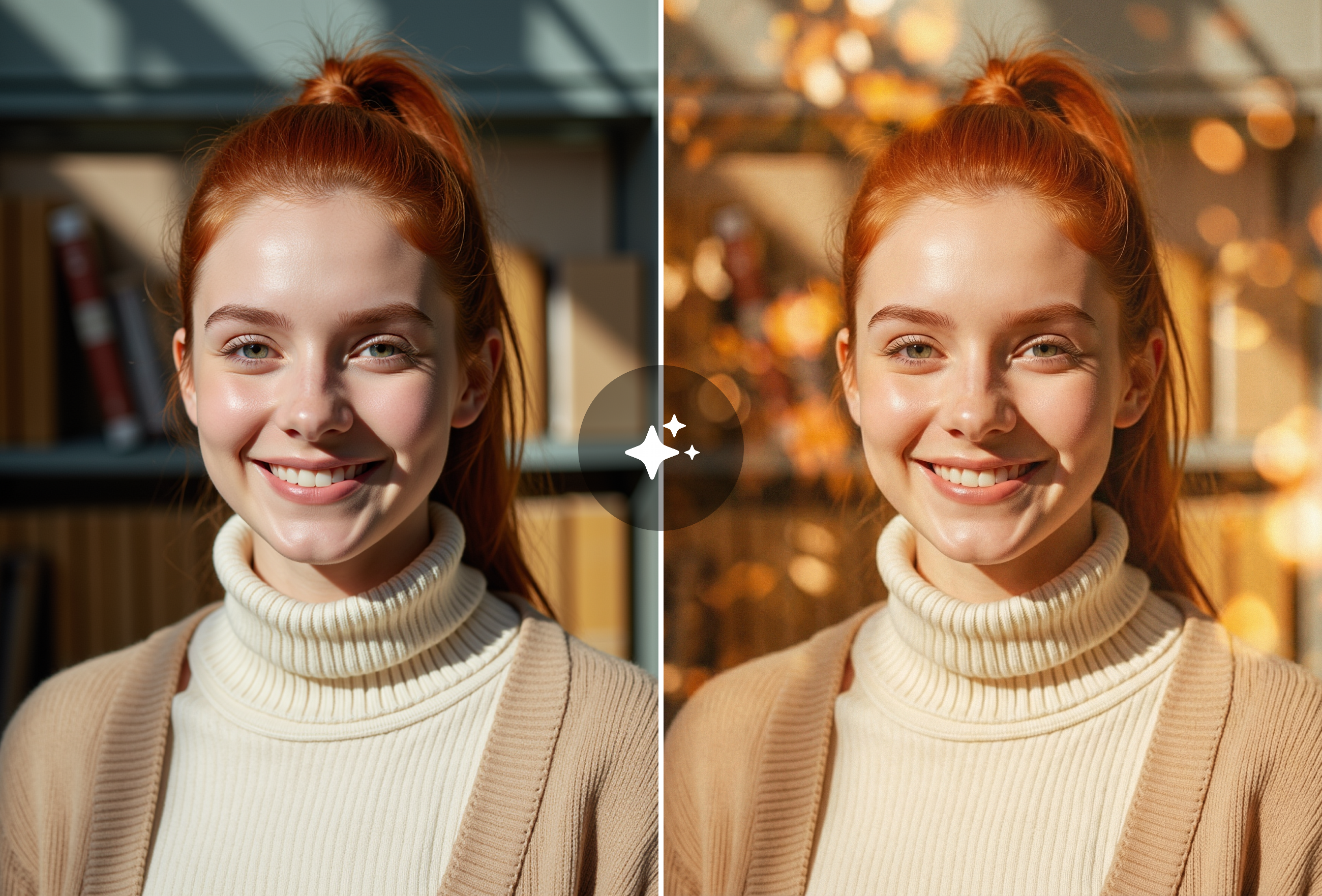
Missed the perfect golden hour window? The AI adds warm, directional sunlight that wraps around your subject with the soft amber tones of sunset. It's not a color filter — the AI actually re-lights your photo with simulated golden hour rays, complete with rim highlighting and warm shadow fill. Works equally well for outdoor portraits, pet photos, and couple shots.
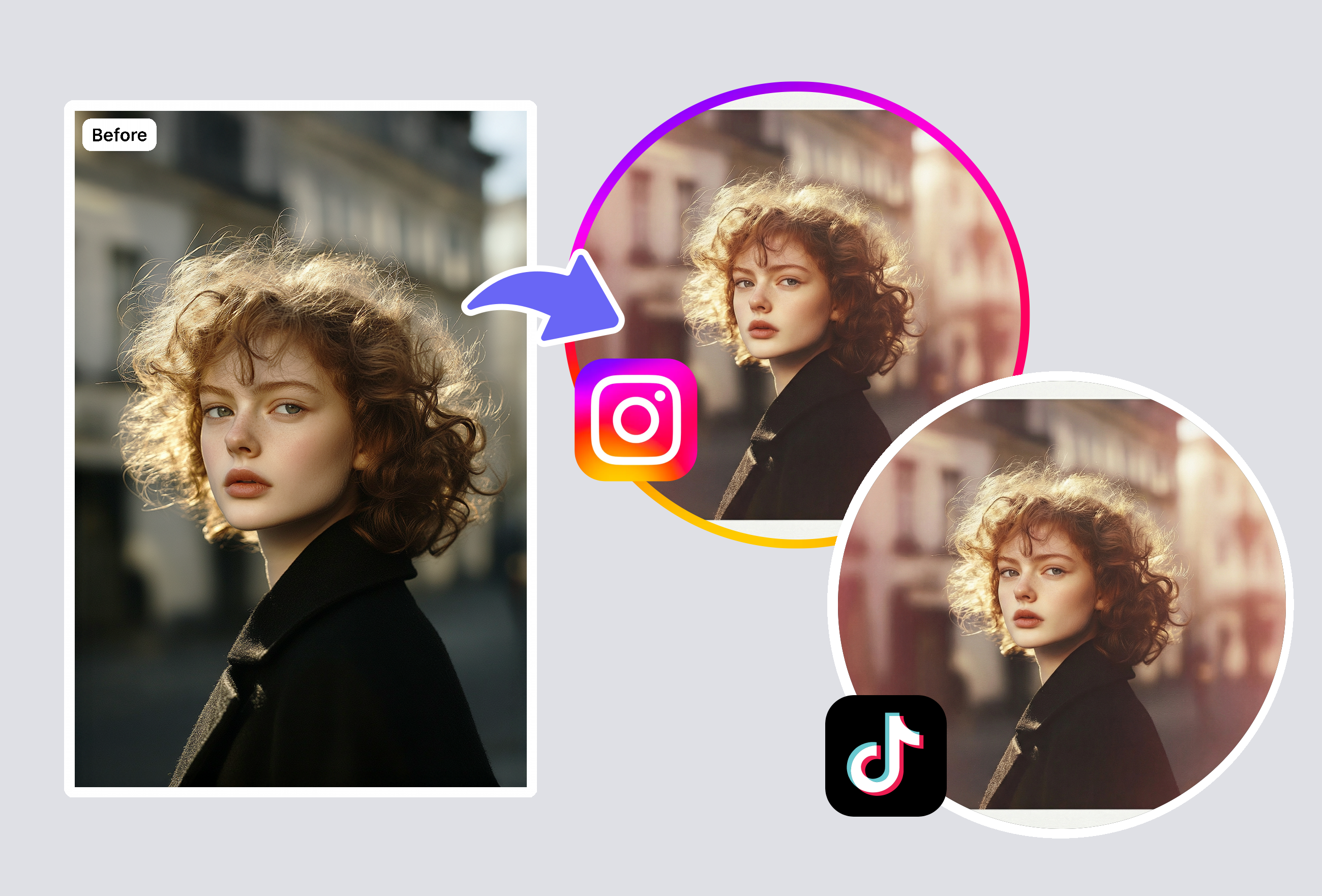
Add colored accent lights that make portraits pop on social media — blue and orange cinema split light, neon pink club lighting, green moody accent, or custom dual-tone combinations. The AI places these accent lights realistically on facial contours, creating the dramatic colored lighting setups that professional photographers achieve with RGB LED panels. Perfect for creative headshots, music promos, and social media content.
The AI analyzes your photo's existing lighting conditions and facial geometry, then re-calculates light physics to simulate professional studio lighting setups. Unlike basic brightness/contrast filters, it recalculates shadow direction, highlight falloff, specular reflections, and subsurface skin scattering based on the selected lighting mode. The result looks like the photo was actually taken under professional lighting equipment — not like a filter was applied.
Over 10 professional setups: Rembrandt lighting (dramatic triangle shadow on cheek), butterfly lighting (beauty photography standard), split lighting (half-face shadow for edgy portraits), loop lighting (natural corporate headshot look), broad and short lighting, rim/edge lighting, golden hour warmth, neon accent colors (blue, pink, orange, green), and cinema dual-tone split. Each mode produces distinctly different moods and professional aesthetics.
Yes. The AI is specifically designed to overcome bad lighting conditions. Photos taken under harsh overhead fluorescents, flat overcast skies, dark indoor environments, or unflattering direct sunlight can all be transformed into professionally lit portraits. The tool recalculates light from scratch based on your selected mode, effectively replacing the original lighting rather than just adjusting it.
Many users successfully use the light effect filter for LinkedIn profiles, corporate headshots, modeling comp cards, and professional portfolio images. The output quality matches mid-range studio photography for most use cases. Professional photographers also use it as a previsualization tool and for rescuing shots where studio lighting failed. For the highest-stakes applications (magazine covers, national campaigns), professional photography is still recommended.
Yes, though it works best on photos where faces are clearly visible. For group photos, the AI applies the lighting effect to all visible faces. It can also enhance non-portrait images — product shots benefit from rim lighting, pet photos look great with golden hour warmth, and architectural images respond well to dramatic split lighting. The most dramatic improvements are seen on portrait and headshot photos.
Keep creating — try these popular Framely AI tools next.