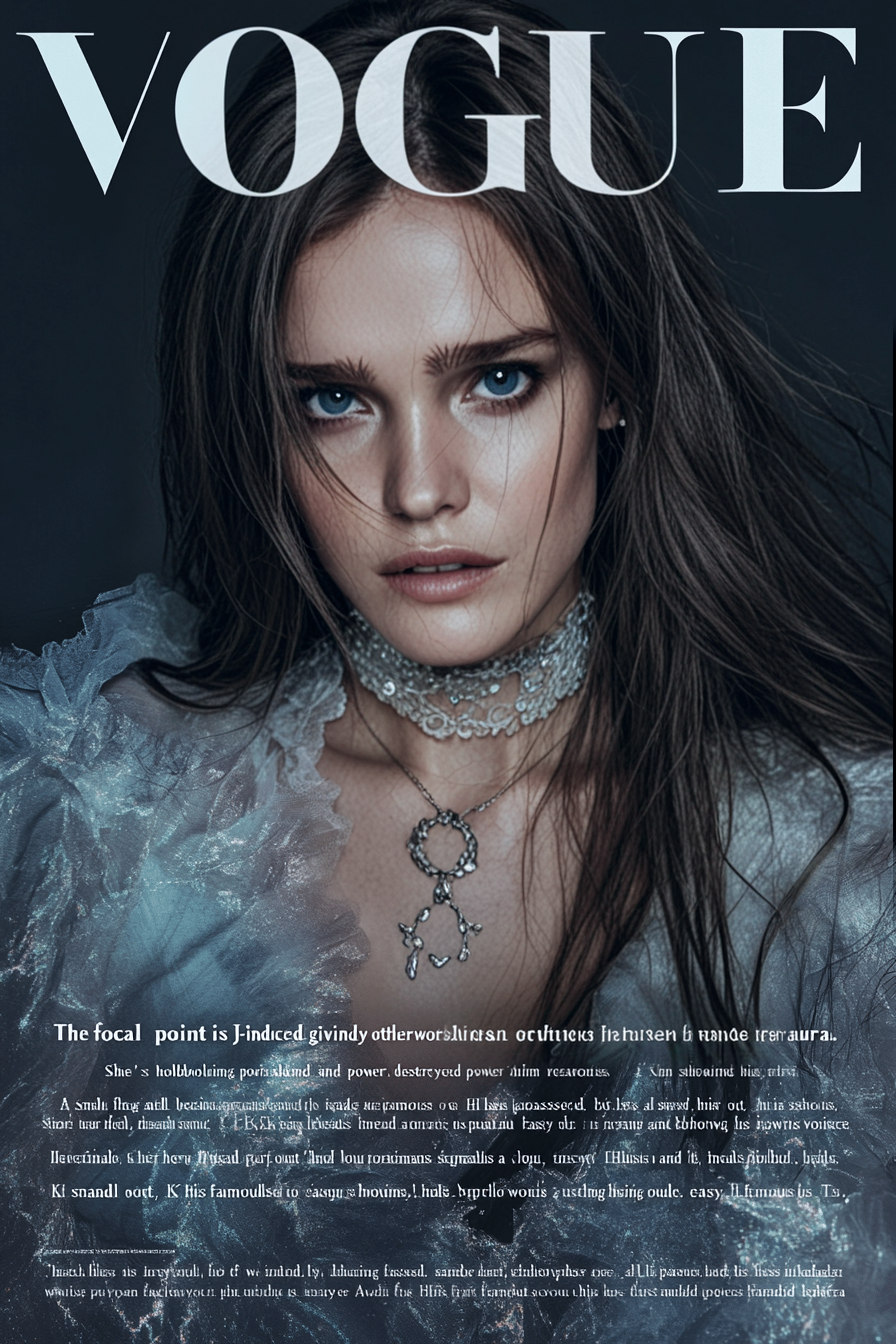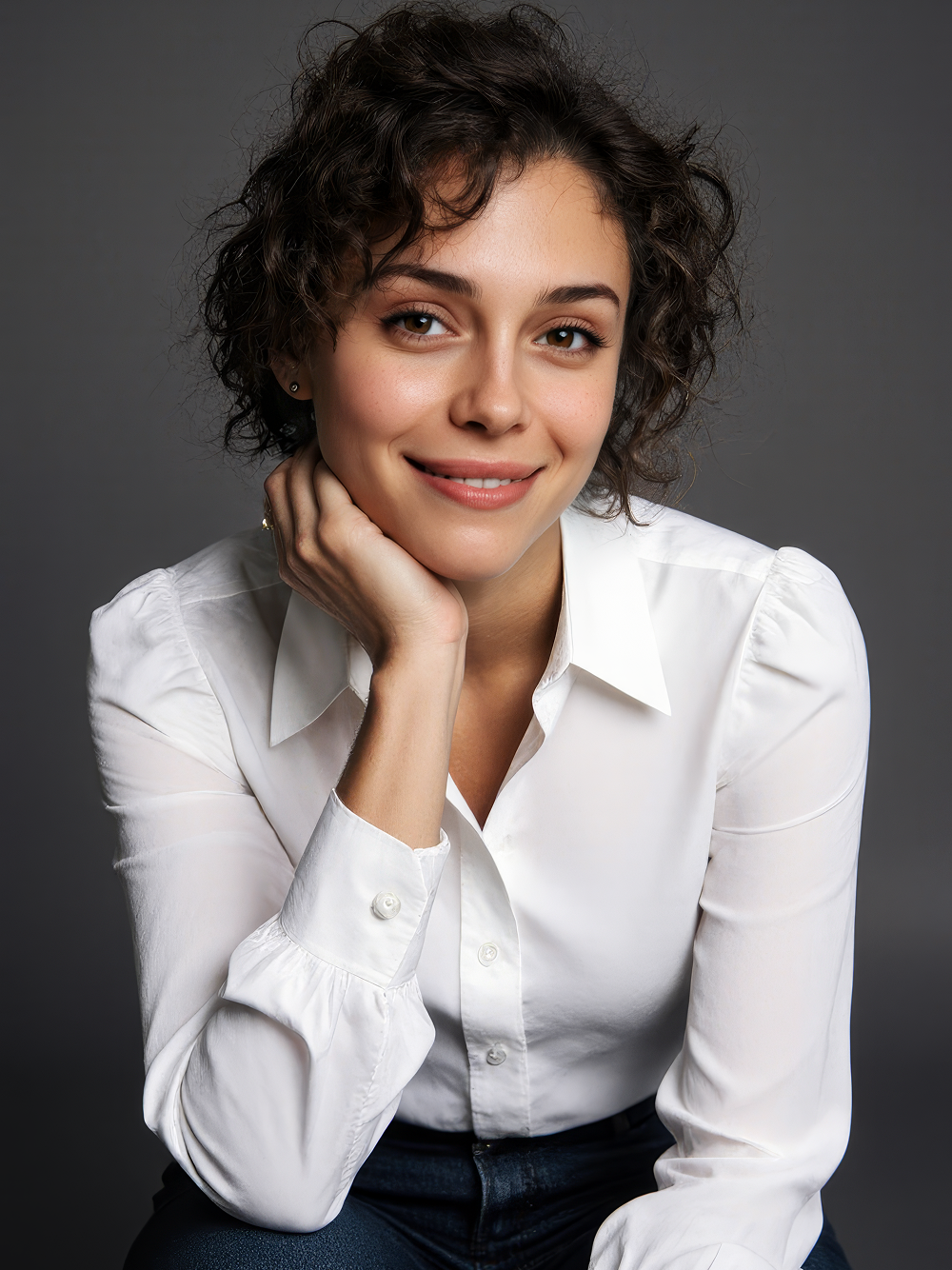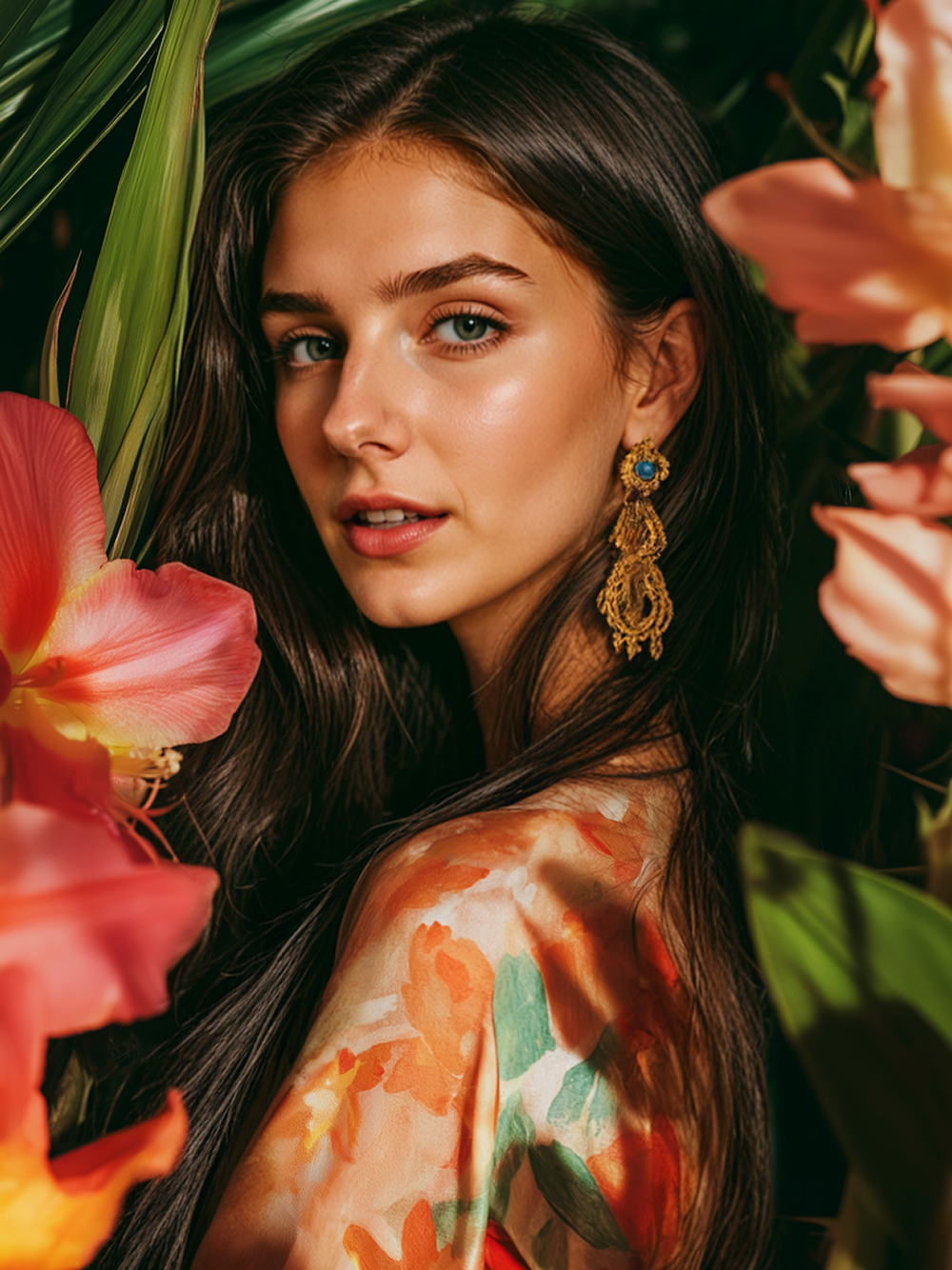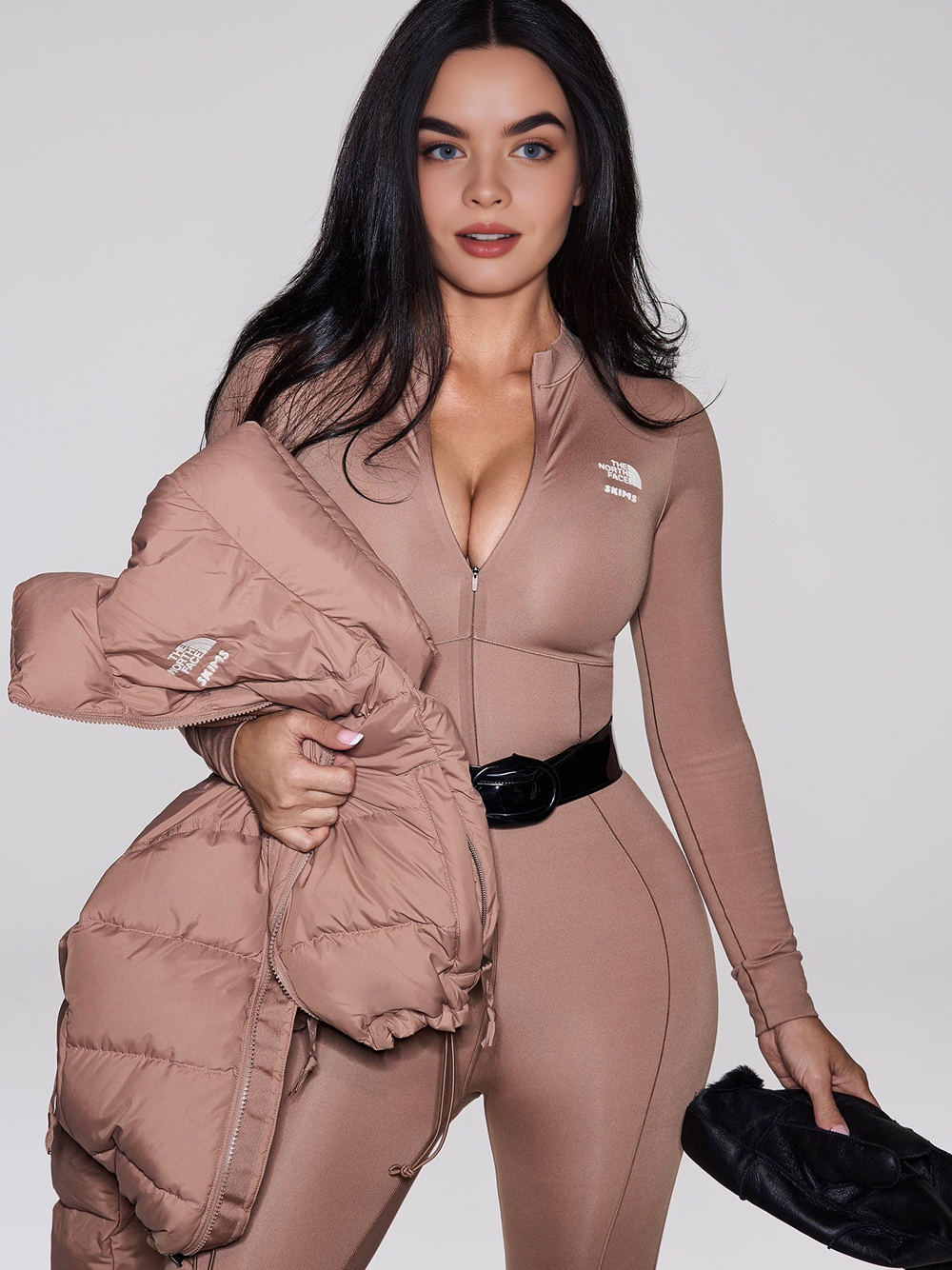
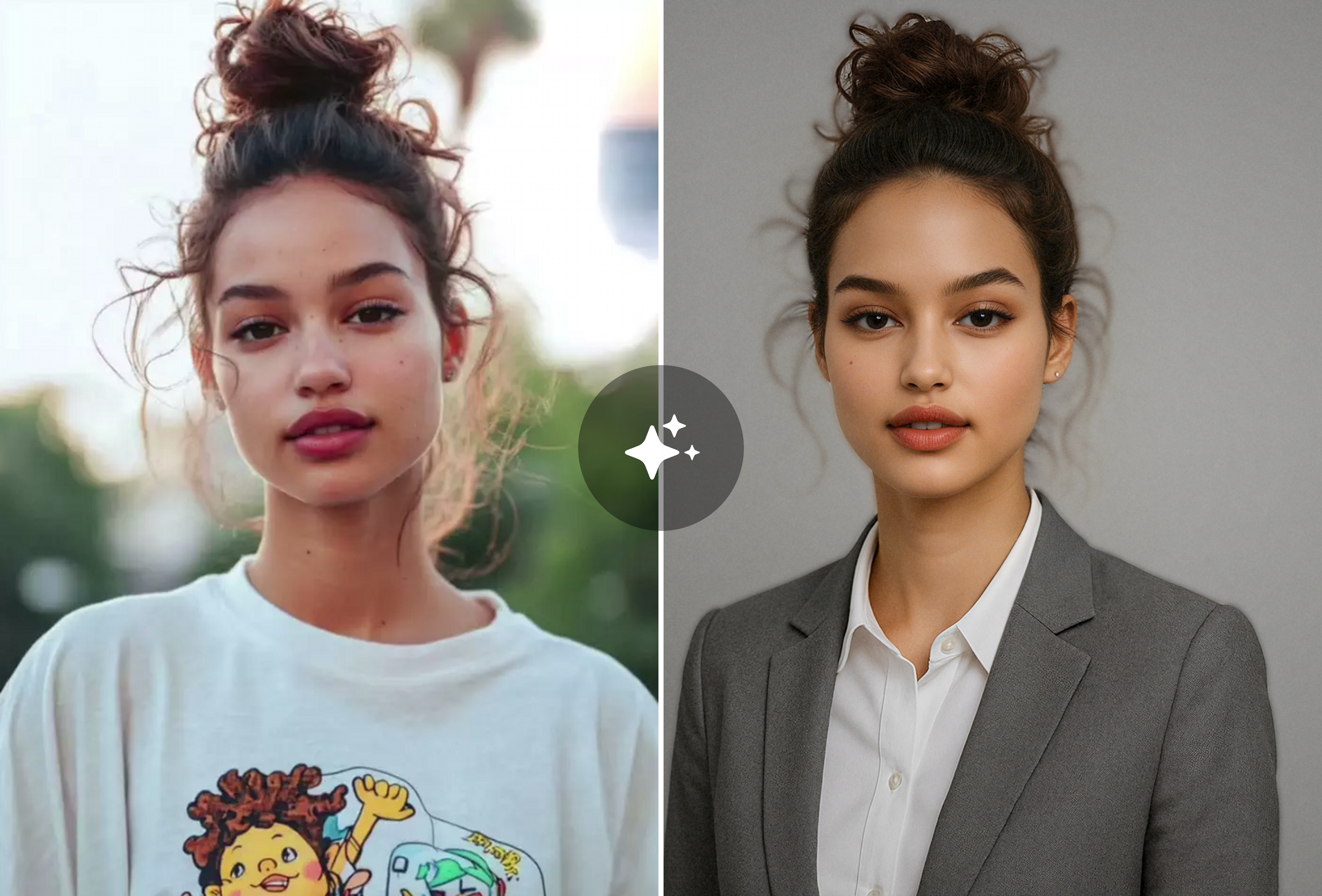
Transform any selfie into a polished LinkedIn profile photo
Studio-quality headshots with professional lighting and backgrounds — no photographer needed. Trusted by 50,000+ professionals in 2026.
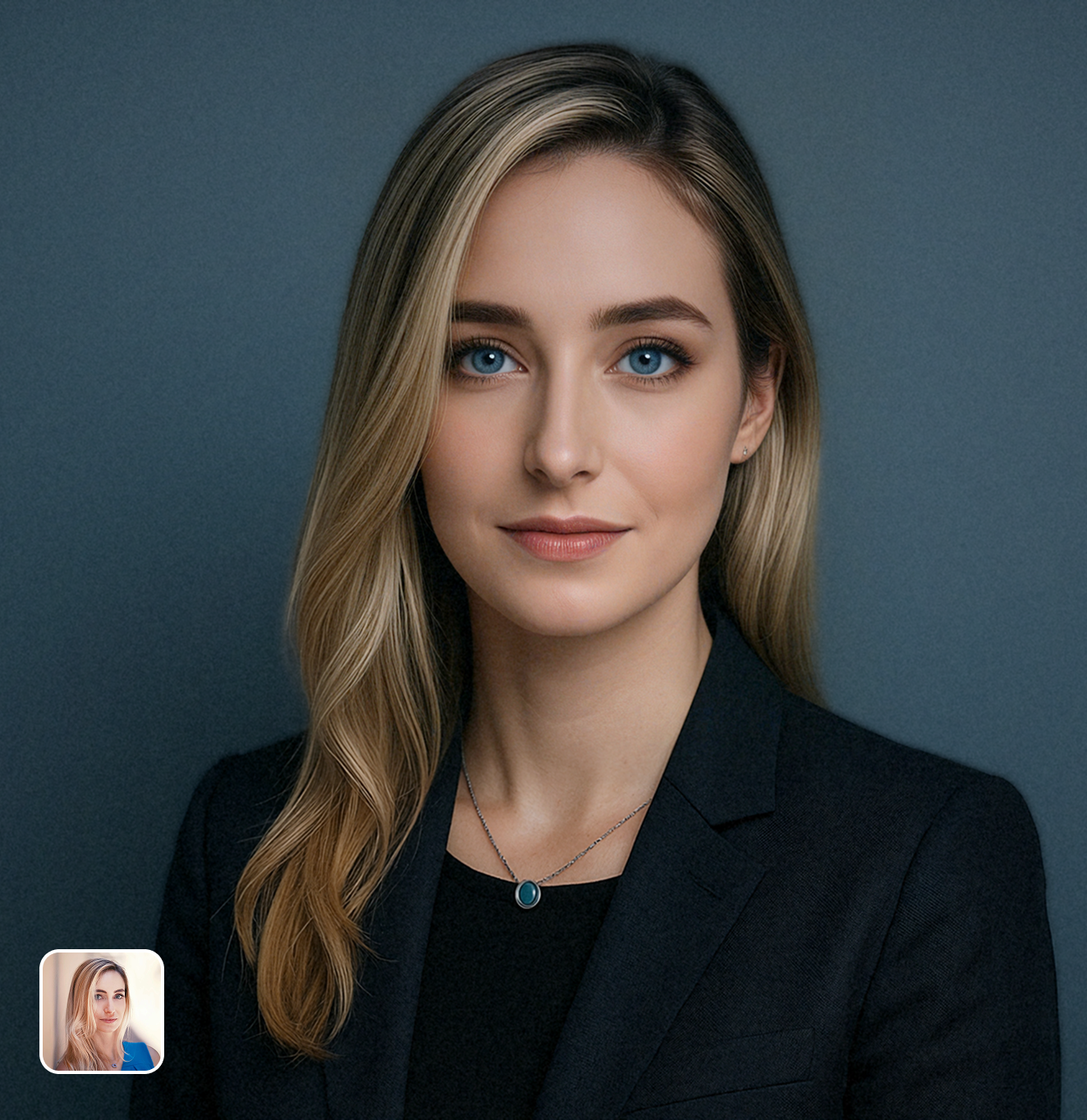
Ready in seconds · Energy-based generation · Full resolution download
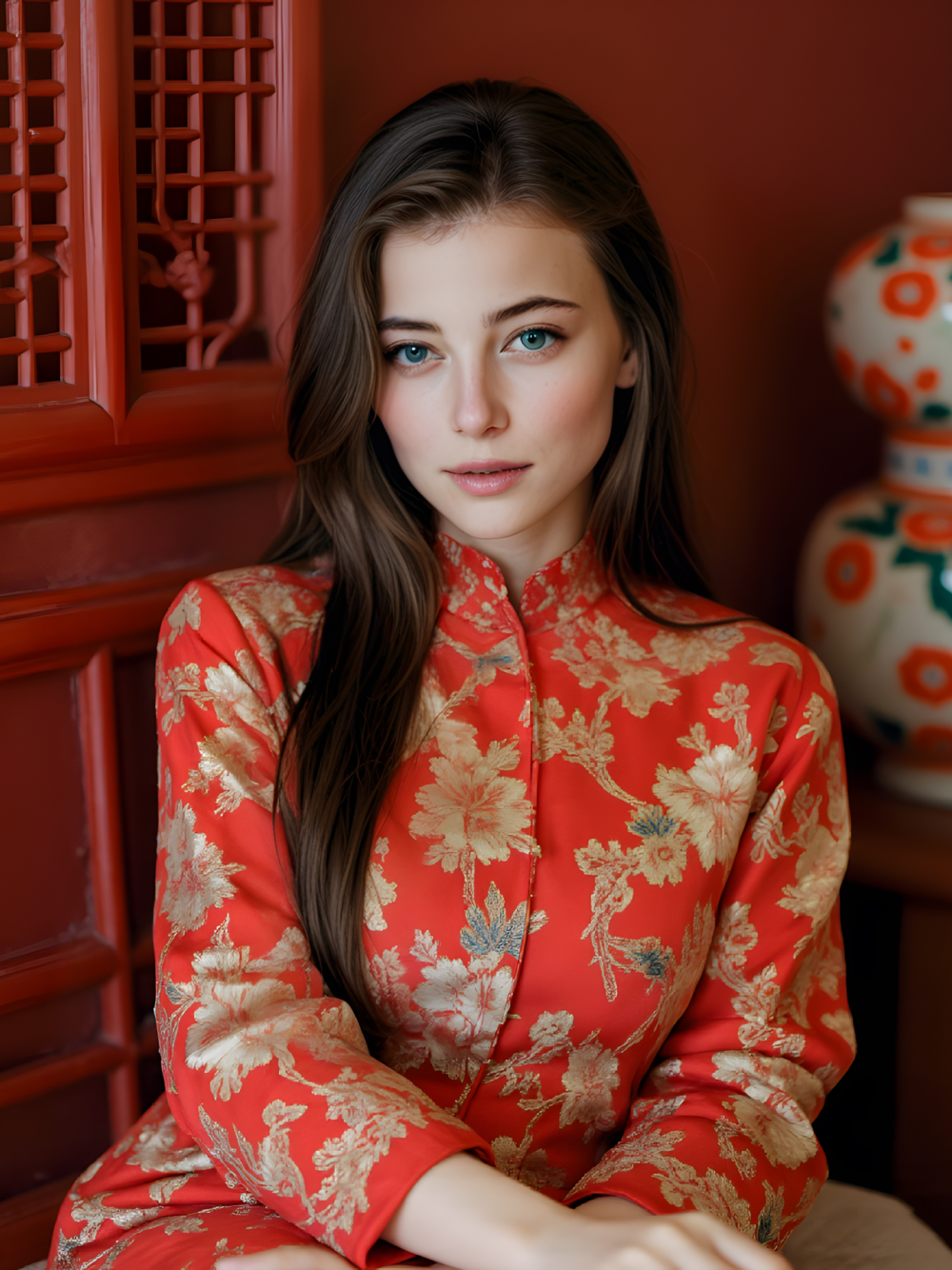
Perfect for Every Duo
From romantic couples to childhood best friends, create polished AI portraits for the relationships and moments that matter.
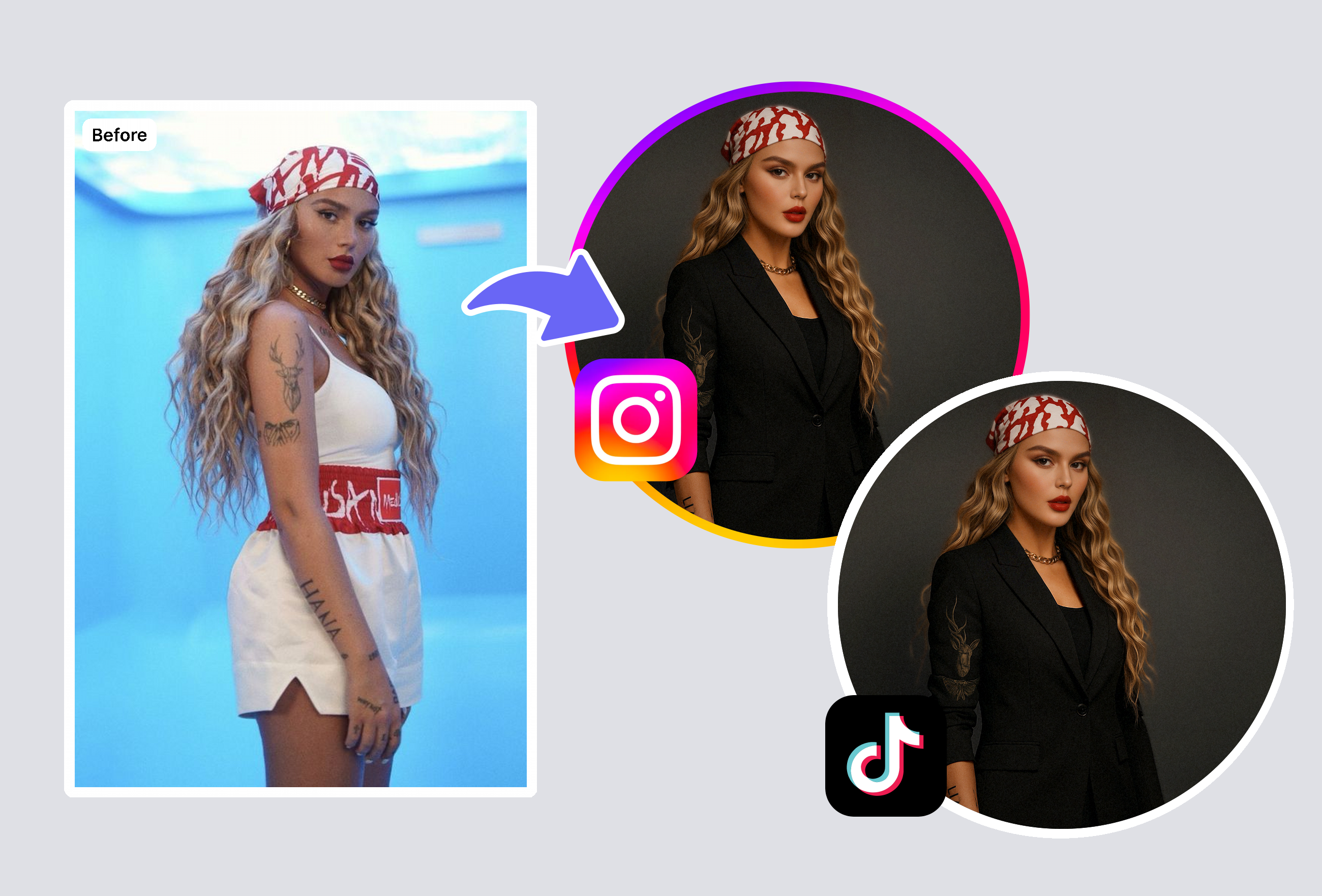
Job Seekers Who Need a Professional First Impression
Your LinkedIn photo is the first thing recruiters see — profiles with professional headshots get 14x more views. The AI LinkedIn photo generator transforms your casual selfie into a corporate headshot with studio lighting and professional backgrounds. Unlike Canva's generator which creates generic AI faces, MyShell preserves your actual appearance.
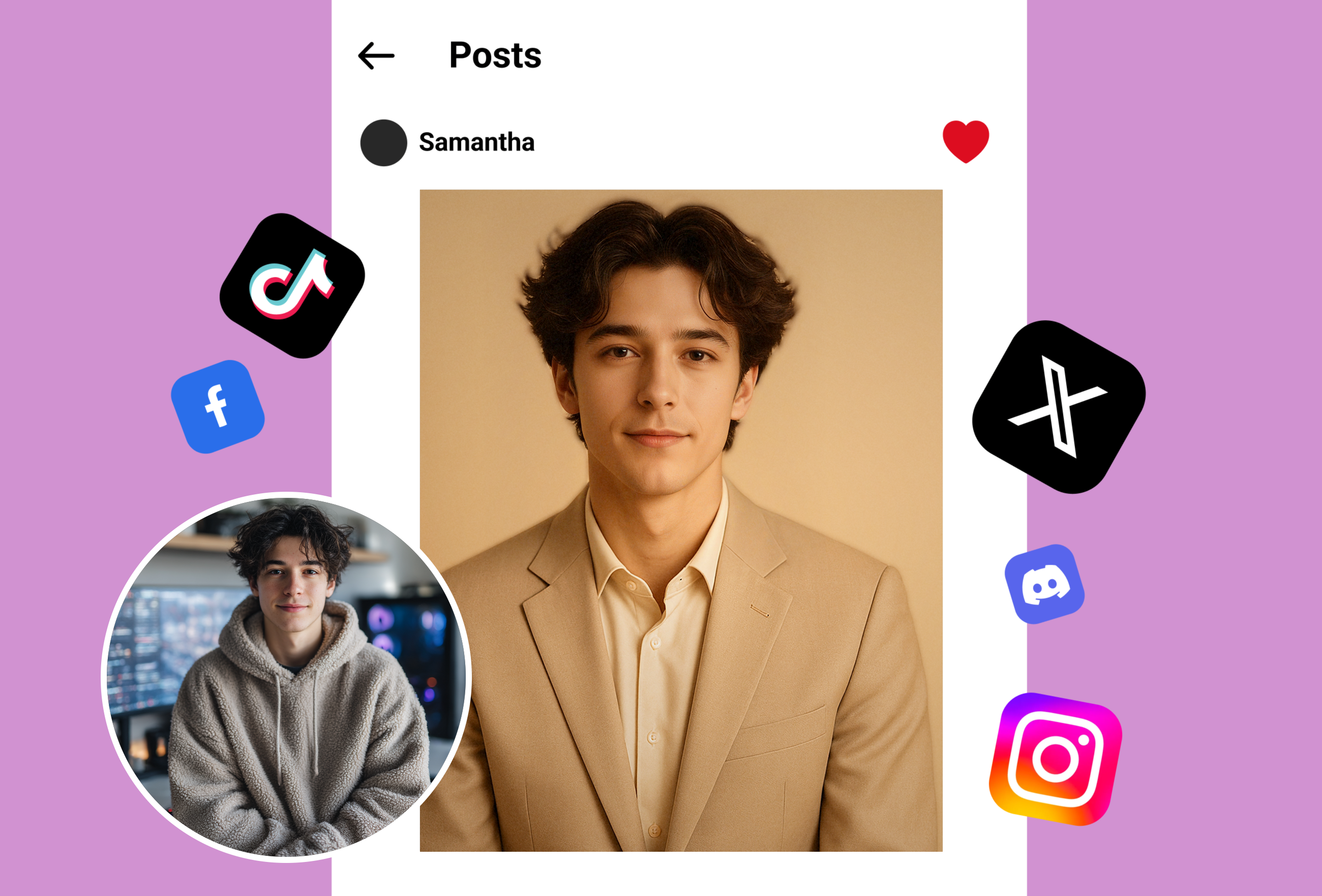
Entrepreneurs & Freelancers Building Personal Brand
First impressions close deals. Generate authoritative, approachable headshots that build instant credibility with clients and partners. Try formal corporate, creative professional, or friendly variations — and A/B test which earns the most connections. What photographers charge $200-500 for, MyShell delivers in seconds.
Freelancers Building Personal Brands
Stand out to clients with unforgettable professional portraits. Use the LinkedIn photo generator for quick style variations that match your niche and attract high-value projects effortlessly.
Frequently Asked Questions
What makes a good LinkedIn profile photo?
A good LinkedIn photo is well-lit with a clean background, showing your face clearly at about 60% of the frame. Profiles with professional headshots get 14x more views. MyShell's AI generator applies proper framing, lighting, and styling automatically.
Will the AI headshot actually look like me?
Yes — MyShell enhances your actual photo while preserving your real facial features, skin tone, and characteristics. Unlike tools that generate synthetic faces, your connections will always recognize you.
How is this different from hiring a professional photographer?
Studio headshots cost $200-500+ and take weeks. MyShell's AI generator produces comparable results from a single selfie in seconds, for free. Most users can't tell the difference from studio photos.
Can I use this for team headshots?
Absolutely. Upload individual selfies from each team member to generate uniformly styled headshots. Many startups and agencies use it for cohesive team pages without organizing group photo sessions.
What photo should I upload for best results?
Upload a recent, well-lit photo where your face is clearly visible. Natural daylight near a window works great. Avoid filters, sunglasses, or group photos — the AI handles background and lighting automatically.
Explore More AI Portraits
Keep creating — try these popular Framely AI tools next.