Use Career Lens to Sharpen Your Professional Photo
Career Lens uses AI photo analysis to review one uploaded portrait in under 5 seconds. Upload a clear image for private feedback on framing, facial visibility, lighting, expression, and profile-ready presentation.

Ready in seconds · Energy-based generation · Full resolution download
See What's Possible




Perfect for Every Duo
From romantic couples to childhood best friends, create polished AI portraits for the relationships and moments that matter.

Check Before a Profile Update
Career Lens helps you review one profile photo before updating a professional network. Career Lens highlights visual cues that can make a profile photo look more polished.

Compare Several Headshot Options
When you are choosing between several headshots, run each one through the same AI photo analysis and compare the feedback. The consistent score-style view helps you pick the image that best supports interviews, networking, or client outreach.
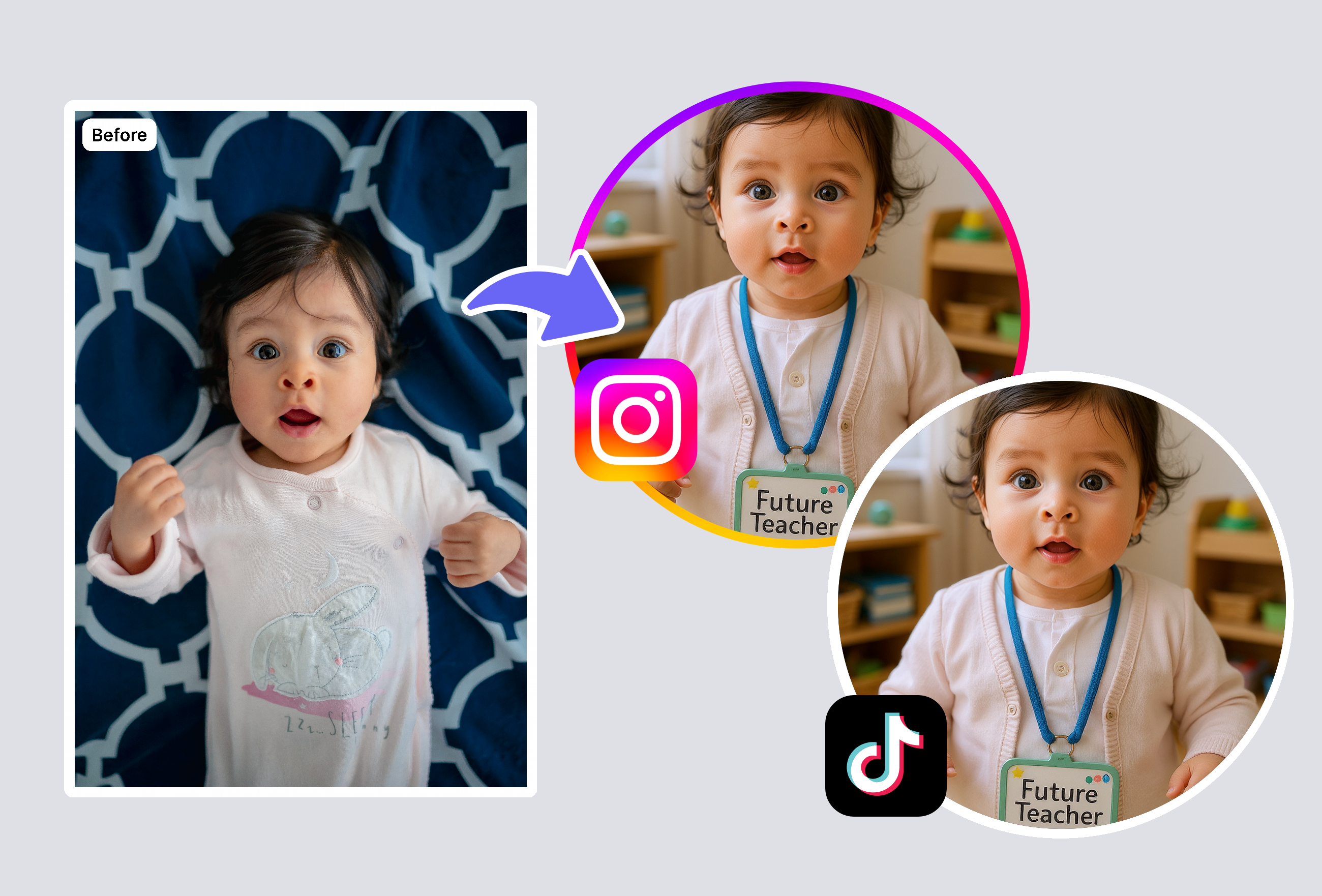
Review Lighting and Presentation
If your photo was cropped, rushed, or taken in mixed lighting, use the private browser-based image check before you publish it. The result flags presentation issues in plain language so you can retake or edit with a clearer goal.
Frequently Asked Questions
What does Career Lens analyze in a career photo?
Career Lens uses AI photo analysis to check framing, facial visibility, lighting, and expression in one uploaded portrait. It looks at presentation cues such as framing, lighting, face visibility, expression, and overall polish. The result is a score-style summary designed for practical photo selection. It does not judge your skills, employability, or professional value.
How do I use the private browser-based image check?
Career Lens is a private browser-based photo feedback tool for profile and resume portrait checks. Use a clear image where your face is visible and the photo matches the professional context you care about. The page returns concise feedback you can use to compare, retake, or edit your photo. You do not need design experience to understand the result.
How long does Career Lens take to return results?
Career Lens is built around an under 5 seconds processing target for typical portrait checks. Actual speed can vary with image size, connection quality, and device performance. Most users should see feedback quickly after uploading a supported image. If the upload is unusually large, using a smaller portrait can help.
Can I trust Career Lens compared with asking a friend?
Career Lens gives a consistent AI-based read on visible photo cues, while a friend may focus on personal taste. That makes it useful when you want repeatable feedback across several portrait options. It should be treated as photo guidance, not a hiring decision or identity judgment. For important applications, combine the result with your own context and any official photo requirements.
Explore More AI Portraits
Keep creating — try these popular Framely AI tools next.