
Remove backgrounds from any image with AI-powered precision. Get clean cutouts with perfect edges on hair, fur, and complex shapes — faster than Photoshop, better than remove.bg, completely free.
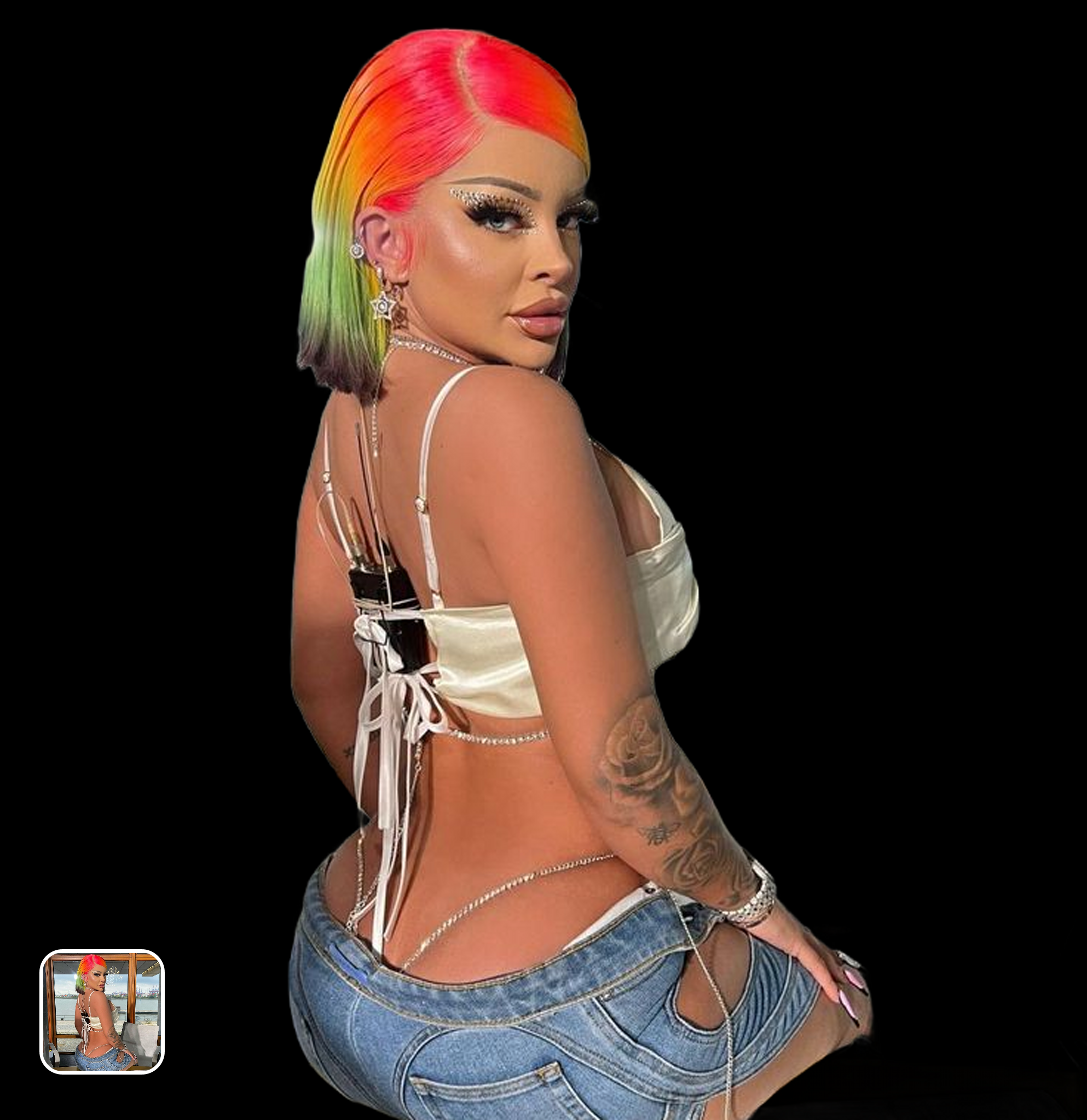
Ready in seconds · Energy-based generation · Full resolution download
From romantic couples to childhood best friends, create polished AI portraits for the relationships and moments that matter.
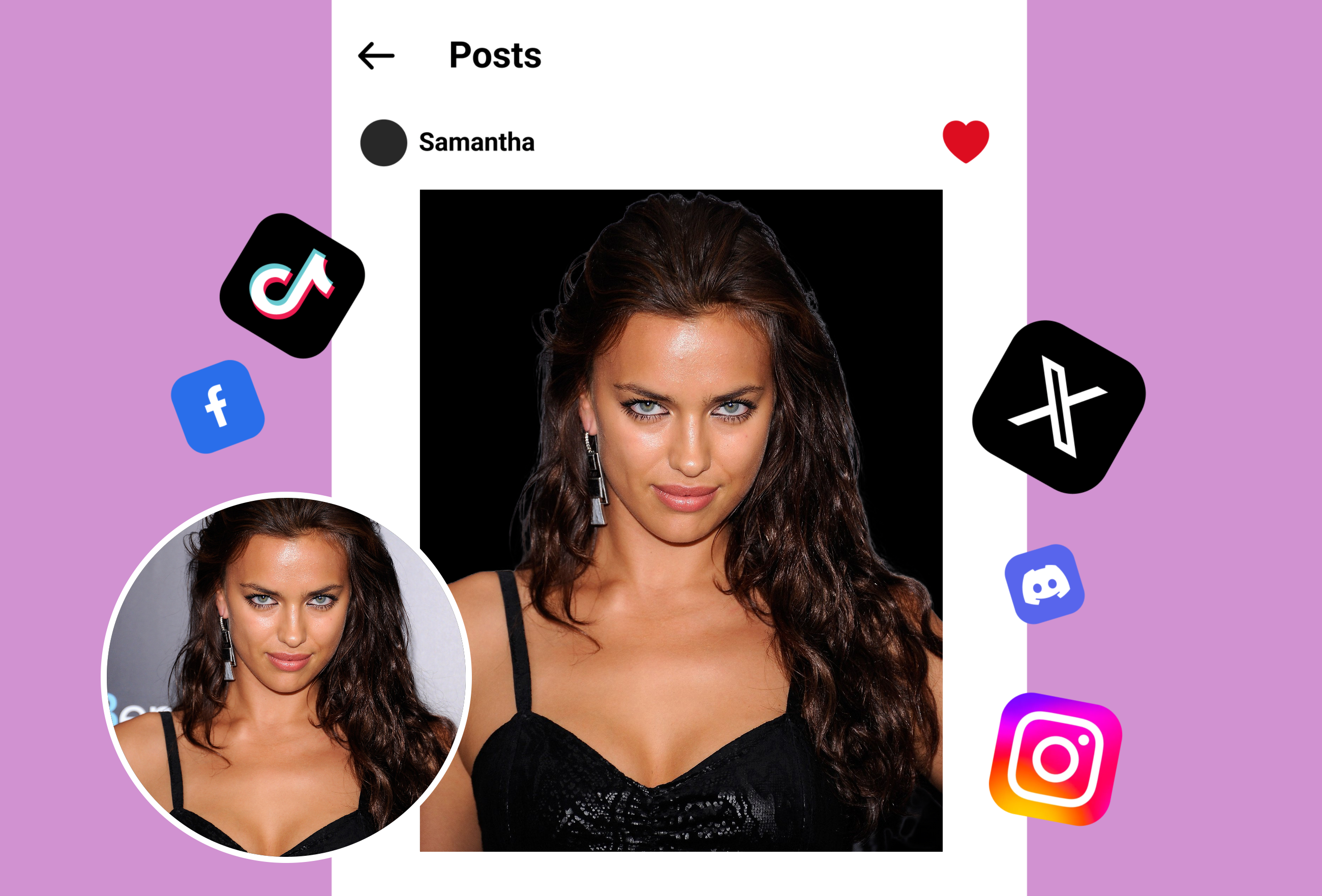
Upload any image and the AI automatically detects the subject, separates it from the background, and produces a clean cutout. The entire process takes under 5 seconds — no manual selection tools, no lasso, no magic wand. The AI handles portraits, products, animals, objects, and even group photos with multiple subjects.
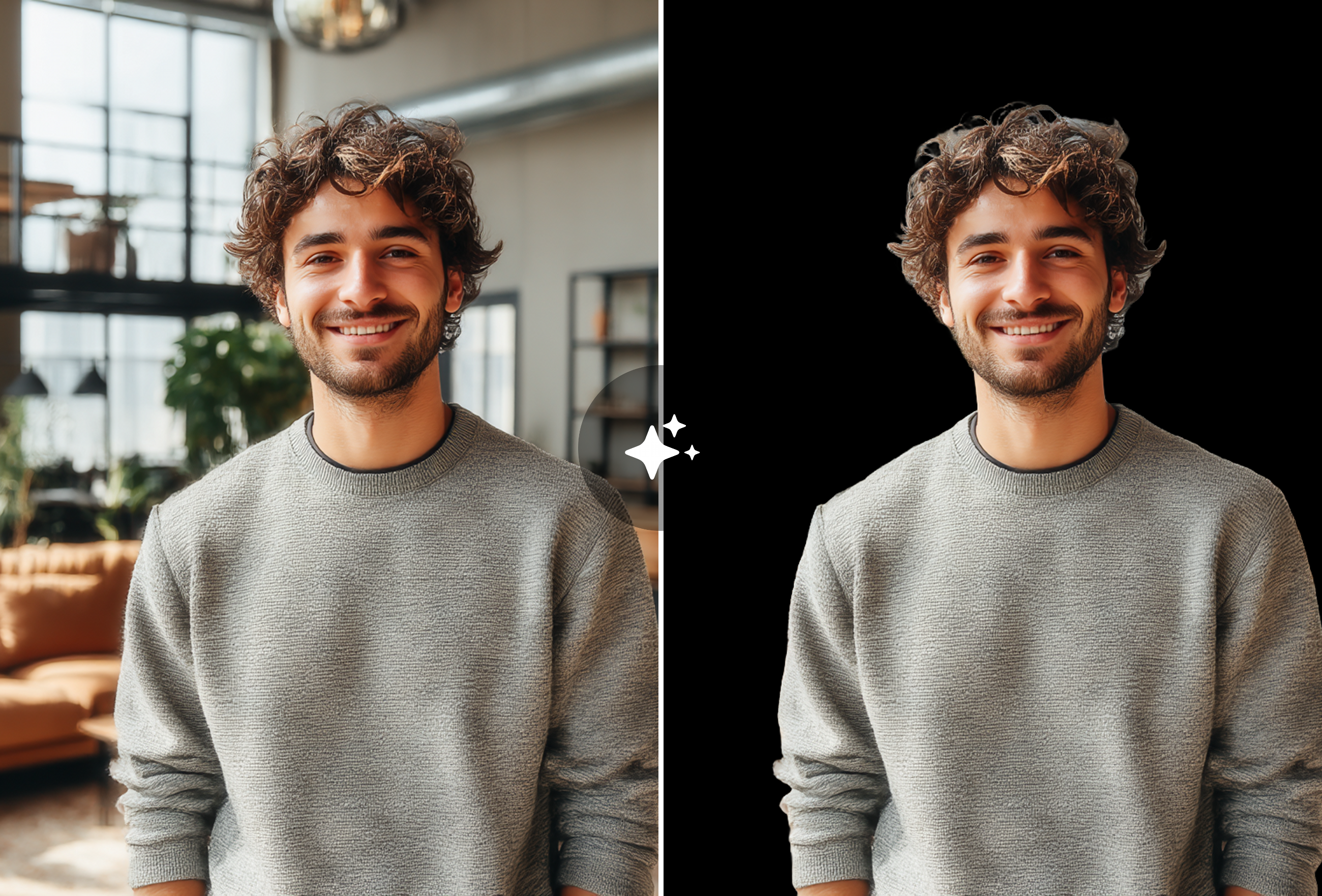
Where traditional tools create jagged edges, MyShell's AI preserves fine details including individual hair strands, fur textures, lace patterns, and translucent materials. The edge-aware model generates natural semi-transparent transitions that look professional when placed on any new background — white, colored, or transparent PNG.
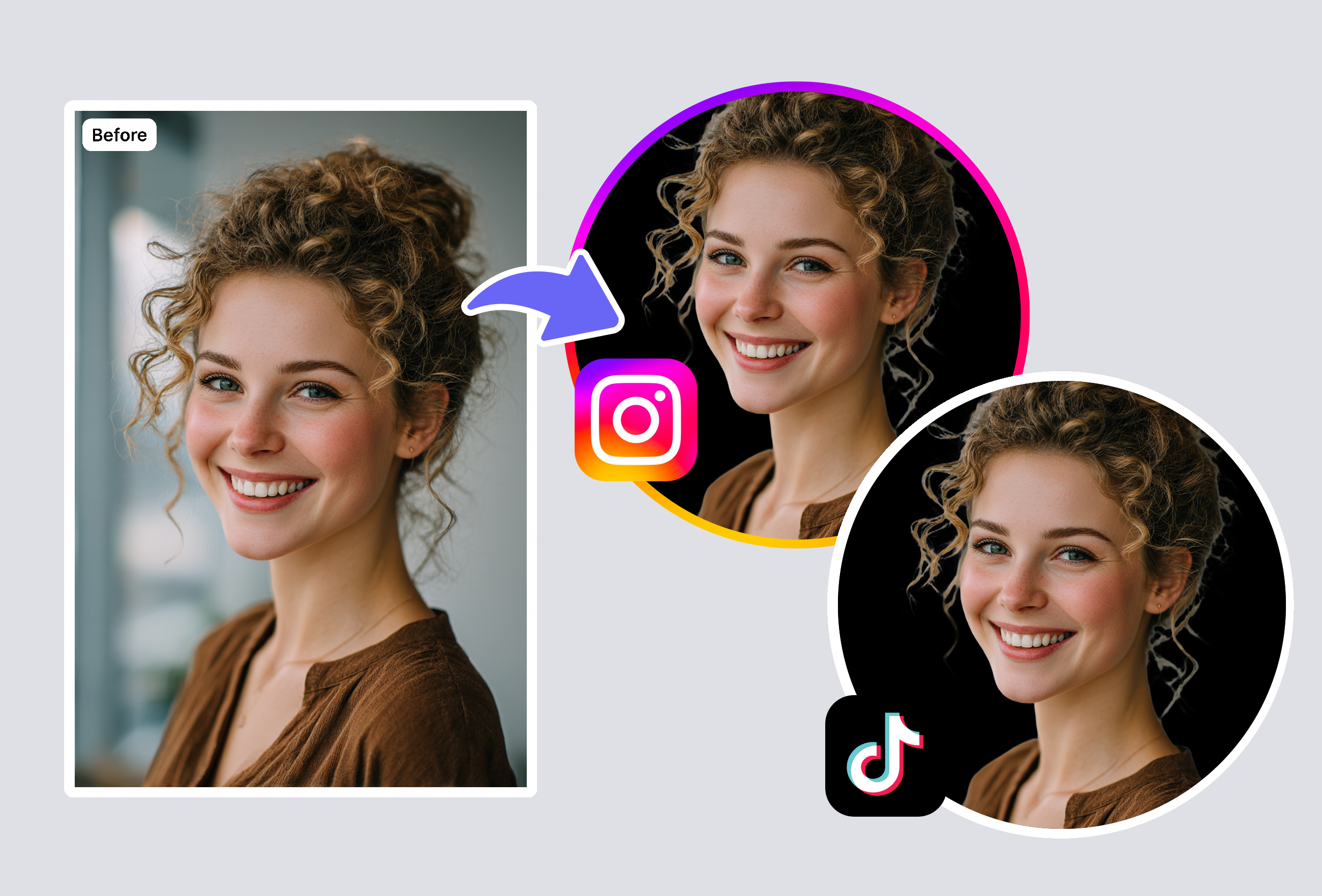
Process multiple images simultaneously for e-commerce catalogs, product listings, or design projects. Export as transparent PNG, white background, or custom color background. Full resolution output every time — no downscaling, no compression, no quality loss regardless of the original image size.
An AI background remover uses neural networks to automatically detect subjects in images and separate them from their backgrounds. The AI identifies edges, understands depth relationships, and creates clean cutouts without manual selection tools. MyShell's model handles diverse subjects including people, products, animals, and objects with pixel-accurate edge detection, even on challenging materials like hair, glass, and semi-transparent fabrics.
MyShell's AI achieves professional-grade accuracy on complex edges. Individual hair strands, fur textures, lace, and translucent materials are preserved with natural semi-transparent transitions. The model adapts its detection strategy based on subject type — using different algorithms for portraits versus products versus text/logos. Results are comparable to professional manual masking.
Absolutely. The tool is widely used by e-commerce sellers for Amazon, Shopify, Etsy, and eBay product listings. It handles reflective surfaces, glass, transparent packaging, and irregular product shapes. Batch processing allows you to prepare entire product catalogs efficiently. The output meets marketplace image requirements for white or transparent backgrounds.
Export as transparent PNG (alpha channel preserved), white background JPG, or custom colored background. All exports are at full original resolution with no compression or quality loss. PNG transparency is perfect for layering in design tools like Photoshop, Canva, or Figma.
MyShell offers three key advantages: full resolution downloads for free (remove.bg charges for HD), better edge quality on hair and translucent materials (Canva's remover creates rough edges), and no account requirement (both competitors require signup). Additionally, MyShell handles a wider variety of subjects beyond portraits and offers true batch processing.
Keep creating — try these popular Framely AI tools next.