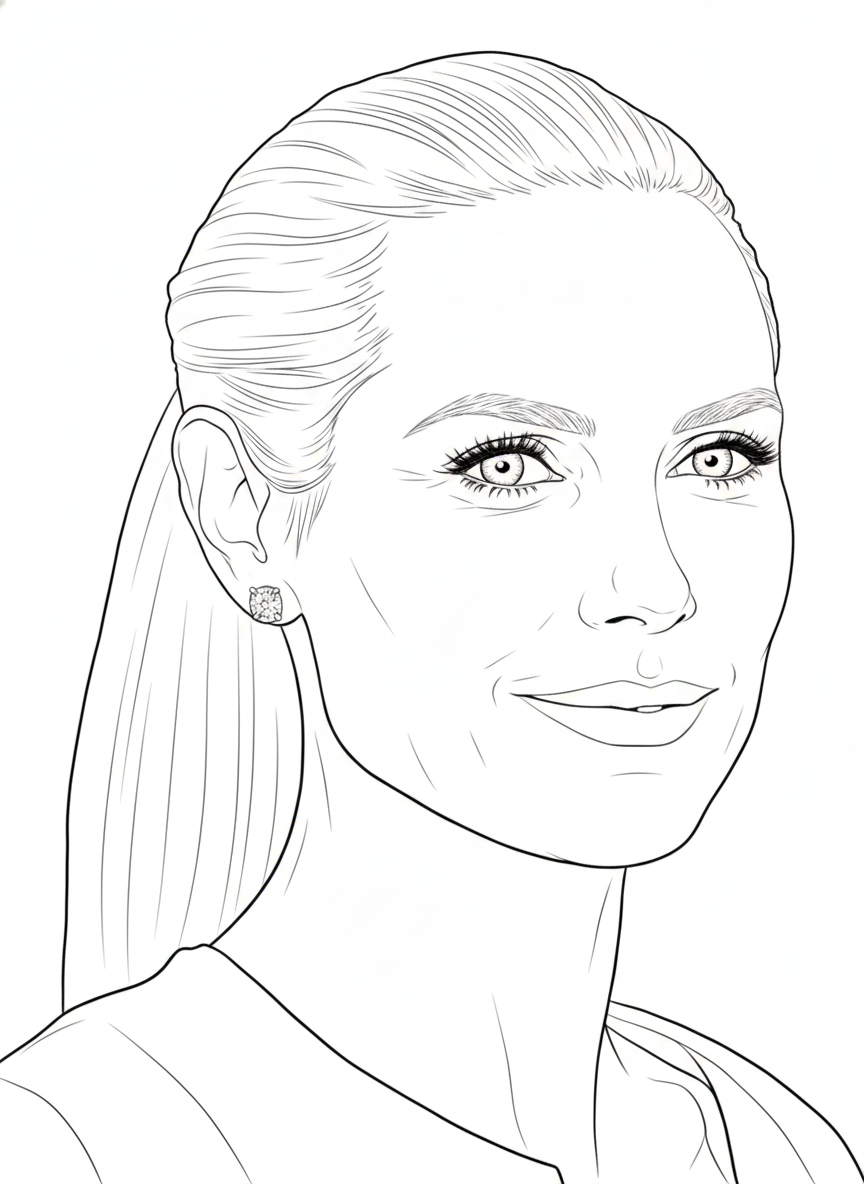
Create Your YouTube Thumbnail with High-CTR Designs
Create scroll-stopping YouTube thumbnails in seconds. Describe your video topic and the AI generates professional thumbnail designs with bold text, engaging compositions, and proven CTR-boosting layouts. No Canva templates, no Photoshop skills — just describe and download.
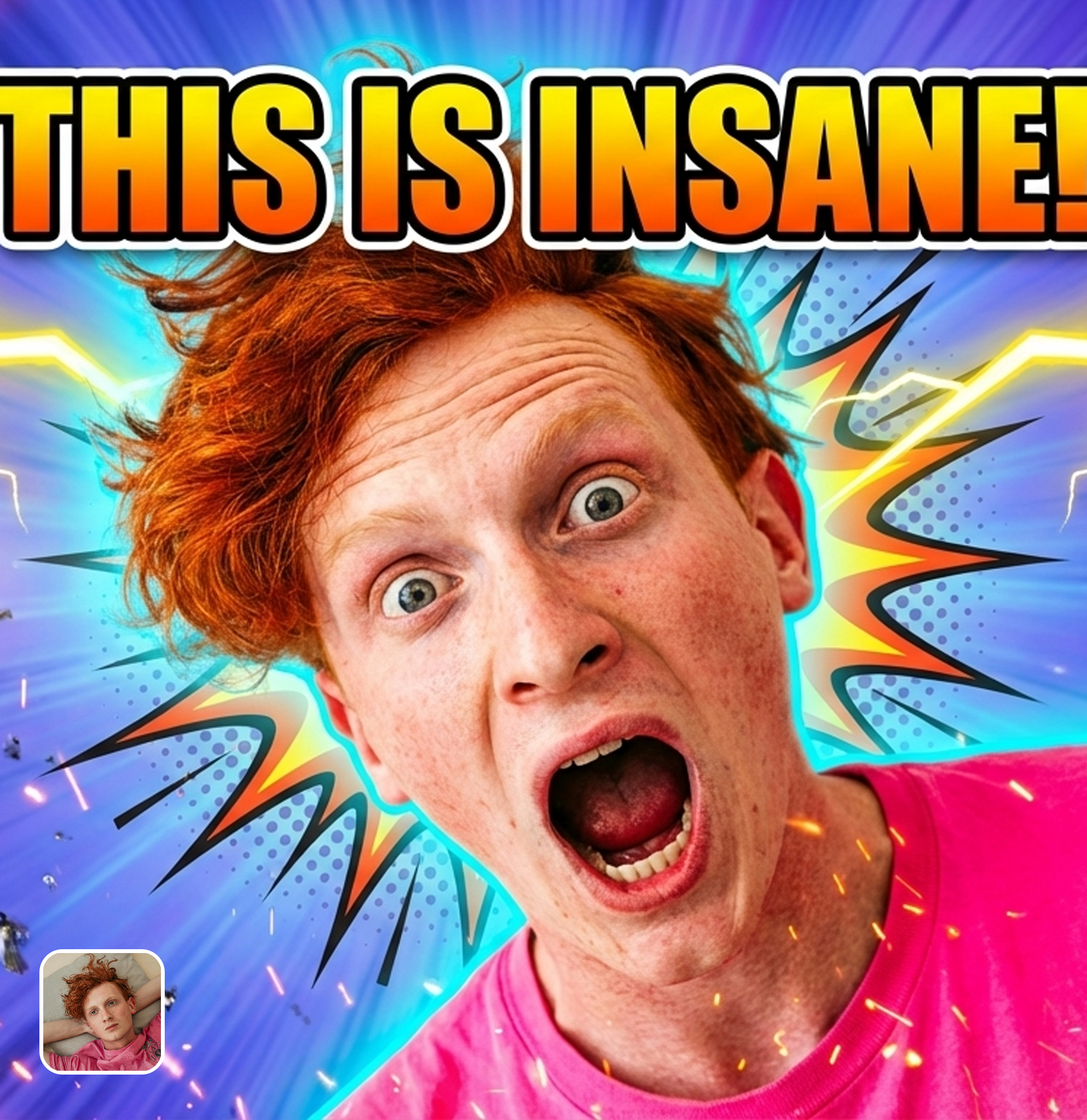
Ready in seconds · Energy-based generation · Full resolution download
Perfect for Every Duo
From romantic couples to childhood best friends, create polished AI portraits for the relationships and moments that matter.
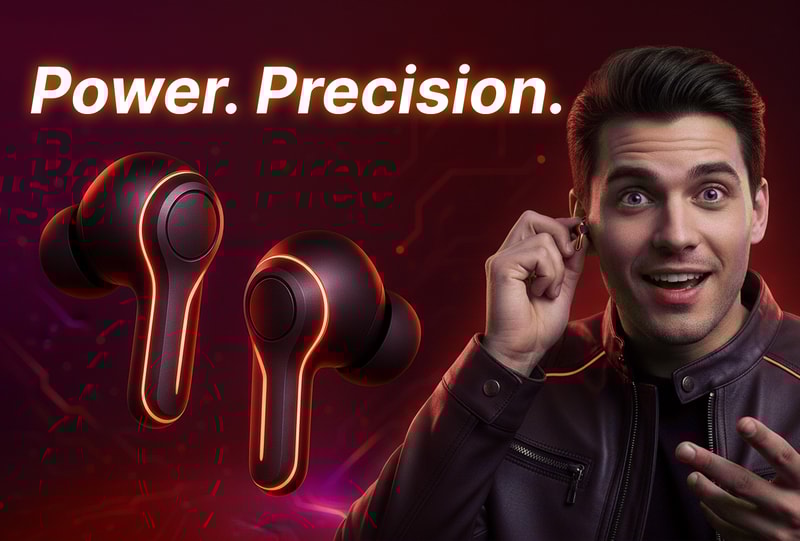
AI Understands What Gets Clicked on YouTube
The AI is trained on high-performing YouTube thumbnails across every niche — gaming, tech, beauty, education, vlogs, cooking, fitness. It understands the visual patterns that drive clicks: contrasting colors, expressive faces, bold typography, curiosity gaps, and before/after compositions. Describe your video topic and get thumbnails engineered for maximum CTR.
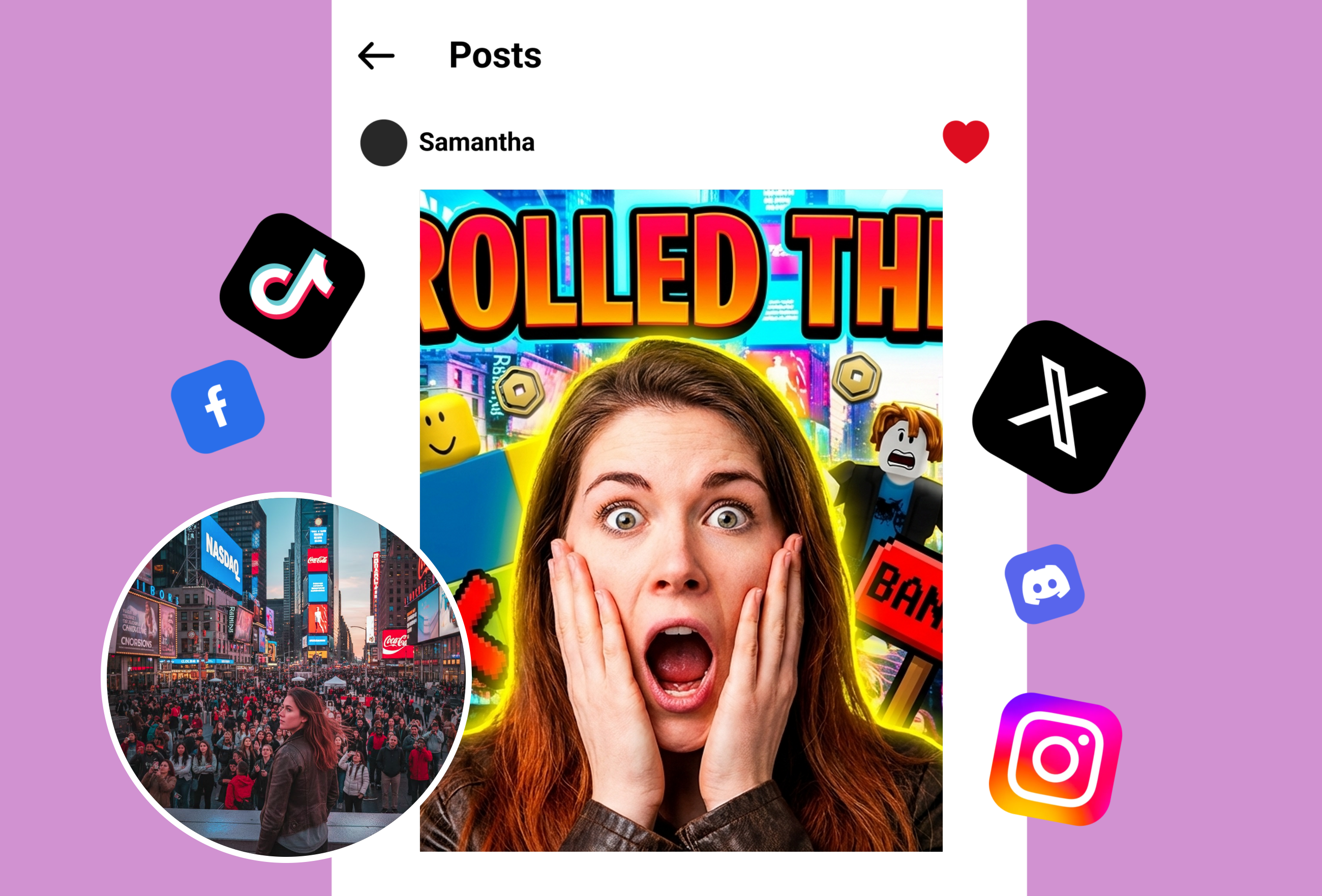
Custom Designs for Every YouTube Niche
Gaming thumbnails need different aesthetics than cooking channels. The AI adapts its design approach based on your content category — bright and chaotic for gaming, clean and appetizing for food, professional and credible for business, dramatic and emotional for storytelling. Every niche has visual conventions that trigger clicks, and the AI knows them all.

A/B Test Multiple Thumbnail Options
Generate 5-10 thumbnail variations in minutes. Upload them as options in YouTube Studio and let your audience data reveal the winner. Top YouTubers A/B test every thumbnail — this tool makes that process fast and free instead of paying a designer $50-100 per variation.
Frequently Asked Questions
How do I make a good YouTube thumbnail?
A high-CTR YouTube thumbnail needs: bold contrasting colors (readable at 100px width), expressive human faces showing emotion, large readable text (3-5 words max), a clear visual hierarchy, and a curiosity gap that makes viewers want to click. The AI thumbnail maker handles all these principles automatically — describe your video and it generates designs optimized for clicks, not just aesthetics.
What size should YouTube thumbnails be?
YouTube recommends 1280x720 pixels (16:9 aspect ratio) with a minimum width of 640 pixels. File size should be under 2MB. The AI thumbnail maker generates all thumbnails at exactly 1280x720, ready for direct upload to YouTube Studio without any resizing or cropping.
Can AI thumbnails really improve my CTR?
Yes. Users consistently report CTR improvements of 30-80% after switching to AI-generated thumbnails. The AI applies proven visual patterns from high-performing thumbnails across every YouTube niche. The key advantage is generating multiple options quickly for A/B testing — top YouTubers test 3-5 thumbnails per video, and this tool makes that process free and instant.
Is the YouTube thumbnail maker free?
Completely free for trial. Generate unlimited thumbnails with no watermarks, no signup, and no daily limits. Download at YouTube's recommended 1280x720 resolution. No credits system, no premium tier.
Does it work for any YouTube niche?
Yes. The AI adapts its design approach for gaming, tech reviews, beauty/fashion, education, cooking, fitness, vlogs, music, business, science, and 50+ other content categories. Each niche has specific visual conventions that drive clicks, and the AI applies the appropriate style based on your description.
Can I add my own photos to the thumbnail?
Yes. Upload your face photo, product image, or any visual element and the AI incorporates it into a professional thumbnail design with appropriate composition, text overlay, and background treatment.
Explore More AI Portraits
Keep creating — try these popular Framely AI tools next.