AI Image Upscaler: Enhance & Enlarge Photos to 4K
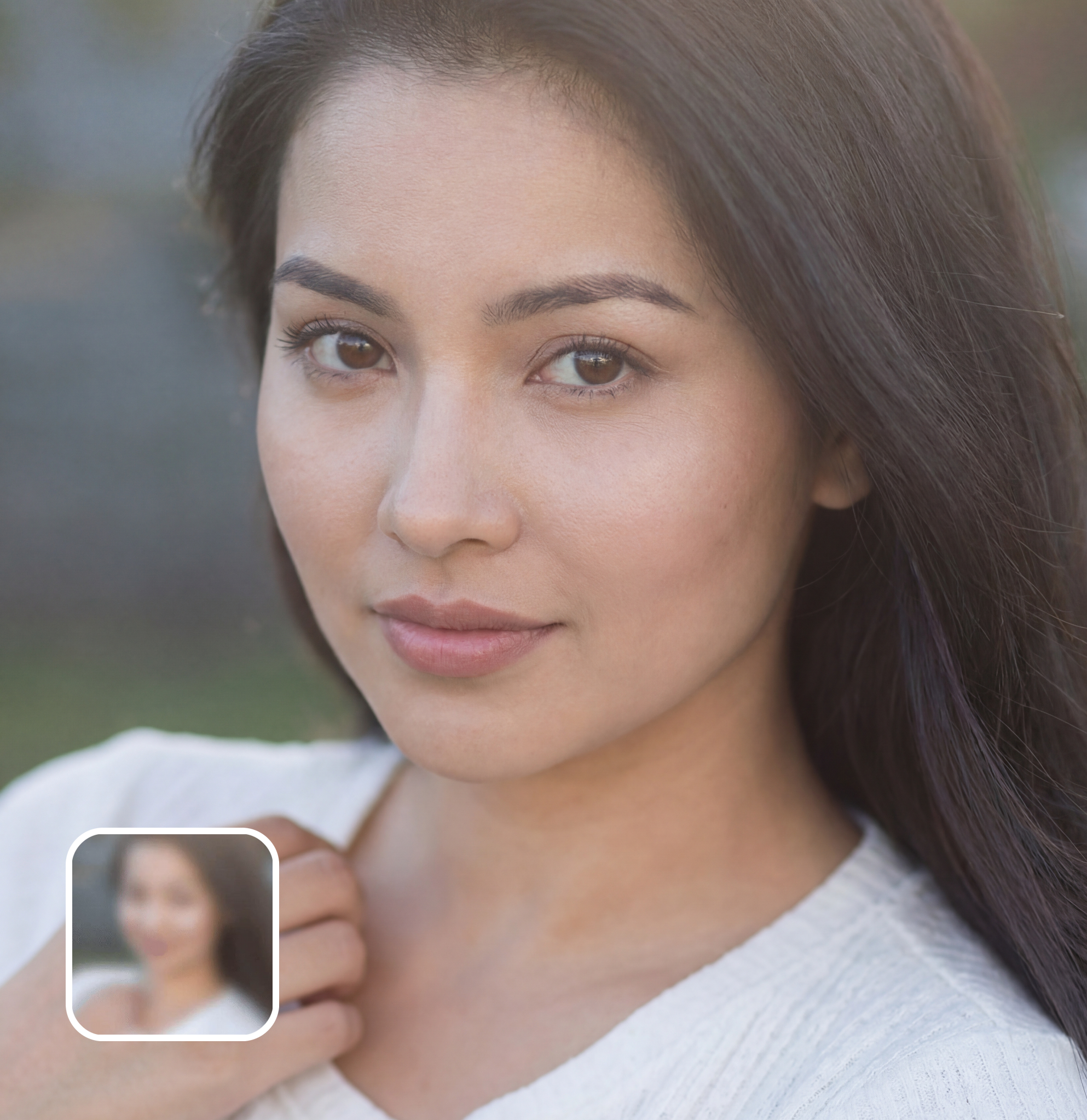
Upscale any image to 2x, 4x, or 8x resolution with AI-powered detail enhancement. The AI reconstructs missing pixels, sharpens textures, and removes noise — turning blurry low-res photos into crisp, print-ready images. Better results than Topaz Gigapixel for most use cases, completely free.
Ready in seconds · Energy-based generation · Full resolution download
Perfect for Every Duo
From romantic couples to childhood best friends, create polished AI portraits for the relationships and moments that matter.
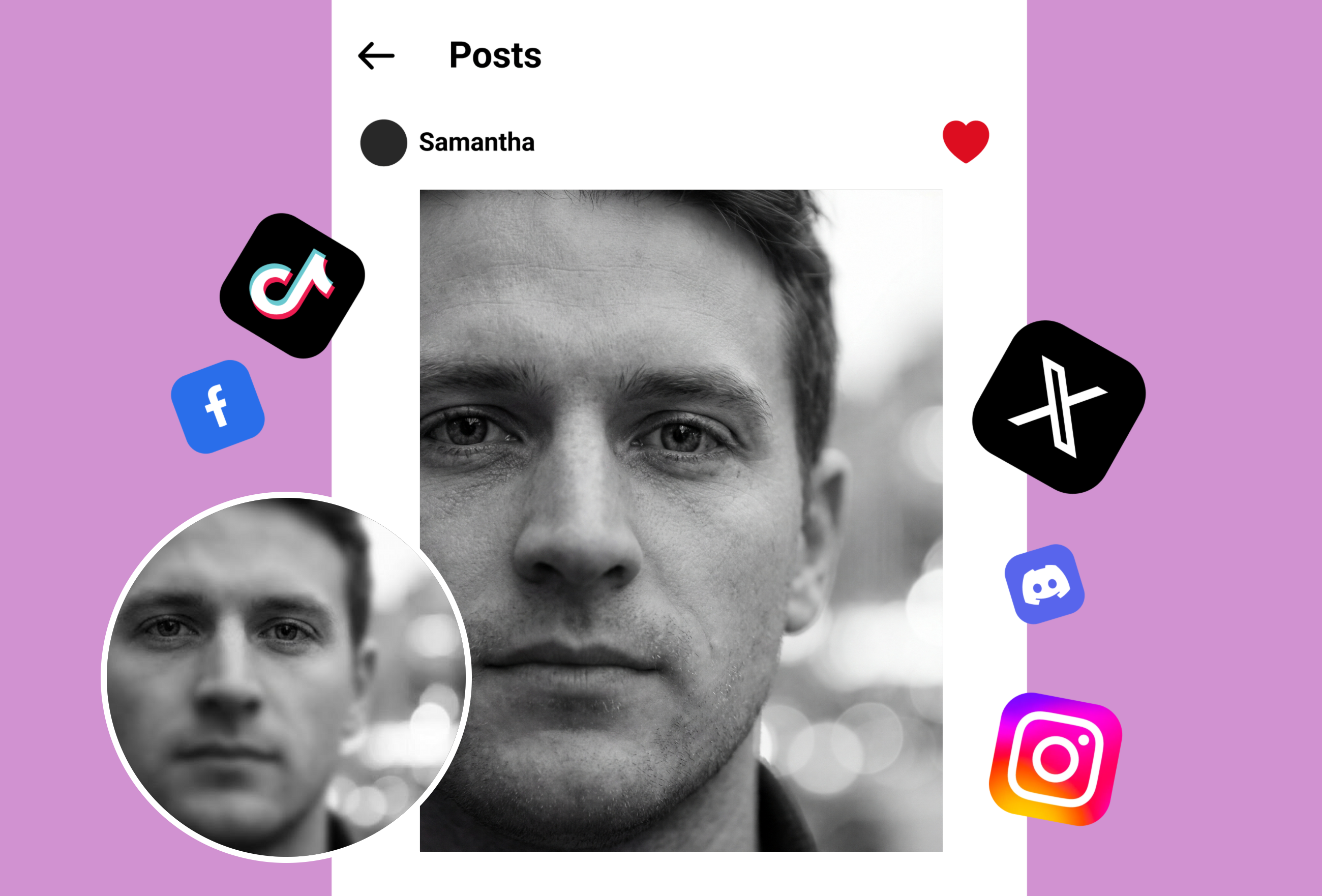
AI Super-Resolution: Real Detail Enhancement, Not Blurry Enlargement
Traditional upscaling just stretches pixels, creating blurry results. This AI analyzes image content and generates new detail — reconstructing textures, sharpening edges, and adding realistic fine detail that wasn't visible in the original. Faces become clearer, text becomes readable, fabric patterns become defined. The AI understands what different materials and surfaces should look like at higher resolution.
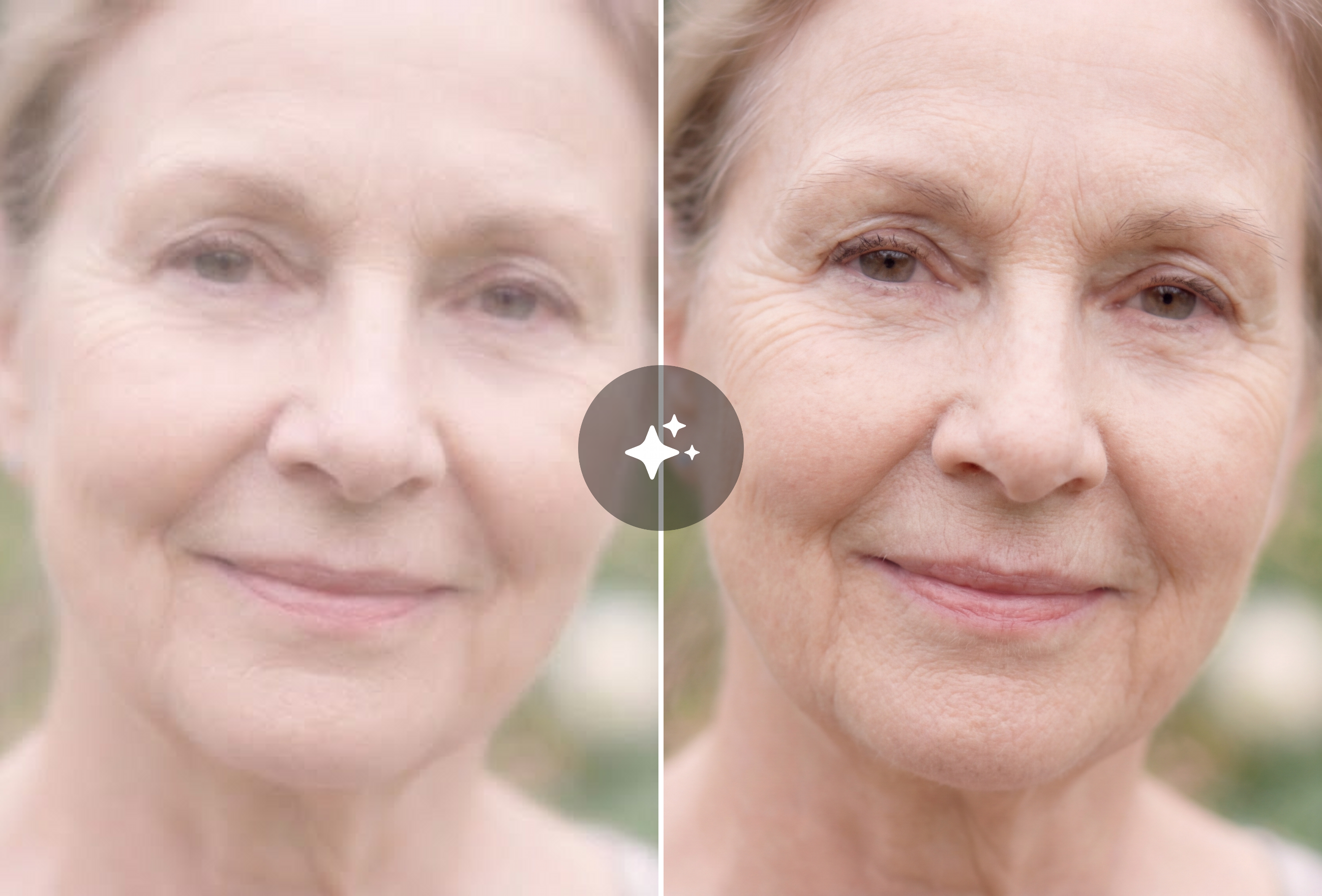
Restore Old & Low-Quality Photos
Scanned vintage photos, screenshots, thumbnails, compressed social media images — the AI handles them all. Upload a 200x200 thumbnail and get a sharp 1600x1600 image. Old family photos from the 90s become printable. Compressed WhatsApp images regain their original clarity. The AI removes JPEG compression artifacts and noise while enhancing detail.
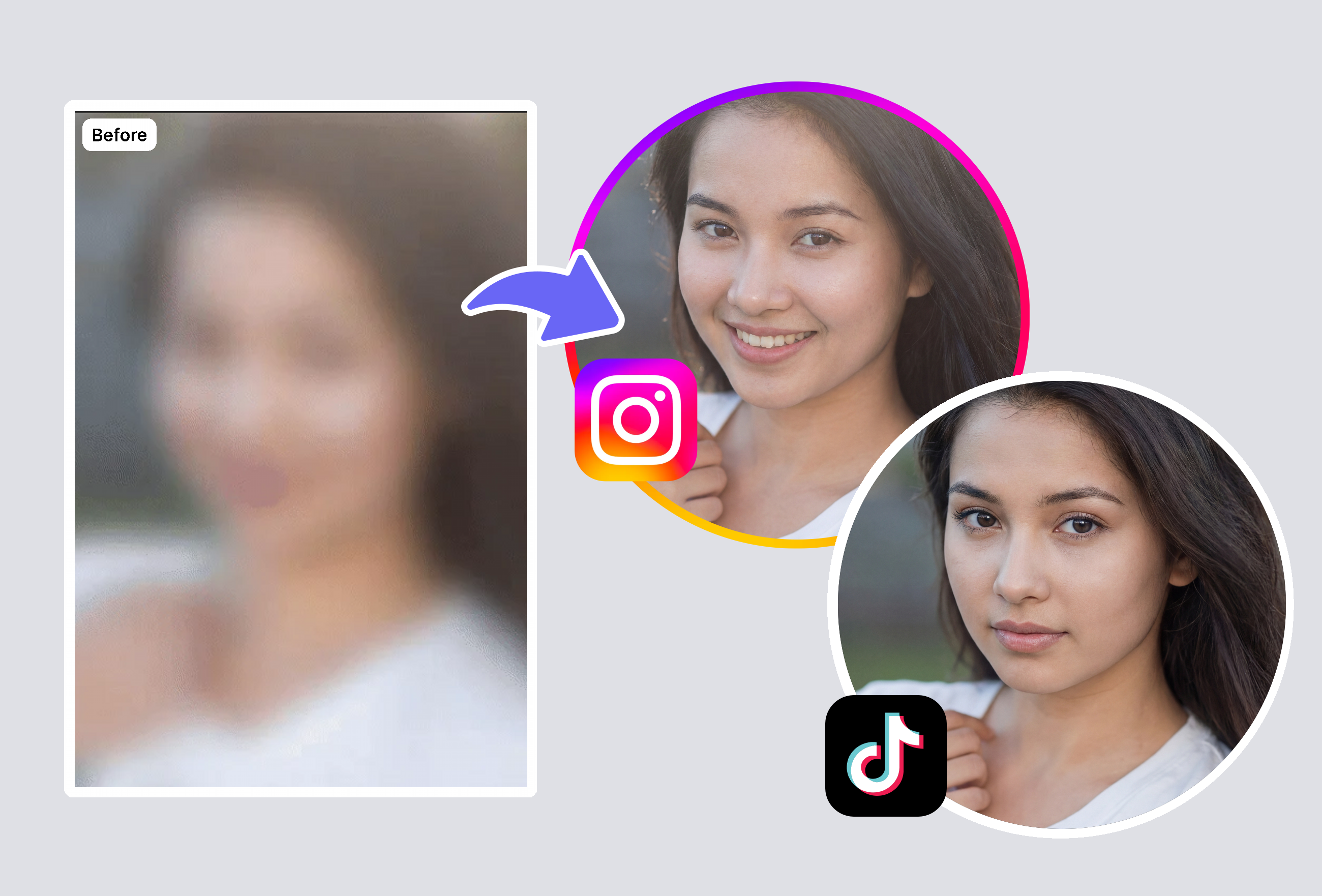
Print-Ready Output for Large Format
Need to print a photo at poster size but the resolution is too low? Upscale to 4x or 8x and get results sharp enough for canvas prints, billboards, and professional publications. The AI preserves color accuracy and adds detail that holds up at large viewing sizes. E-commerce sellers use this to create high-res product images from phone photos.
Frequently Asked Questions
How does AI image upscaling work?
AI upscaling uses neural networks trained on millions of image pairs to understand what fine details should look like at higher resolutions. When you upload a low-res image, the AI analyzes the content — faces, textures, text, edges — and generates new pixel information that creates genuine visual detail. Unlike traditional interpolation (bicubic, bilinear) that just blurs pixels together, AI super-resolution adds real sharpness and texture.
How much can I enlarge an image?
Up to 8x resolution increase. A 500x500 pixel image becomes 4000x4000 at 8x magnification. For most photos, 2x-4x produces the best quality-to-size ratio. 8x is available for extreme enlargements but works best on images with clear subjects and good original quality. The AI maintains detail accuracy across all magnification levels.
Is this better than Topaz Gigapixel AI?
For most common use cases — photo enlargement, old photo restoration, e-commerce product images, social media content upscaling — the quality is comparable to Topaz Gigapixel AI, which costs $99 one-time or $199/year for their full suite. MyShell's AI upscaler is completely free with no usage limits. For specialized professional photography workflows, dedicated software may offer more granular control.
Does it remove blur and noise too?
Yes. The AI simultaneously performs three operations: resolution enhancement (adding new detail), noise removal (eliminating JPEG compression artifacts, film grain, and digital noise), and sharpening (enhancing edge definition and texture clarity). This combined approach produces cleaner results than doing each step separately.
What types of images work best?
The AI works well on all image types but produces the most dramatic improvements on: old/vintage photographs, compressed social media images, small thumbnails, screenshots with text, e-commerce product photos, and scanned documents. Images with clear subjects and moderate quality produce the sharpest results. Even severely degraded images benefit significantly from AI enhancement.
Explore More AI Portraits
Keep creating — try these popular Framely AI tools next.