Remove Person from Photo
Remove unwanted people, strangers, photobombers, and ex-partners from any photo instantly. Our AI erases the person and reconstructs the background seamlessly — matching textures, patterns, and perspective. Better than Photoshop clone stamping, done in seconds for free.
Ready in seconds · Energy-based generation · Full resolution download
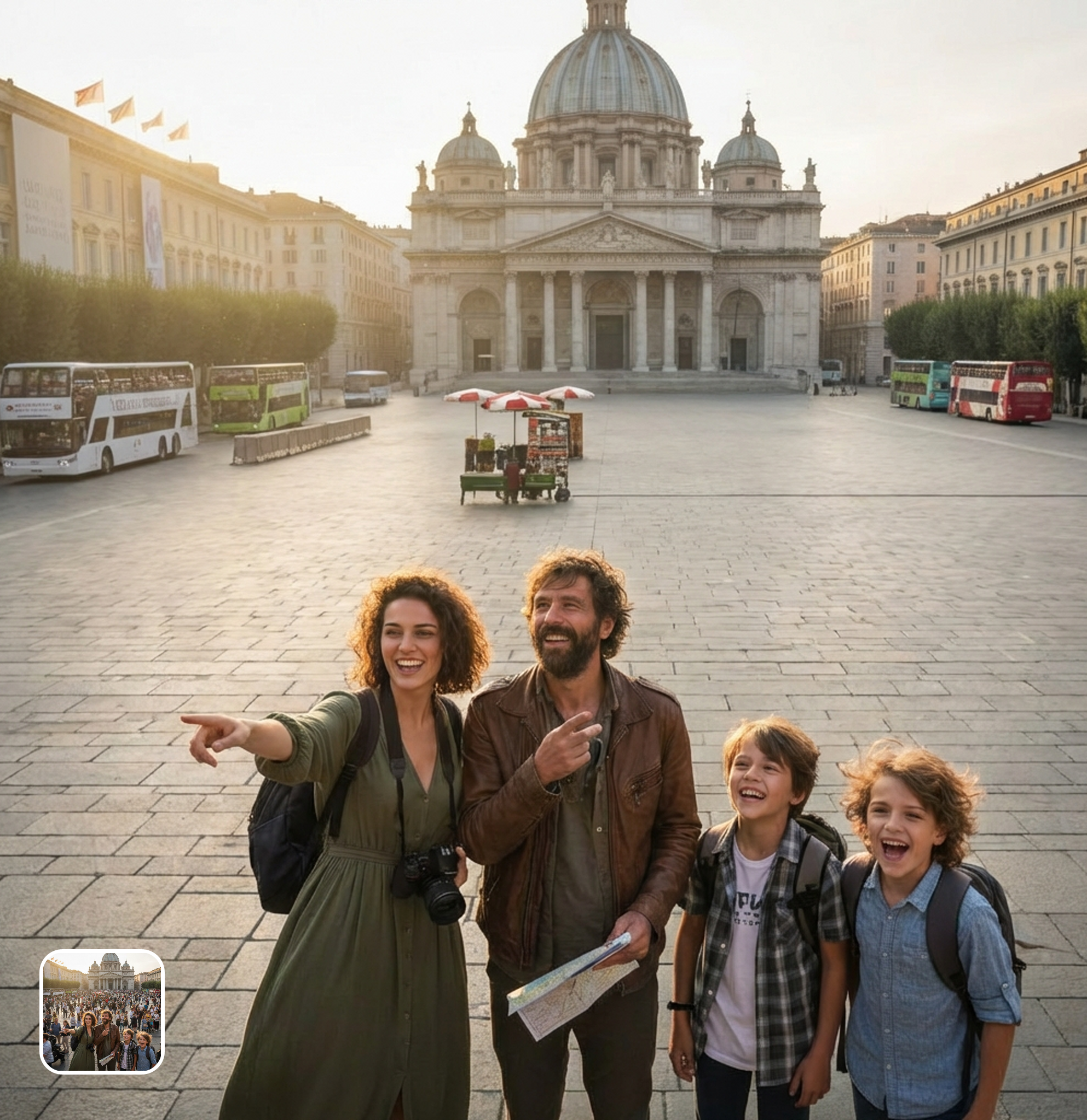
Perfect for Every Duo
From romantic couples to childhood best friends, create polished AI portraits for the relationships and moments that matter.
AI Background Reconstruction After Person Removal
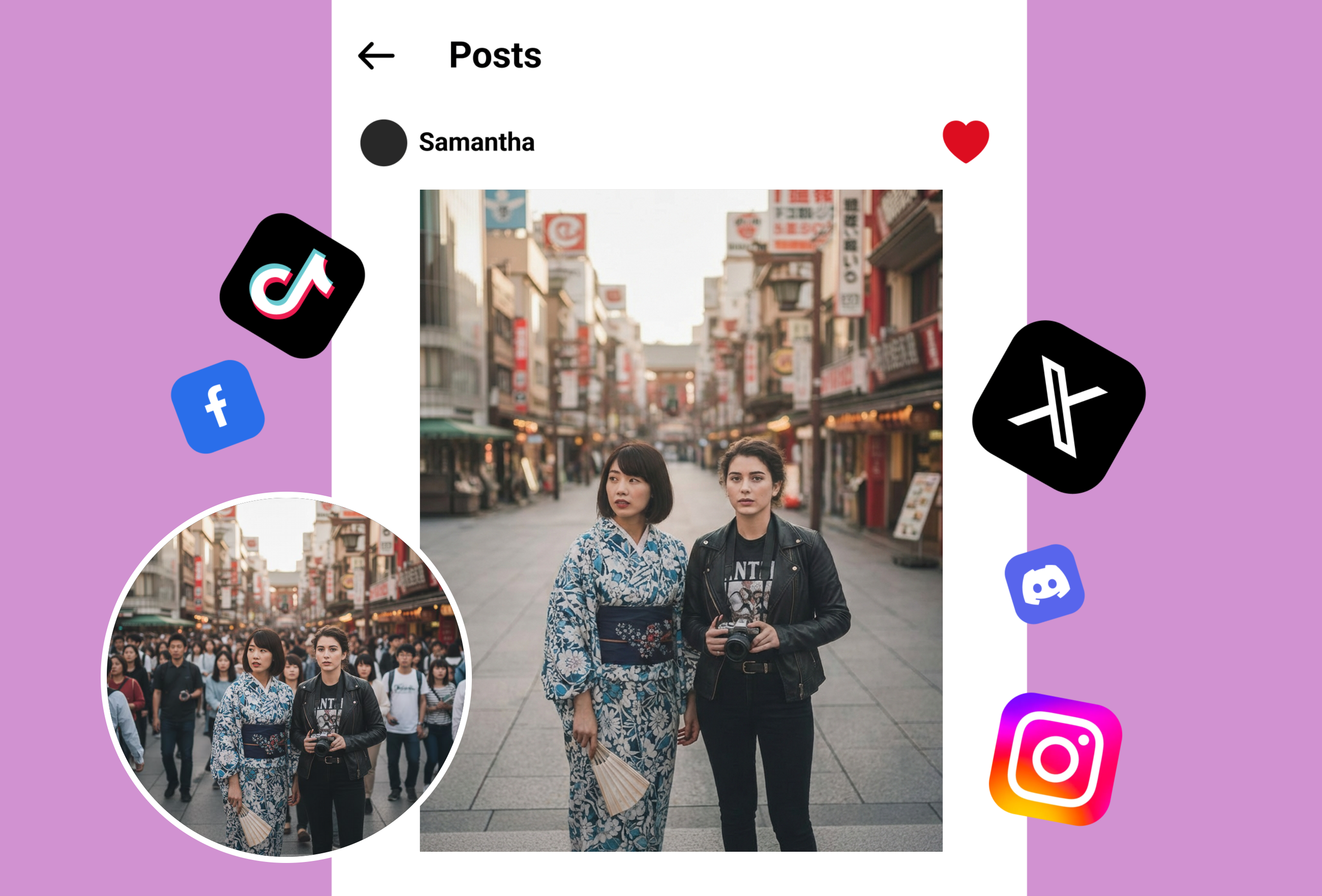
When you remove a person from a photo, our AI doesn't just delete pixels — it understands scene context. Beach backgrounds get sand, water, and horizon rebuilt. Indoor scenes get furniture, walls, and floor patterns restored. The filled area matches surrounding textures, lighting, and perspective naturally.
Erase Strangers, Photobombers & Unwanted People
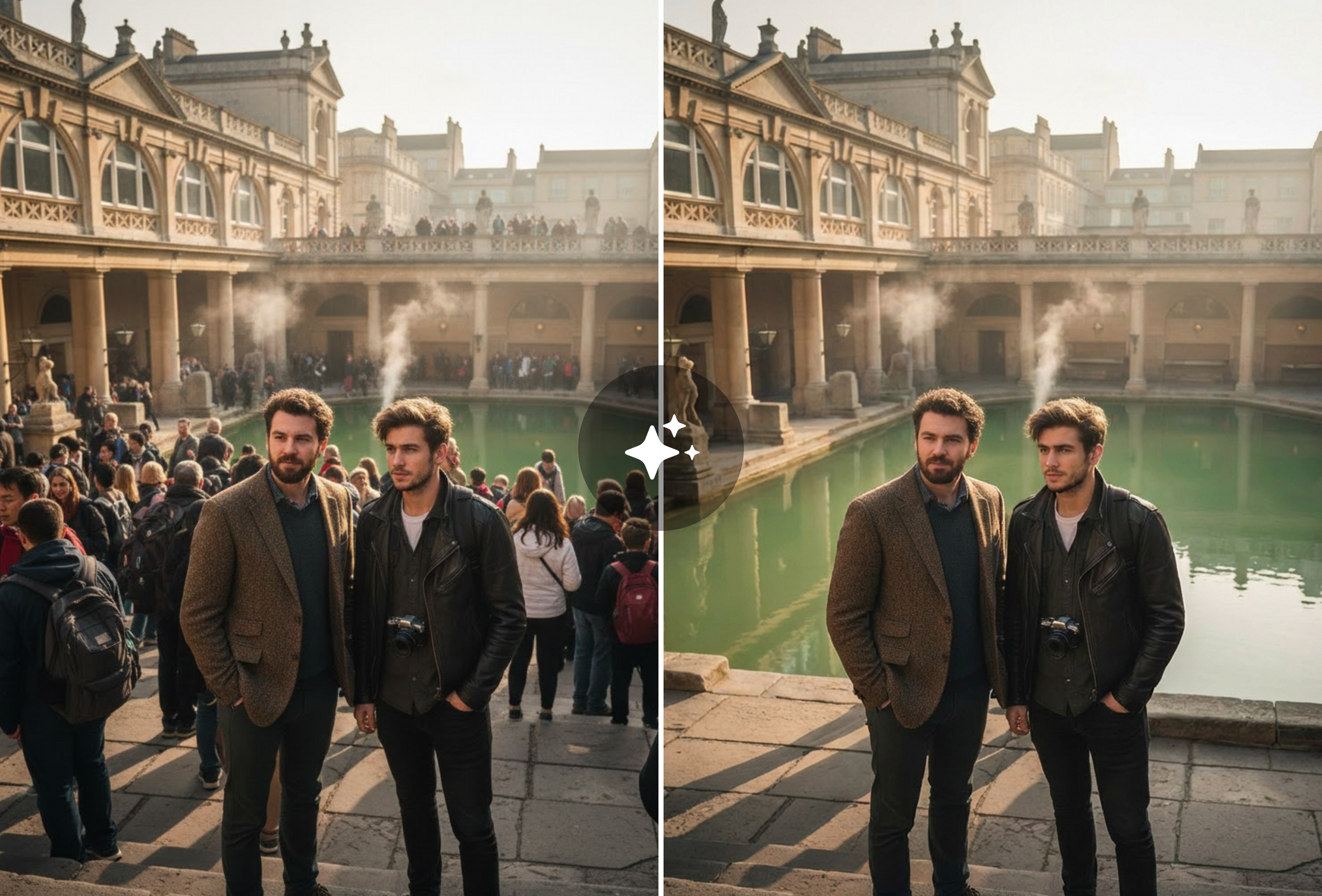
That perfect vacation photo ruined by a stranger walking through? The wedding shot with an unwanted guest? Select the person to remove from the photo, and AI erases them while filling the space. Works on crowded backgrounds, complex scenes, and partially overlapping subjects.
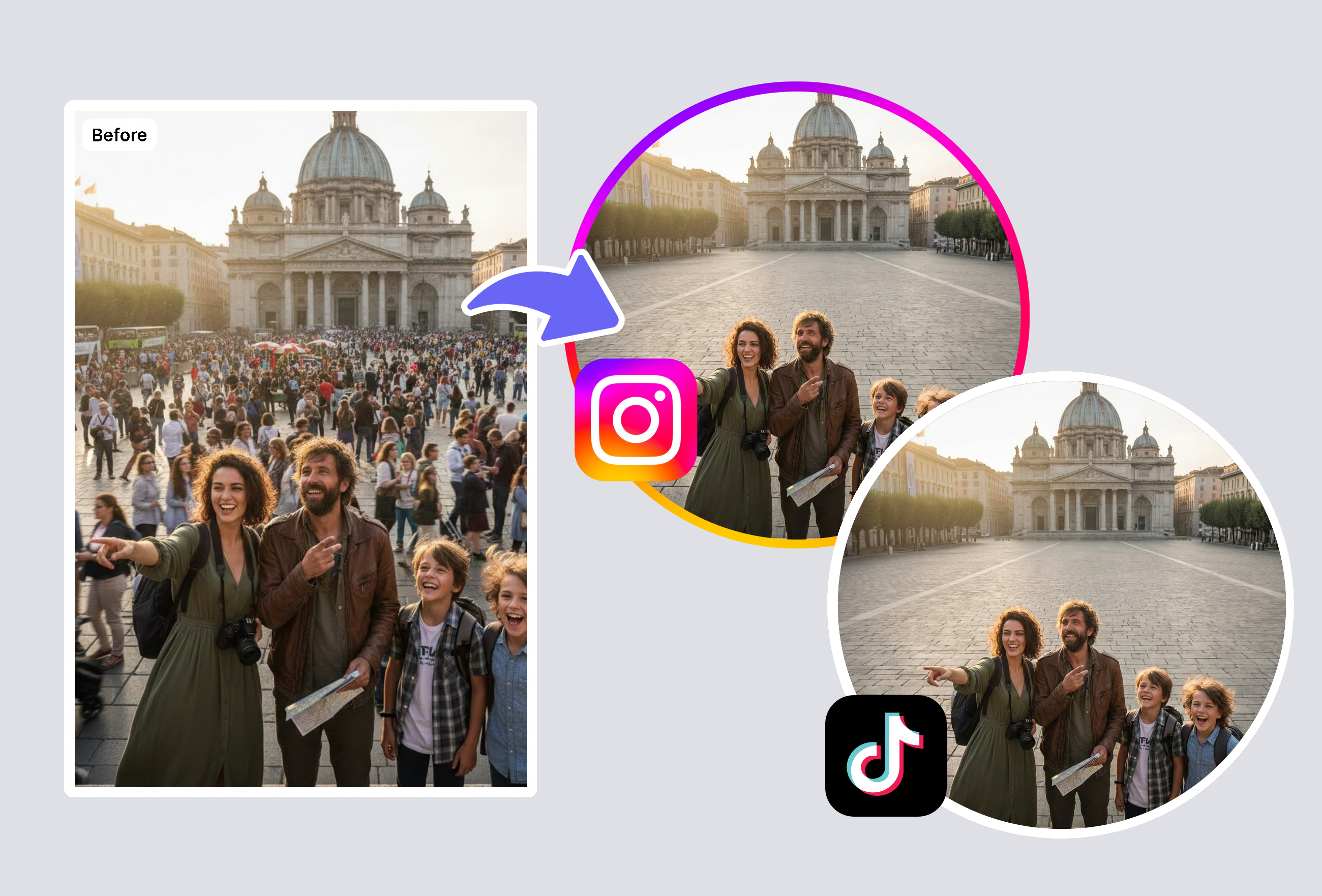
Remove Specific People from Group Photos
Selectively remove one or more people from group photos while keeping everyone else intact. Perfect for updating team pages, creating individual portraits from group shots, or fixing that one friend who blinked. The AI handles overlapping bodies and shared shadows intelligently.
Frequently Asked Questions
How does AI remove a person from a photo?
The AI uses a two-step process to remove a person from a photo: first, it detects boundaries including hair, clothing edges, and shadows. Then it reconstructs what should be behind them using contextual scene understanding — matching textures, architectural lines, and lighting. The result looks like the person was never there.
Can it remove multiple people from one photo?
Yes. Select multiple people to remove from the photo and the AI processes them all, reconstructing each background area. You can selectively remove specific people from a group photo while keeping others. The AI handles overlapping figures and shared shadows intelligently.
Is this better than Photoshop for removing people?
For most users, yes. Manual person removal in Photoshop requires clone stamp expertise, careful masking, and 30+ minutes per person. This AI removes a person from a photo in seconds with zero skill required. Professional editors also use it as a first pass.
Does it work on complex backgrounds?
Yes. The AI handles indoor scenes (offices, restaurants, living rooms), outdoor scenes (streets, beaches, parks, landmarks), patterned backgrounds (tile floors, wallpaper, brick walls), and natural environments. More surrounding visual information means better reconstruction when removing a person from the photo.
Explore More AI Portraits
Keep creating — try these popular Framely AI tools next.