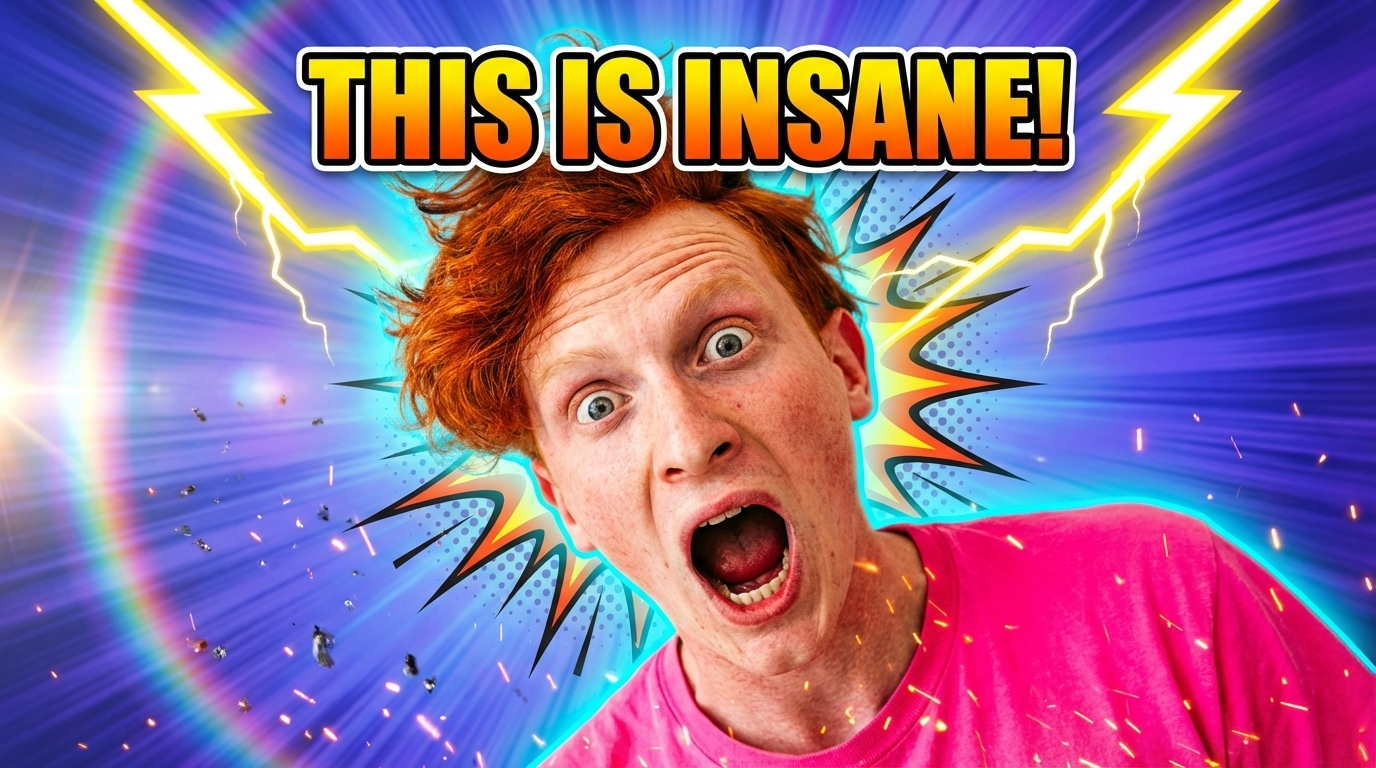
Copy Move: AI Motion Transfer from Video to Photo
Make any photo move. Upload a still image and a reference video — the AI transfers the motion to your photo with realistic body dynamics, facial expressions, and natural movement. Create dance animations, lip sync videos, action sequences, and expressive content from a single photo. No animation skills, no rotoscoping, no frame-by-frame editing.
Ready in seconds · Energy-based generation · Full resolution download
Perfect for Every Duo
From romantic couples to childhood best friends, create polished AI portraits for the relationships and moments that matter.
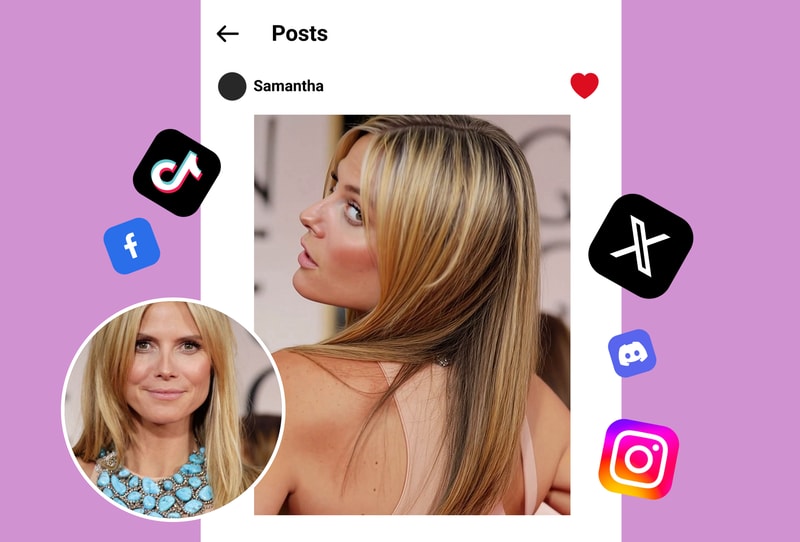
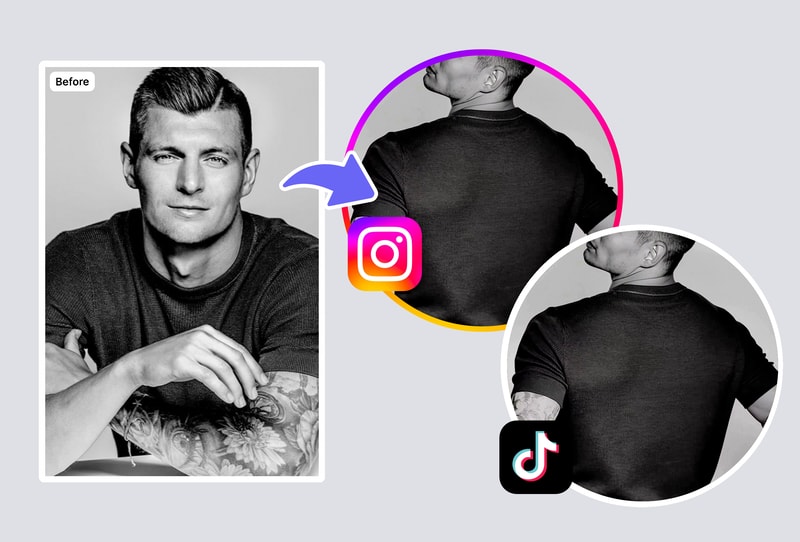
Transfer Any Dance or Movement to Any Photo
Upload a photo of yourself, a friend, or any person, then select a reference dance video. The AI analyzes the motion patterns — body poses, limb trajectories, rhythm timing — and applies them to your still image. The result is a smooth video of your photo performing the exact same movements. Works with TikTok dances, K-pop choreography, freestyle moves, and any motion reference you can find on YouTube or social media.
Lip Sync & Facial Expression Transfer
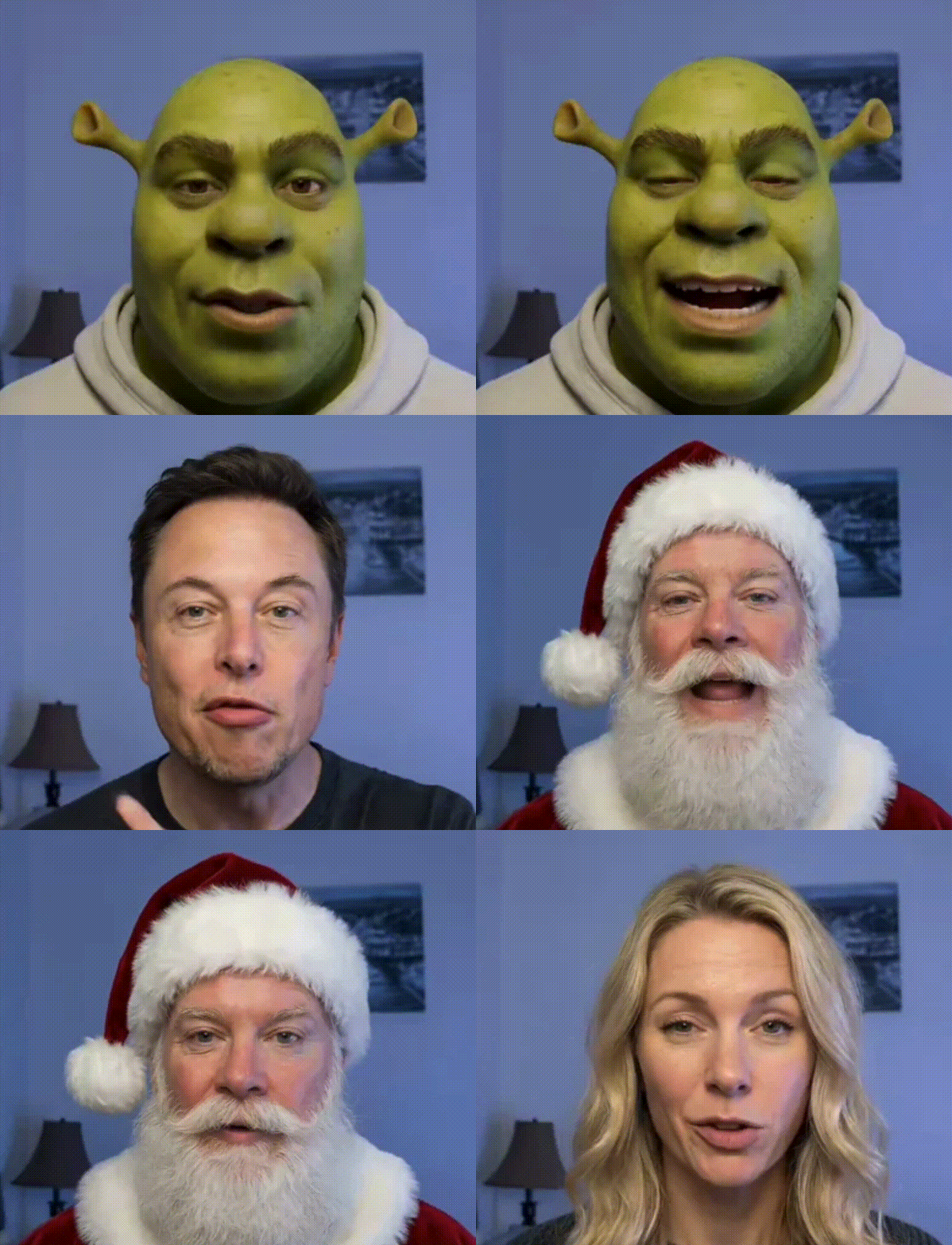
Beyond body motion, the AI also transfers facial expressions and lip movements. Upload a portrait and a speaking/singing video — the AI makes your photo talk, sing, or emote with realistic mouth movements and facial muscle dynamics. Create comedy content, music lip syncs, or personalized video messages from a single headshot. The facial animation preserves your photo's identity while adding lifelike expression.
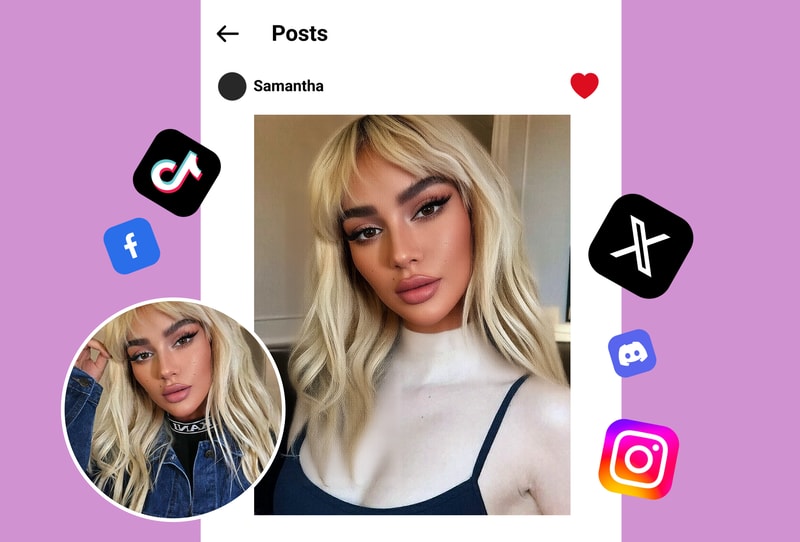
From Still Photo to Viral Video Content
A single photo becomes unlimited video content. Apply trending dance moves, dramatic reactions, or cinematic gestures to any portrait. Content creators use Copy Move to produce a week's worth of TikTok content from one good photo. The AI handles all the complex animation — body physics, cloth simulation, natural movement flow — that would take a professional animator hours per second of footage.
Frequently Asked Questions
What is Copy Move motion transfer?
Copy Move is an AI tool that transfers motion from a reference video to a still photo. Upload any photo of a person plus a video showing the movement you want (dance, lip sync, gesture, expression), and the AI generates a new video where the person in your photo performs that exact motion. The result includes realistic body physics, cloth simulation, and identity preservation. It works with any reference video from TikTok, YouTube, or your camera roll.
What types of motion can I transfer?
Any visible human motion: dance choreography (TikTok trends, K-pop, freestyle), lip sync and speech, facial expressions (smiling, winking, reacting), full-body gestures (waving, jumping, walking), athletic movements, and dramatic poses. The AI works best with clear, well-lit reference videos where the subject's body is fully visible. Complex movements with multiple people can be handled by processing each person separately.
Does the person in the photo look realistic in the video?
Yes. The AI preserves the original photo's identity — face shape, skin tone, hairstyle, clothing, and body proportions remain consistent throughout the animation. The motion is applied through realistic body mechanics that respect anatomical constraints. Cloth and hair are simulated to move naturally with the body. The result looks like a video of that actual person, not a distorted or warped version of the photo.
Can I use any video as a motion reference?
Yes. TikTok clips, YouTube dance tutorials, Instagram Reels, movie scenes, personal recordings — any video containing human motion can be used. The AI extracts skeletal motion data regardless of the reference video's lighting, camera angle, resolution, or background. For best results, choose references where the person's full body is visible and the motion is clear.
How long does it take to generate a motion transfer video?
Most motion transfers complete in minutes depending on video length and motion complexity. Simple gestures and short dance clips process fastest. Longer choreography sequences or complex multi-joint movements may take slightly longer. The process is fully automatic — no manual adjustment or frame-by-frame editing required.
Explore More AI Portraits
Keep creating — try these popular Framely AI tools next.