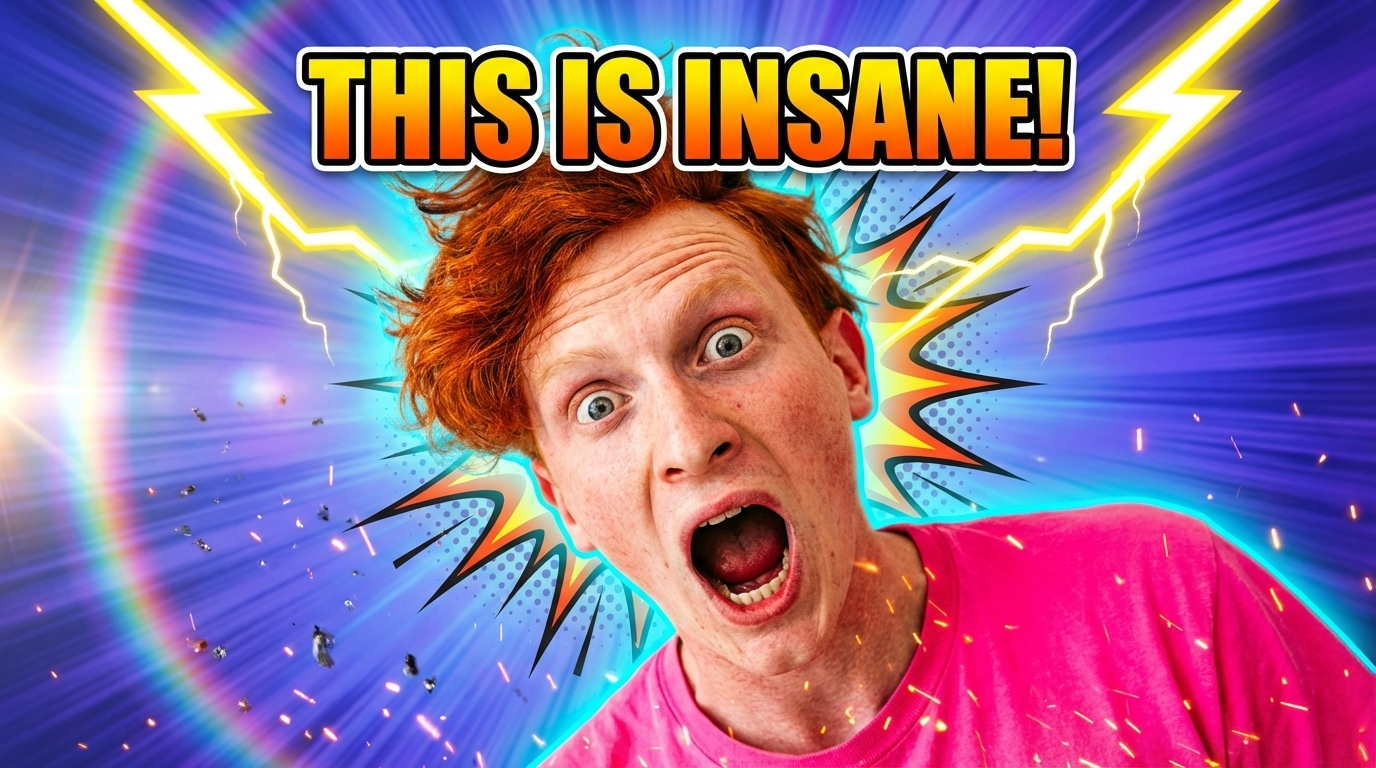
Extend Any Photo Beyond Its Borders
Upload any image and let AI expand it seamlessly in any direction. Our free AI image expander generates natural-looking backgrounds and extends photos without stretching or distortion.
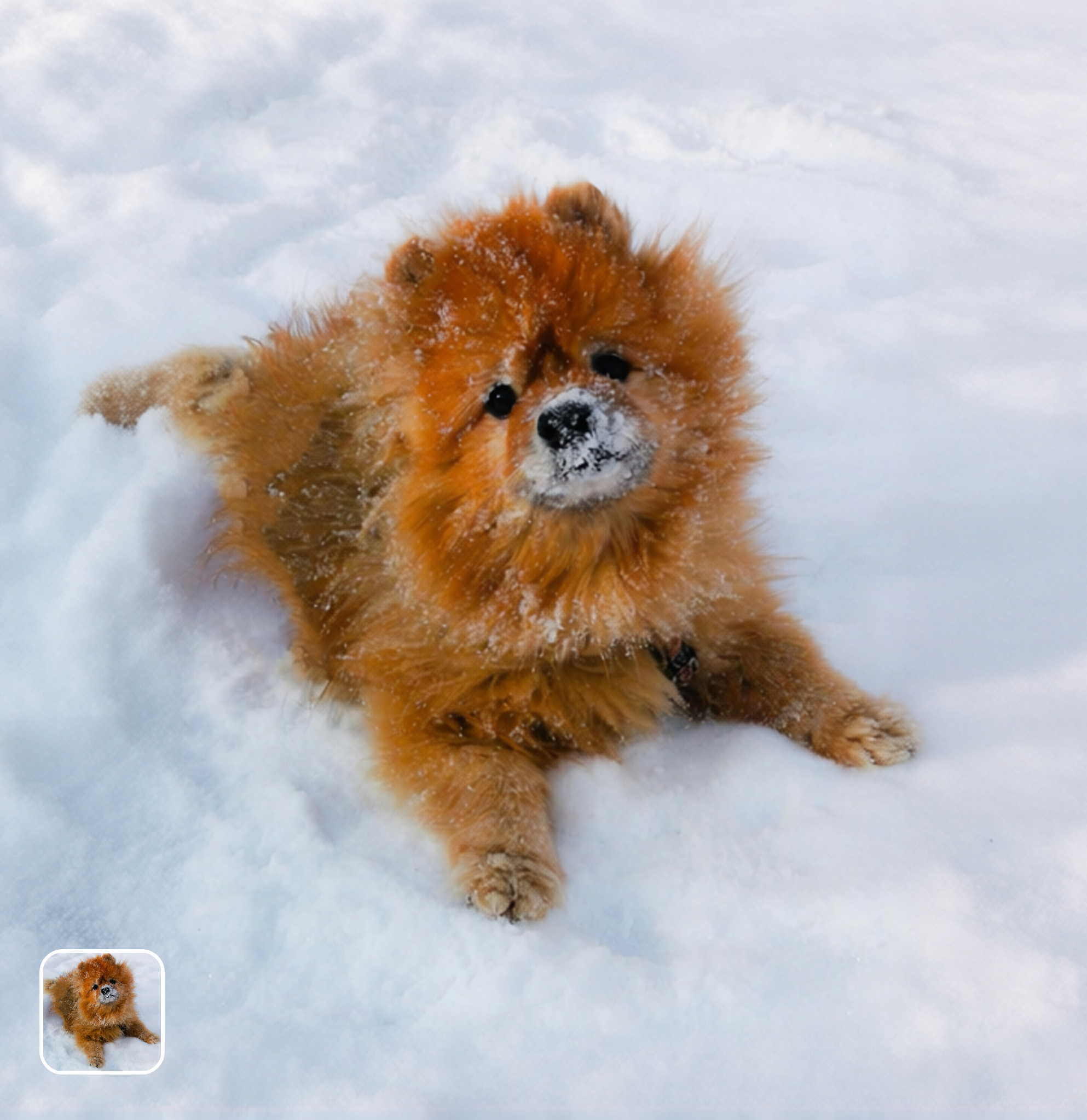
Ready in seconds · Energy-based generation · Full resolution download
Perfect for Every Duo
From romantic couples to childhood best friends, create polished AI portraits for the relationships and moments that matter.
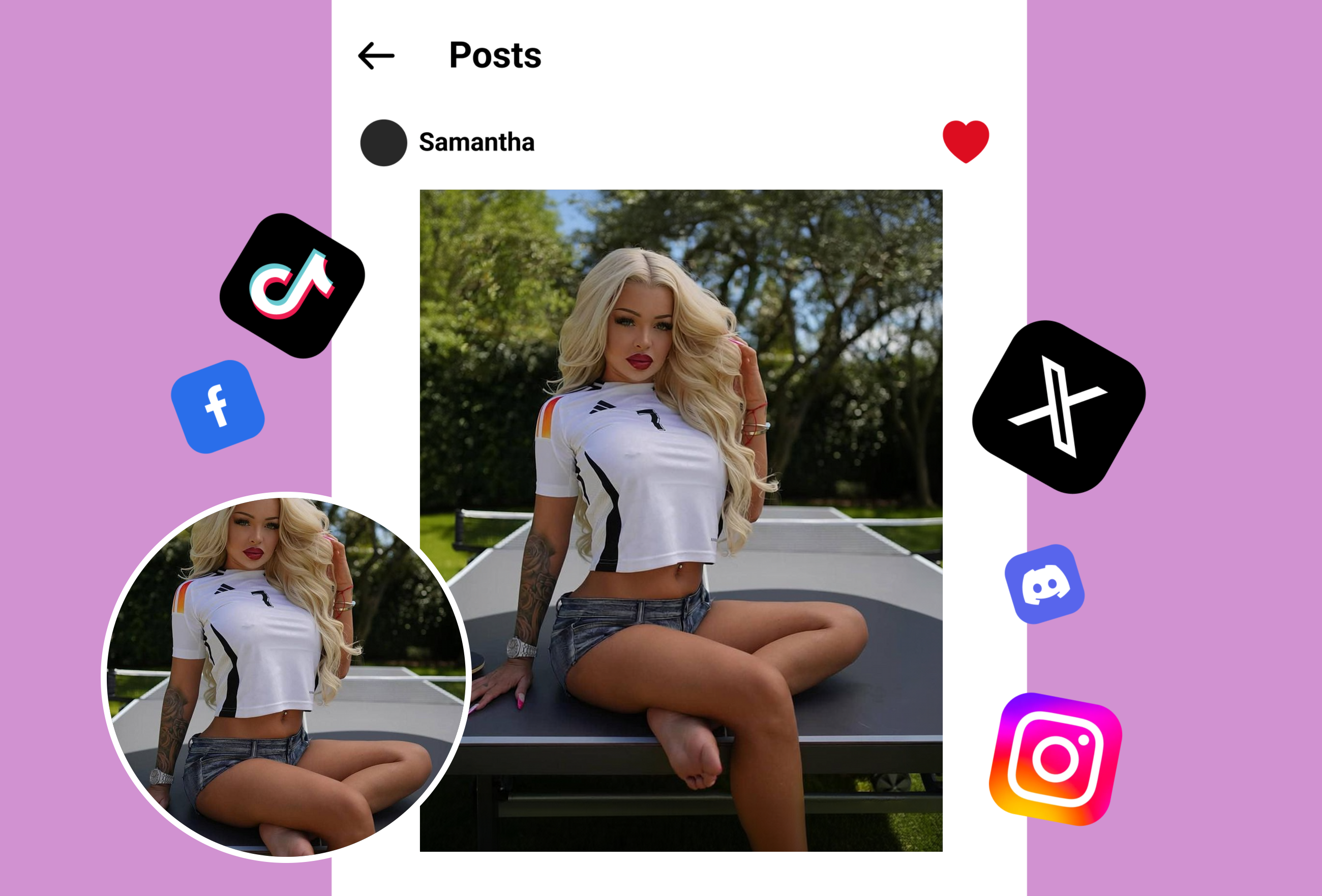
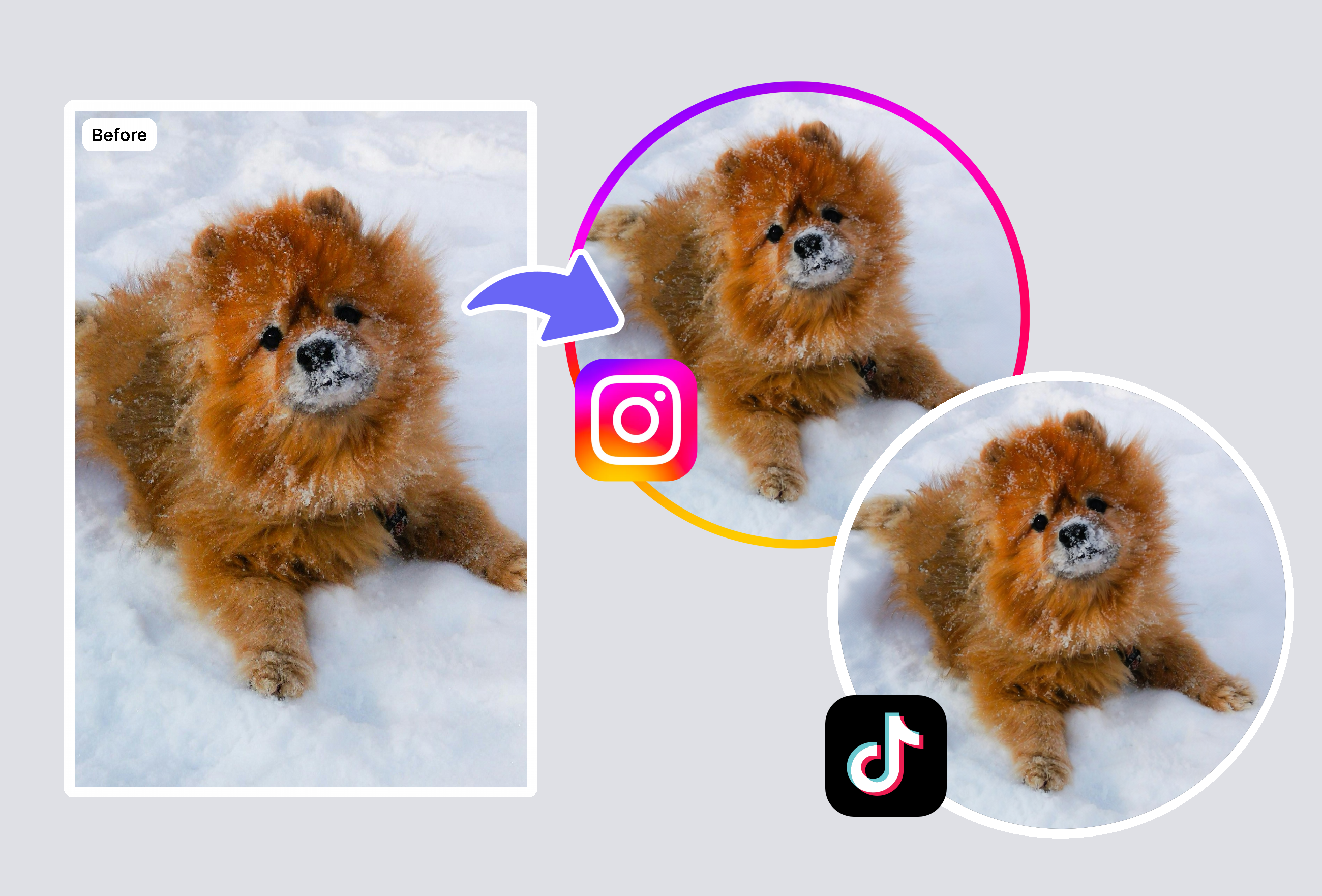
Expand Ad Visuals to Any Aspect Ratio
Resize marketing images for different platforms instantly. The AI image expander generates matching backgrounds to extend photos from square to widescreen, portrait to landscape — perfect for multi-channel ad campaigns.
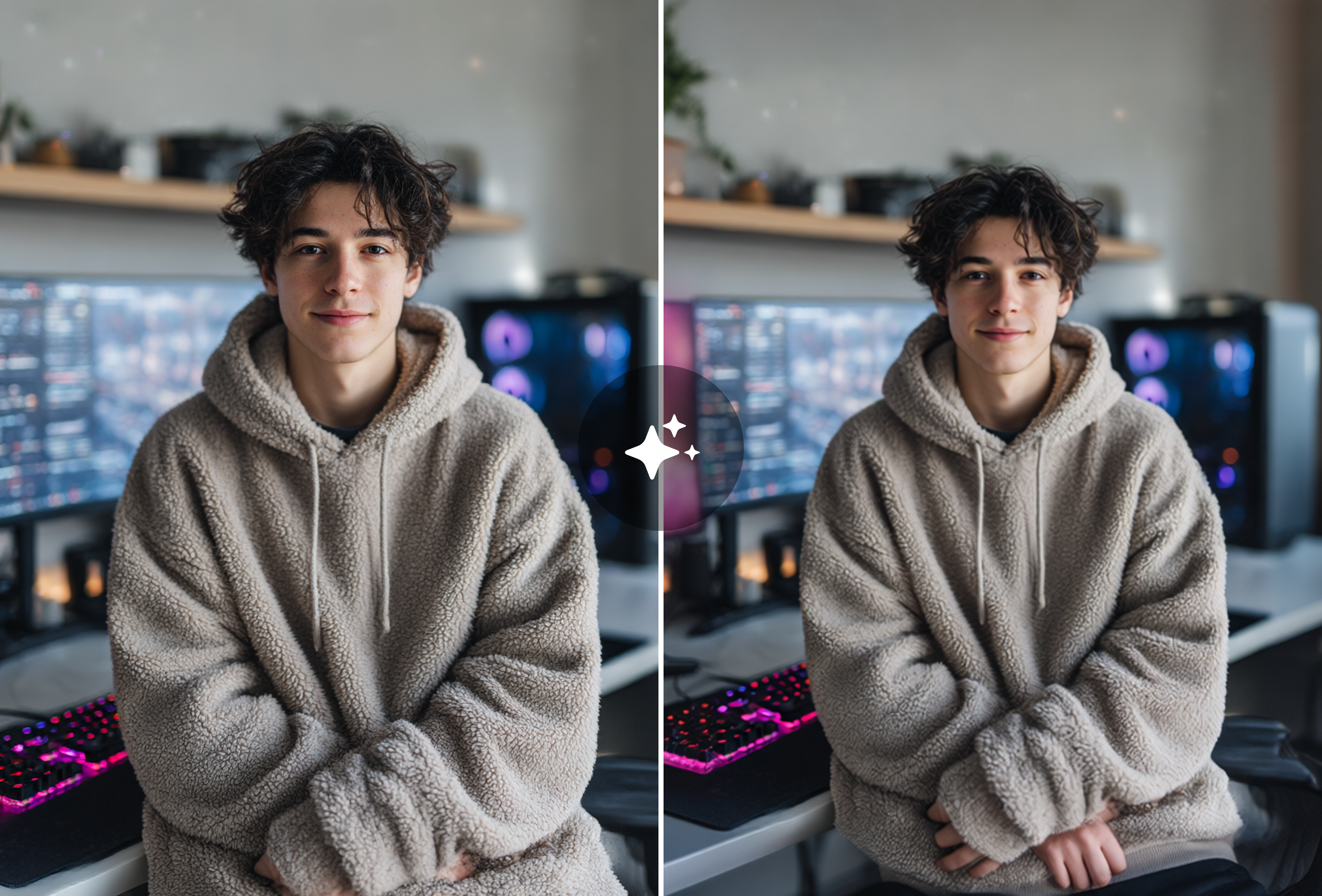
Uncrop Photos with AI Outpainting
Regret cropping a photo too tight? Let AI restore and extend what's beyond the frame. The image expander generates context-aware backgrounds that blend seamlessly with your original composition.
Extend Backgrounds for Design Projects
Need more canvas space for text overlays or design layouts? Expand image backgrounds in any direction while preserving the original subject. Perfect for banners, headers, and social media covers.
Frequently Asked Questions
How does the AI image expander work?
The AI image expander uses advanced outpainting technology to generate new content beyond your image's borders. It analyzes the existing image's style, colors, lighting, perspective, and context, then generates matching visual content that extends seamlessly in your chosen direction. The AI is trained on millions of images to produce natural-looking expansions that blend invisibly with the original. Unlike simple stretching or tiling, it creates entirely new, contextually appropriate imagery.
Can I expand images without Photoshop?
Absolutely. The AI image expander works entirely in your browser — no Photoshop, no software installation, and no design skills needed. Just upload your photo, choose the expansion direction and ratio, and download the result. It replaces complex manual techniques like content-aware fill, clone stamping, and layer manipulation. Professional designers and complete beginners get identical quality results, making image expansion accessible to everyone.
What aspect ratios can I expand to?
You can expand images to virtually any aspect ratio. Common options include 16:9 landscape for YouTube thumbnails, 9:16 vertical for TikTok and Instagram Stories, 1:1 square for Instagram posts, 4:5 for Pinterest, and custom dimensions for web banners and print materials. The AI handles expansions in any direction — up, down, left, right, or all sides simultaneously. There's no limit to how much you can extend, though larger expansions may require multiple passes for best quality.
Does expanding images reduce quality?
No, the AI image expander maintains the original image quality while generating high-resolution extended areas. Your original pixels remain untouched — only the newly generated areas are added. The AI matches the resolution, texture detail, and sharpness of the original image to ensure a seamless result. Output images are full resolution without compression artifacts. For best results, start with a high-quality source image, as the AI generates expanded content at the same quality level.
Explore More AI Portraits
Keep creating — try these popular Framely AI tools next.